
Upvotes
0
Pricing
Free
Category
Image Tools
In the database since
Oct 2026
Overview
About TinyWow
TinyWow is a free online toolkit with dozens of tools for PDFs, images, videos, and writing. It serves students, office workers, and creators who need quick file fixes without installing software. Popular tools merge and convert PDFs, remove image backgrounds, upscale photos, and generate text with AI. Everything runs in the browser with no sign-up, and files are auto-deleted after one hour for privacy. The site is ad-supported; an optional subscription removes ads. Check the official site for the full tool list.
Key Features
1. PDF tools
Merge, split, compress, rotate, unlock, and edit PDFs in the browser. Convert between PDF, Word, Excel, and JPG in seconds.
2. Image tools
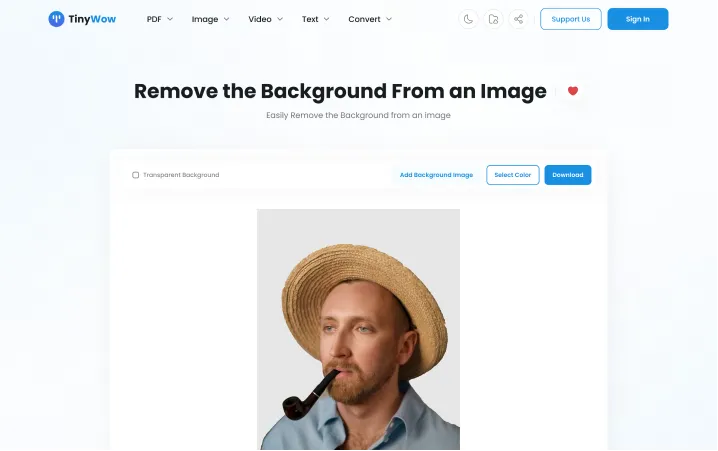
Remove backgrounds, upscale resolution, and convert image formats. No design software is needed for any of them.
3. Video tools
Convert videos to GIFs and download clips from popular social sites. Quick tasks finish without extra apps.
4. AI writing tools
Generate paragraphs, essays, and stories with AI helpers. Students and bloggers use them to draft content faster.
5. No sign-up needed
Every tool works without an account or download. This makes TinyWow handy for one-off tasks on any device.
6. Private by design
Uploaded files are deleted from TinyWow's servers one hour after processing. No file information is sold.
7. No watermarks
Downloaded files carry no watermarks or trial branding. Everything you make is ready to use as-is.
Frequently Asked Questions (FAQ)
What does the paid subscription change?
It only removes ads and captchas and speeds up processing. All tools stay free either way, with no watermarks and no trial limits.
Do I need to create an account?
No. Every tool works directly in your browser without signing up, which makes one-off tasks quick and simple.
What happens to my uploaded files?
TinyWow deletes all uploaded and processed files from its servers one hour after processing. It also states that no user or file information is sold.
Does TinyWow work on phones?
Yes. The site works in desktop, tablet, and smartphone browsers, so you can fix files wherever you are.
Can TinyWow replace paid PDF software?
For everyday tasks like merging, splitting, compressing, and converting PDFs, yes. Very advanced editing may still need dedicated desktop software, but most people never hit that ceiling.
Where can I browse all the tools?
Visit tinywow.com. The homepage lists every tool by category — PDF, image, video, text, and AI writing — so you can find the one you need.
How many tools does TinyWow offer?
Dozens, across PDF, image, video, text, and AI writing categories. The homepage lists them all, and new tools are added over time. The AI writing section alone covers essays, paragraphs, stories, and more.
Conclusion
TinyWow is a free all-in-one toolkit for PDF, image, video, and writing tasks. It suits students and office workers who want quick fixes without accounts or installs. Every tool is free with no watermarks, and files are deleted after one hour. An optional subscription removes ads. Check the official site for the full list of tools.
Keep exploring
Similar AI tools
Ranked by the job they do, their capabilities, and how closely they fit this workflow.