
Tunenoodle
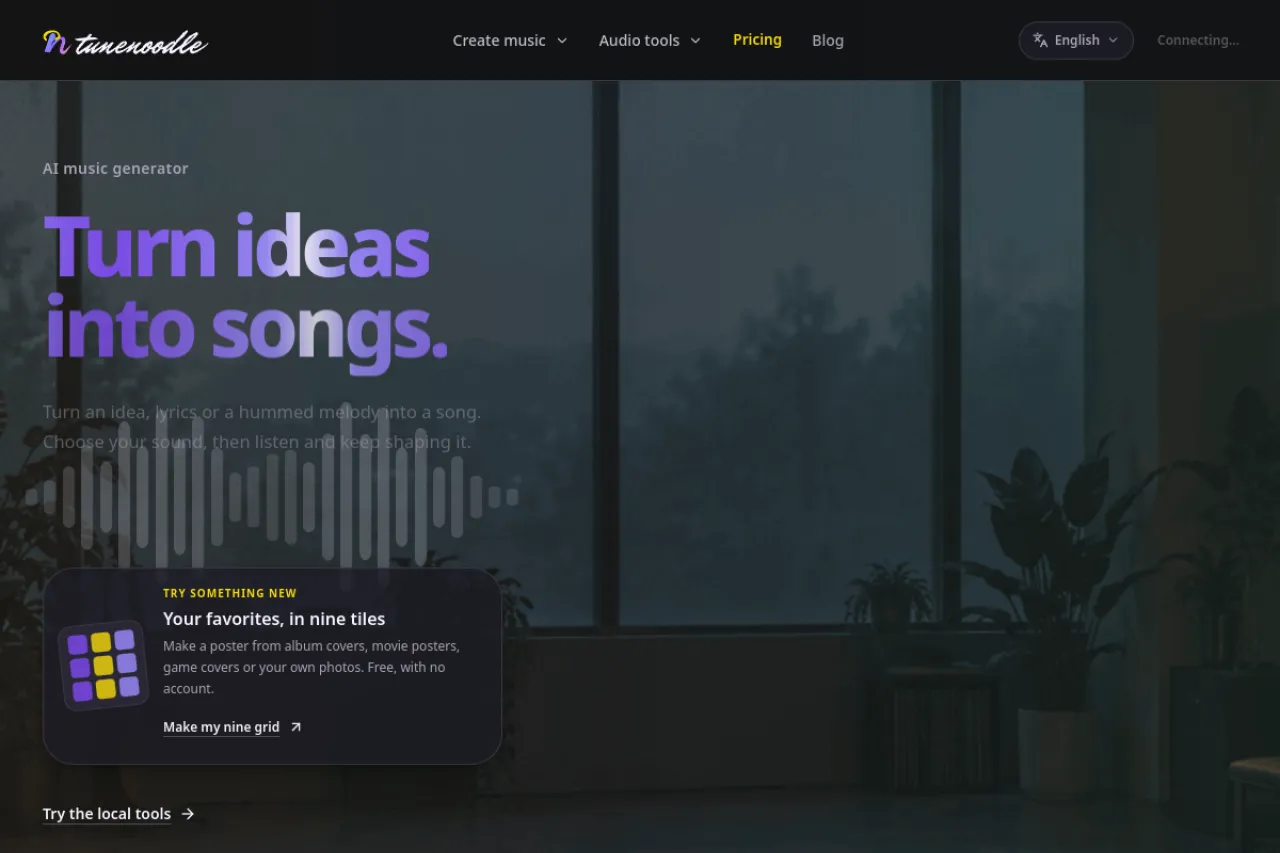
Create AI songs from text, lyrics, images, or a hummed tune.
Upvotes
0
Pricing
Freemium
Category
Music Generators
In the database since
Nov 2026
Overview
About Tunenoodle
Tunenoodle creates AI music from text, lyrics, images, or a hummed reference, then lets you extend tracks, replace sections, or blend songs into mashups. Finished songs land in a private library where you can keep editing while originals stay intact. Free browser tools run without sign-in or credits, covering speed and pitch changes, slowed reverb, audio trimming, MIDI editing, and tempo finding. Generating songs needs sign-in, and each generation shows its credit cost before you submit. Accounts start with starter credits for first generations.
Key Features
Music from many inputs
Start from a text prompt, lyrics, an image, or a hummed tune, and turn the idea into a finished track.
Extend, replace, mashup
Extend a track, replace one section, or combine two songs into a mashup while keeping the original versions.
Private song library
Finished songs live in a private library, where edits create edited versions without overwriting the original.
Free browser audio tools
Speed and pitch changes, slowed reverb, local trimming, MIDI editing, and tempo tools run free without sign-in.
Credit cost shown upfront
Every generation shows its credit cost beside the Create button before you submit anything at all.
Starter credits for accounts
Accounts start with starter credits, with more available from one-time packs or a membership plan.
Frequently Asked Questions (FAQ)
What is Tunenoodle?
An AI music platform that creates songs from text, lyrics, images, or a hummed reference, with editing tools for extending, replacing sections, and mashing up tracks.
Do I need an account?
Previewing templates and using free local tools needs no sign-in. Generating songs, uploading reference media, and saving to your library need sign-in.
What is free?
Browser-local tools are free, including speed and pitch changes, slowed reverb, and trimming. Downloading generated songs needs a purchased credit pack or an active membership.
Can I keep editing a song?
Yes. Finished songs appear in your private library, where you can extend a track, replace a section, or combine songs. Edits use credits and keep the original.
Do the audio tools upload my file?
Local speed, pitch, reverb, and trimming tools process files in your browser. AI generation, library uploads, and saved trimmed copies require uploading the media.
Conclusion
Tunenoodle suits musicians and creators who want song ideas fast, plus handy audio tools without signing up. Multiple starting points — text, lyrics, images, or a hum — make the first step easy, while library editing keeps songs flexible. Test the free tools first, then use starter credits for a full generation and decide if you want more.
Keep exploring
Similar AI tools
Ranked by the job they do, their capabilities, and how closely they fit this workflow.