UniFab AI Video Enhancer
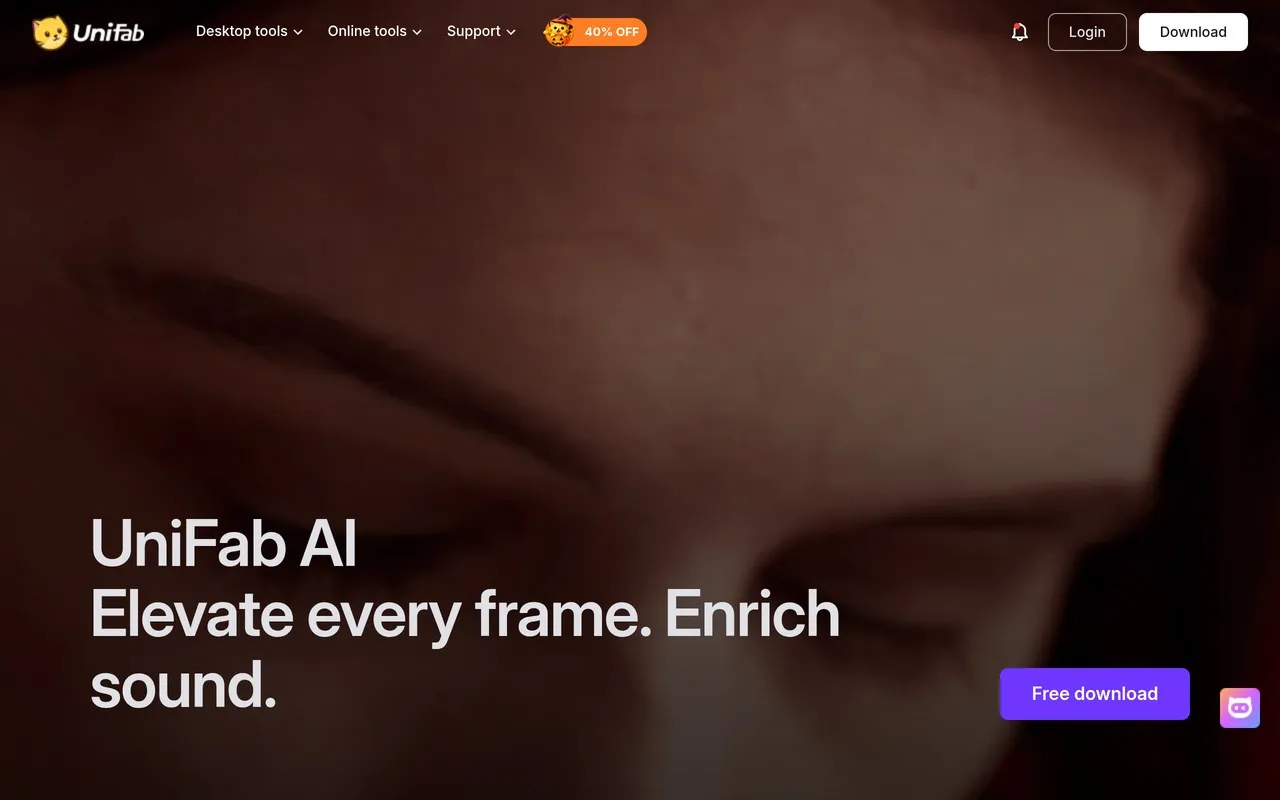
Desktop AI video upscaler, denoiser, and HDR tool.
Upvotes
0
Pricing
Freemium
Category
Video Enhancers
In the database since
Oct 2026
Overview
About UniFab AI Video Enhancer
UniFab AI Video Enhancer is a desktop app that improves video quality with AI models running on your own computer. It upscales footage up to 16K, removes noise, stabilizes shaky clips, and converts SDR video to HDR. It suits creators who want Topaz-level results with a simpler interface and one-time pricing. It runs on Windows and Mac, including Apple Silicon machines. A 30-day trial lets you test the full features with no watermark. Check unifab.ai for current prices and system requirements.
Key Features
1. AI Upscaling to 16K
Push old footage to 4K, 8K, or even 16K. The AI rebuilds detail instead of just stretching pixels.
2. Denoise AI
Clean grainy low-light footage with one click. Two modes balance speed against the deepest cleaning.
3. HDR Upconverter
Convert SDR video to HDR10 or Dolby Vision. Colors and contrast gain new life on HDR screens.
4. Stabilizer and Smoother
Fix shaky handheld clips and choppy motion. The AI steadies footage while keeping the full frame.
5. Face Enhancer
Rebuild blurry faces in old videos. The model restores eyes, skin texture, and natural expressions.
6. GPU Acceleration
Processing uses your graphics card for speed. Newer NVIDIA cards finish jobs several times faster.
7. Lifetime License Option
Buy once instead of subscribing. The lifetime plan covers the app with no monthly fees.
Frequently Asked Questions (FAQ)
How is UniFab different from Topaz Video AI?
Both enhance video with AI, but UniFab offers one-time lifetime pricing while Topaz moved to yearly subscriptions. UniFab also adds cloud fallback for weak GPUs.
Is there a free trial?
Yes, a 30-day trial with full features and no watermark on exports, so you can judge quality on your own footage.
What is the max output resolution?
Up to 16K for upscaling, which covers even the most demanding archival and production work.
Does UniFab work on Mac?
Yes. It supports both Windows and macOS, including Apple Silicon Macs.
Do I need a powerful GPU?
A discrete GPU speeds things up a lot. If your GPU is weak, the FabCloud option processes in the cloud instead.
Conclusion
UniFab suits creators who want strong AI enhancement without a subscription. The lifetime license and 30-day watermark-free trial make it easy to commit. Results rival pricier tools on denoise and upscaling. For desktop video repair, it is one of the best values available. Mac and Windows support plus GPU acceleration cover most home studios nicely.
Keep exploring
Similar AI tools
Ranked by the job they do, their capabilities, and how closely they fit this workflow.