
Upvotes
0
Pricing
Freemium
Category
Video Enhancers
In the database since
Oct 2026
Overview
About VidMage
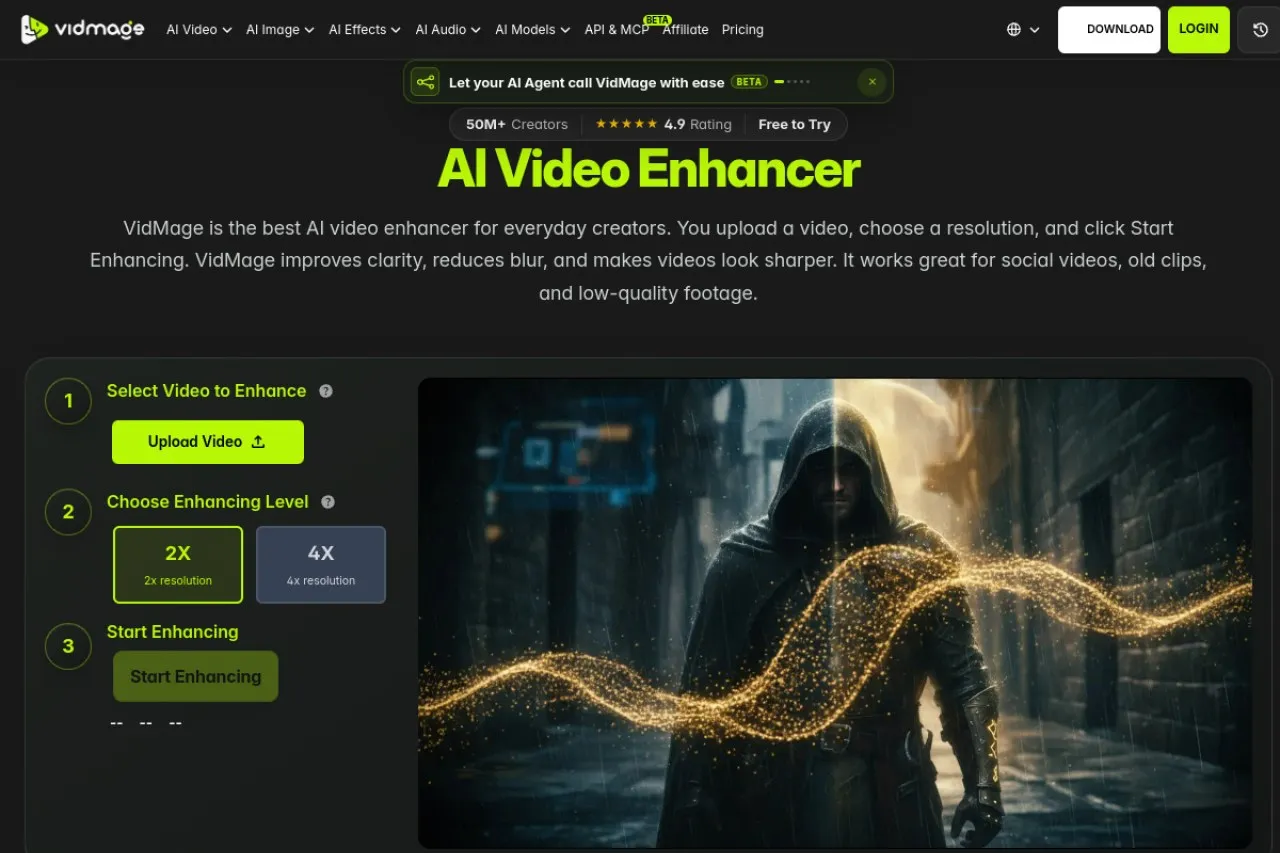
VidMage is an online AI video enhancer that sharpens blurry footage and upscales clips to 2K or 4K. You upload a video, pick 2x or 4x enhancement, and download the result in minutes — no install needed. It suits creators fixing old family clips, low-res downloads, or soft phone footage. Free users get daily quotas that cover short videos. Paid plans raise the limits for longer and 4K work. Processing usually takes one to five minutes per clip. Check vidmage.ai for current quotas and plans.
Key Features
1. One-Click Enhancement
Upload, pick 2x or 4x, and start. The whole process needs no editing skills or settings knowledge.
2. 2K and 4K Upscaling
Free users can reach 2K; paid plans unlock 4K. The AI rebuilds detail instead of stretching pixels.
3. Daily Free Quotas
Short videos can be enhanced free every day. The quota resets, so casual users may never pay.
4. No Watermark
Free enhanced videos download without a watermark. What you see in the preview is what you keep.
5. Noise and Blur Fix
The AI targets the two big problems: grain and softness. Old clips come back cleaner and sharper.
6. Fast Cloud Processing
Clips usually finish in one to five minutes. Your computer does no heavy work at all.
7. MP4, MOV, M4V Support
Common formats work out of the box. Keep files under 100MB and 60 seconds for best results.
Frequently Asked Questions (FAQ)
What does the VidMage free plan include?
Short videos can be enhanced free every day within the daily quota, with no watermark. Longer videos and 4K output need a paid plan.
How long does enhancement take?
Usually one to five minutes per clip, depending on length and the 2x or 4x setting you choose.
Will it change my frame rate?
No. VidMage keeps your original frame rate and playback speed — it only sharpens the picture.
What is the max file size?
For best results, keep uploads under 100MB and 60 seconds. Larger files may fail or take very long.
Can it restore very old videos?
It improves clarity, noise, and sharpness on old clips. Extremely damaged footage may still look soft after processing.
Conclusion
VidMage is a friendly pick for quick video fixes in the browser. The daily free quota and no-watermark policy make it easy to try. It will not replace pro desktop tools for long projects. For short clips and old family videos, it delivers fast, visible improvement. Start with a short clip to see what the AI can do.
Keep exploring
Similar AI tools
Ranked by the job they do, their capabilities, and how closely they fit this workflow.