Wavemaker
Plan and write novels with cards, timelines, and a clean editor
Upvotes
0
Pricing
Free
Category
Writing Tools
In the database since
Oct 2026
Overview
About Wavemaker
Wavemaker is a free web app for planning and writing novels. It is made for fiction writers, NaNoWriMo participants, and students who want structure for their stories. The app combines a distraction-free writing editor with visual planning tools like cards, timelines, and mind maps. It runs on Windows, Mac, Linux, ChromeOS, Android, and iOS as a progressive web app (an app that works offline through your browser). Your work stays in your browser or syncs to your own Google Drive. For the latest details, check the official Wavemaker site.
Key Features
1. Distraction-Free Writing Editor
The writer offers a clean, focused space with basic formatting. It also has a dark mode option for writing at night.
2. Database Planning Cards
You can create cards for characters, places, and ideas, then tag and move them around. This keeps your world-building in one place.
3. Snowflake Outlining Tool
The snowflake tool walks you through growing a one-sentence idea into a full story plan. It follows the popular Snowflake Method for novelists.
4. Timeline and Mind Maps
You can build a timeline of story events and draw mind maps of plot connections. These views help you see the big picture.
5. Chapter Structure with Drag and Drop
The writer lets you organize chapters and sections in a hierarchy. You can drag and drop headings to reorder your book.
6. Export to DOCX and EPUB
When your novel is done, you can export it in formats like DOCX and EPUB. This lets you move the book into other tools.
7. Google Drive Sync and Offline Use
Your projects are stored in your browser, and you can sync the database to your own Google Drive. The app also works fully offline.
Frequently Asked Questions (FAQ)
What is Wavemaker used for?
It helps you plan and write novels. You get a distraction-free editor plus planning tools like cards, timelines, mind maps, and the snowflake outlining method.
Where does Wavemaker save my writing?
Wavemaker saves your work in your browser, with optional sync to your own Google Drive. It also works offline as a progressive web app.
Is Wavemaker really free?
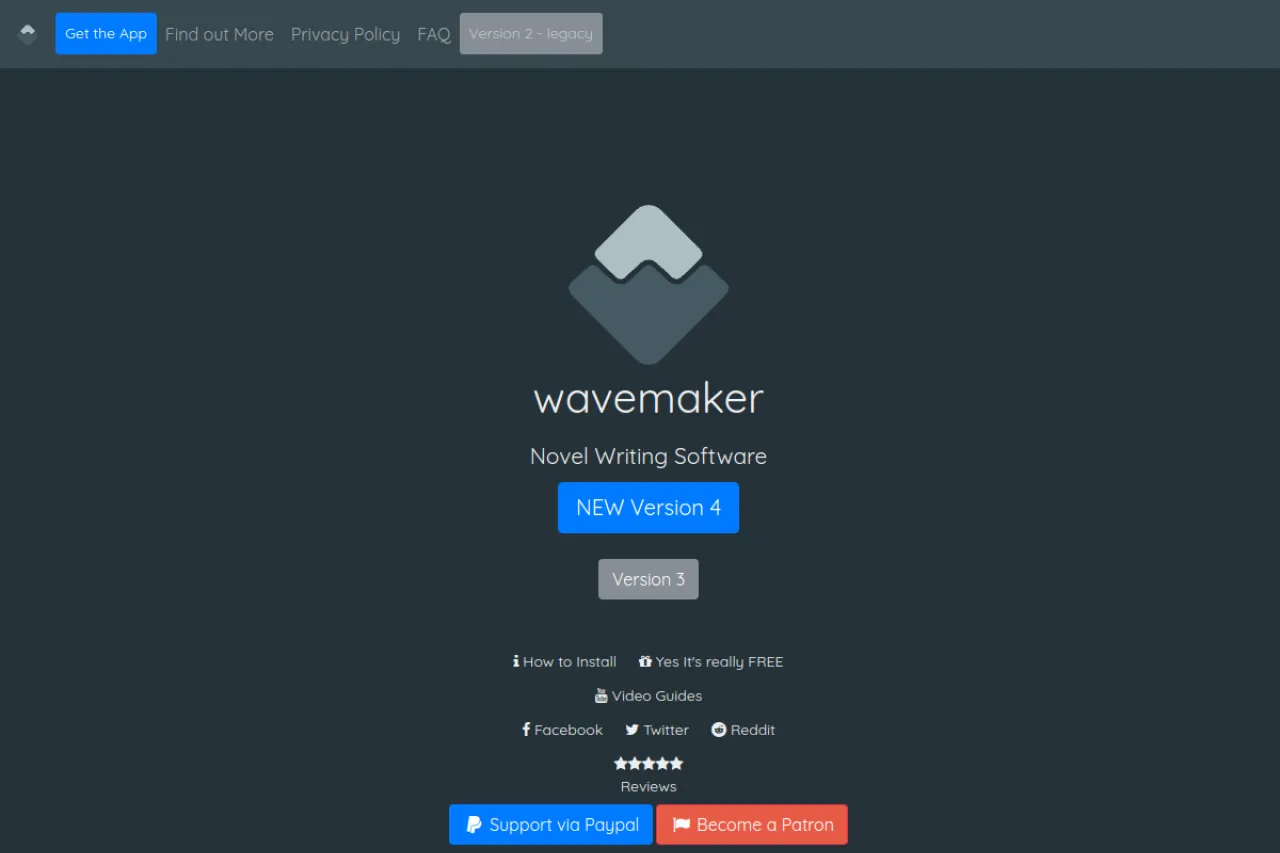
Yes. The site itself stresses that the app is really free, with no paid tier for the writer. The maker accepts voluntary support through PayPal and Patreon, but paying is optional.
Can I use Wavemaker offline?
Yes. It is a progressive web app that you can install and use without an internet connection. You only need the internet to sync or first install it.
What formats can I export my novel in?
The app can export your finished book in several formats, including DOCX and EPUB. This makes it easy to edit further or publish elsewhere.
Who is Wavemaker best for?
Plotters who like visual tools like mind maps and storyboards. It suits writers who switch between laptop and mobile and want a no-cost option.
Conclusion
Wavemaker is a no-cost web app that covers both planning and drafting for novelists. It suits writers who want visual tools like cards, timelines, mind maps, and the snowflake method without paying for software. Your work stays local in your browser and syncs through your own Google Drive. Check the official Wavemaker site for current details.
Keep exploring
Similar AI tools
Ranked by the job they do, their capabilities, and how closely they fit this workflow.