WhatTheFont
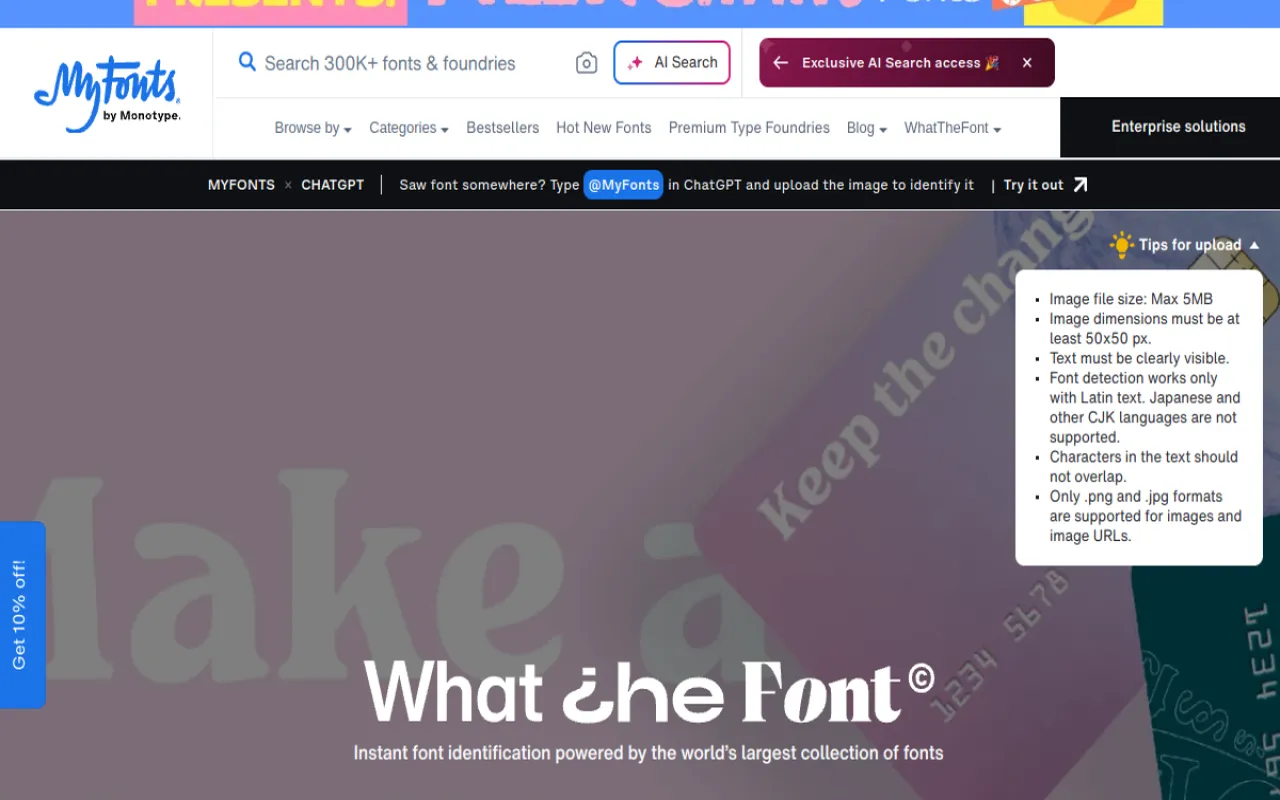
Upload an image to find the font or close matches instantly.
Upvotes
0
Pricing
Free
Category
Image Tools
In the database since
Oct 2026
Overview
About WhatTheFont
WhatTheFont is a free font identifier from MyFonts. Upload an image of text — a photo, screenshot or scan — and it searches the MyFonts database to name the font or suggest close matches. You can preview each match with your own text and sizes to judge the fit. It also works as iOS and Android apps for identifying fonts on the go. Matched fonts link to MyFonts where you can license them for your projects. Check the official MyFonts page for the latest version.
Key Features
1. Font Identification from Images
Upload any image containing text and get the font name or close alternatives. Clear, large text gives the most accurate matches.
2. Large Font Database
Searches through MyFonts' huge collection of commercial and free fonts. The bigger the database, the better your chance of an exact match.
3. Live Preview
Type your own text and change sizes to preview each match. Seeing your words in the font makes choosing much easier.
4. Similar-Font Suggestions
When the exact font is not found, get close look-alikes. Similar fonts work well when the original is unavailable or too costly.
5. Mobile Apps
Identify fonts on the go with the iOS and Android apps. Snap a photo of any text and get matches in seconds.
Frequently Asked Questions (FAQ)
How do I find a font from an image?
Upload the image to WhatTheFont on the MyFonts site. It compares the letters with fonts in its database and lists the best matches.
How accurate is it?
Accuracy depends on image quality. Clear, straight-on text in a decent size works best; blurry or tiny text gives weaker results.
Is there a mobile app?
Yes. WhatTheFont is available for both iOS and Android, so you can identify fonts from photos anywhere.
Can I buy the fonts it finds?
Yes. Matches link back to MyFonts, where you can license the exact font or a similar one for your project.
Conclusion
WhatTheFont is the quickest way to name a font you spot in the wild. Upload a photo, get matches from a huge database, and preview them with your own text. It suits designers, developers and anyone curious about typography. Best of all, the basic tool costs nothing to use. Try the mobile app when you spot fonts out and about.
Keep exploring
Similar AI tools
Ranked by the job they do, their capabilities, and how closely they fit this workflow.