
WordCounter
Count words and characters with reading stats and keyword density
Upvotes
0
Pricing
Free
Category
Writing Tools
In the database since
Oct 2026
Overview
About WordCounter
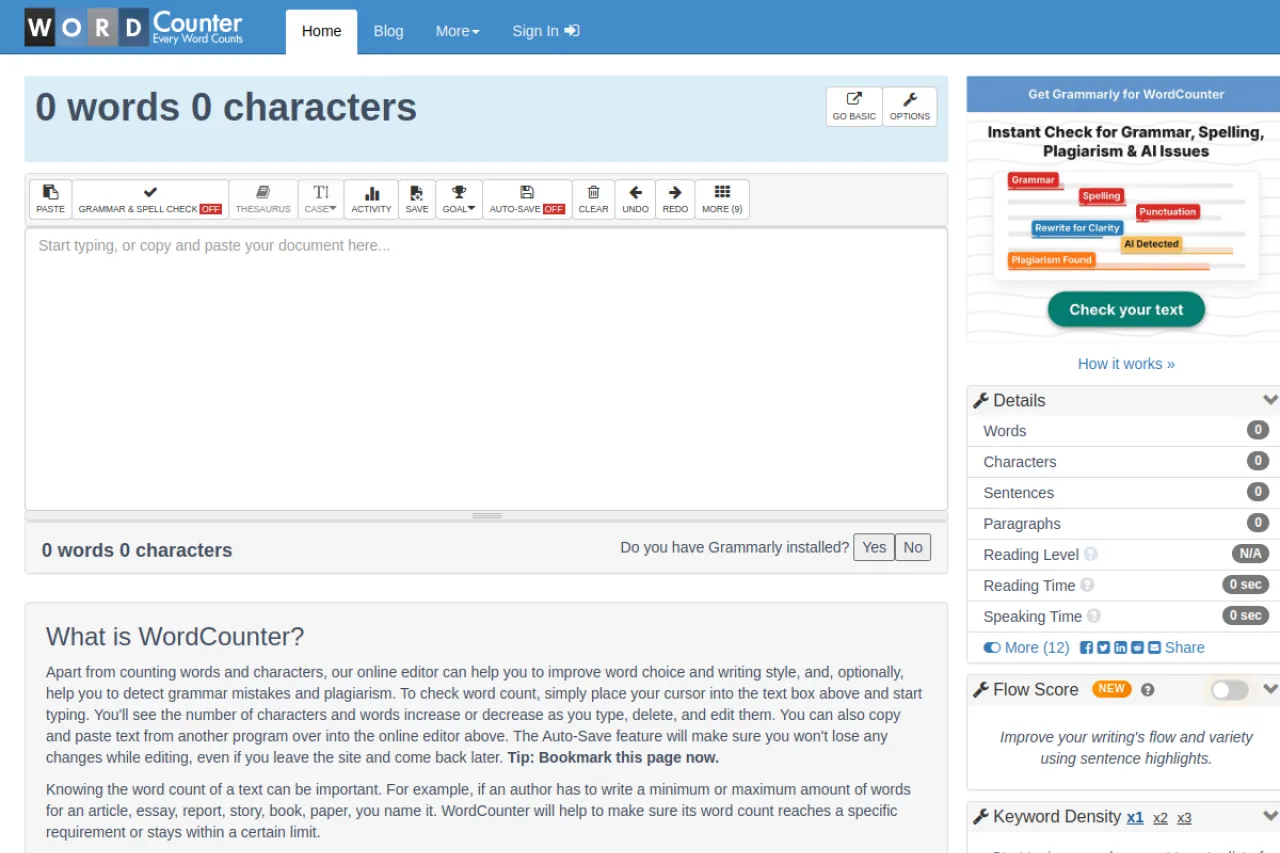
WordCounter is a free online tool that counts words and characters in your text as you type. It is made for students, writers, and SEO workers who must hit length limits. You type or paste text into the online editor, and the counts update live with every keystroke. Beyond counting, it shows keyword density, reading time, speaking time, and reading level. Keyword density (how often a word appears as a percent of all words) helps writers avoid overusing terms. For the latest details, check the official WordCounter site.
Key Features
1. Live Word and Character Count
Counts update in real time as you type, delete, or paste. You can watch the numbers change with every edit.
2. Top 10 Keywords and Density
The tool shows your ten most-used words and their density percentages. This helps you spot overused words.
3. Reading and Speaking Time
A details panel shows how long your text takes to read or speak aloud. This is handy for speeches and presentations.
4. Reading Level Indicator
It gives a reading level score showing how much education a reader needs to understand your text. Simpler text scores lower.
5. Auto-Save Drafts
Your text is saved automatically as you work. If you leave the site and come back, your draft is still there.
6. Built-In Online Editor
You can write and edit directly in the tool, with options for grammar and spell checking. No separate program is needed.
7. No Signup Required
All features work without creating an account. You open the page and start counting right away.
Frequently Asked Questions (FAQ)
What is WordCounter used for?
It counts words and characters in your text and shows writing stats. It is useful when essays, articles, or posts must meet a length requirement.
What stats does WordCounter show?
Beyond word and character counts, it shows top keywords with density, average reading and speaking time, and a reading level indicator.
Does WordCounter save my text?
Yes. The auto-save feature keeps your work in the browser, so your draft is there when you return. Bookmarking the page helps you find it again.
Does it check grammar too?
The online editor includes optional grammar and spell checking features. The main focus, though, is counting and text statistics.
Can I use WordCounter for essays with a word limit?
Yes. Paste your essay and watch the live count to stay inside the limit. The reading level score also helps you polish the draft before you submit it.
Conclusion
WordCounter is a no-cost tool that combines live word counts with useful writing stats like keyword density and reading time. It suits students, bloggers, and SEO writers who need quick text analysis without signing up. Type or paste your text and watch the numbers update live. Check the official WordCounter site for current details today.
Keep exploring
Similar AI tools
Ranked by the job they do, their capabilities, and how closely they fit this workflow.