Upvotes
0
Pricing
Freemium
Category
Video Enhancers
In the database since
Oct 2026
Overview
About YouCam Video
YouCam Video is a mobile AI video editor from Perfect Corp for iOS and Android. It combines classic editing tools with AI features like the AI Video Enhancer, which upscales blurry footage to HD or 4K. You can also retouch faces, remove objects, expand video borders, and apply animation styles. It suits creators making polished social videos on their phones. The app is free to download with trial credits; premium unlocks more. It holds strong ratings on both major app stores. Check the app stores for current prices.
Key Features
1. AI Video Enhancer
Upscale blurry or low-res clips to HD and 4K. The AI rebuilds detail and brightens dark footage.
2. Face Retouching
Smooth skin, reshape faces, and whiten teeth with AI tracking. Adjustments follow your face through the clip.
3. Object Removal
Erase unwanted objects or people from videos. The AI fills the background naturally behind them.
4. AI Video Expansion
Extend your video's borders beyond the original frame. The AI paints matching background around the edges.
5. Animation Styles
Turn footage into anime, manga, or 3D cartoon looks. One tap restyles a whole clip.
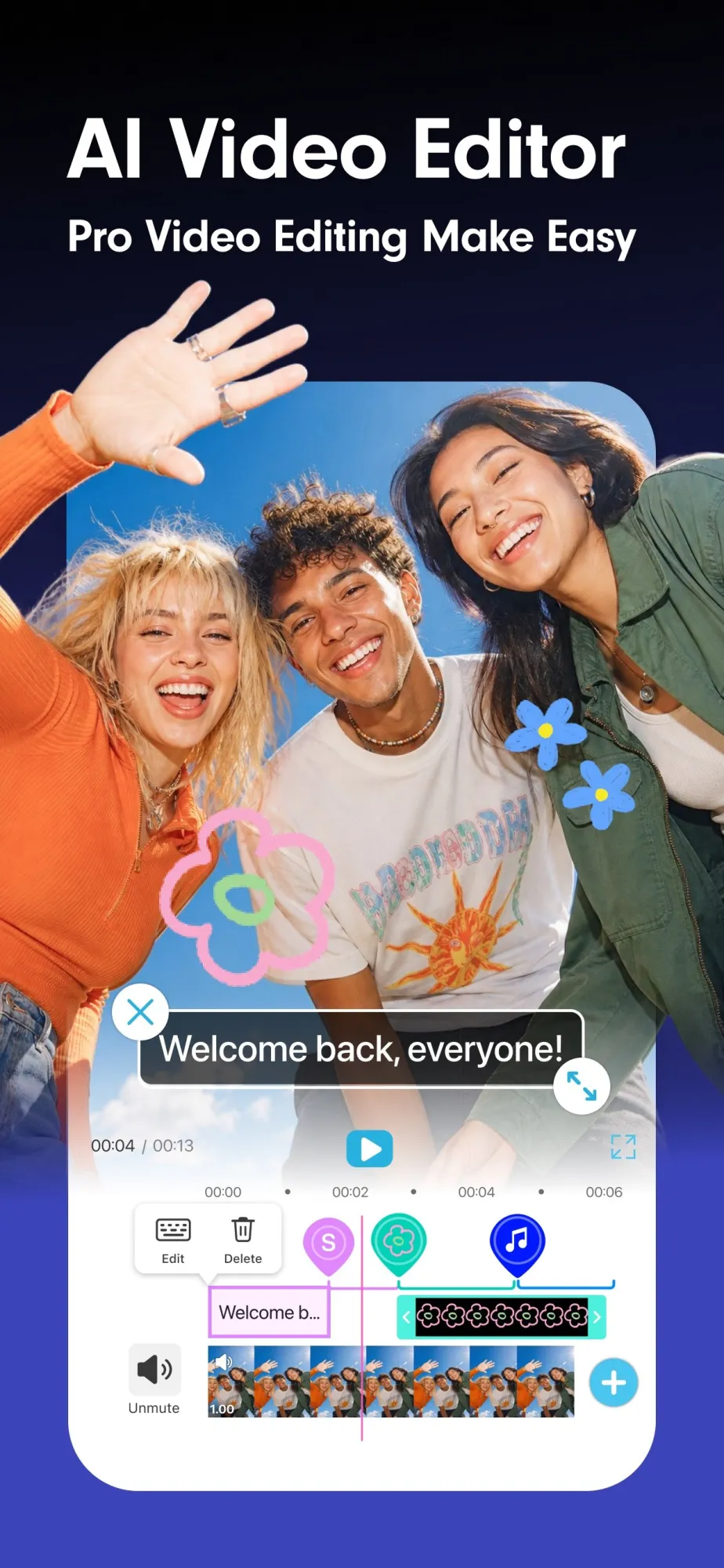
6. Timeline Editing
Split, trim, and merge clips on a clear timeline. Classic editing sits next to the AI tools.
7. Music Library
Add sound from hundreds of built-in music tracks. The right track lifts any social video higher.
Frequently Asked Questions (FAQ)
Do I need a subscription to use YouCam Video?
It is free to download with trial credits for AI features. A premium subscription unlocks unlimited basic features and more credits.
What does the AI Video Enhancer do?
It upscales blurry or low-resolution footage to HD or 4K, while also brightening dark scenes and reducing grain.
Is YouCam Video only an enhancer?
No. It is a full mobile editor with trimming, effects, retouching, and templates — enhancement is one of many tools.
Which phones does it support?
iOS and Android. Check the App Store or Google Play for the exact version requirements.
Can it remove objects from video?
Yes. The object removal tool erases unwanted items or people and fills in the background with AI.
Conclusion
YouCam Video suits mobile creators who want editing plus AI enhancement in one app. The free download and trial credits make it easy to test. Serious editors may still prefer desktop tools for long projects. For quick, polished phone videos, it is a strong all-rounder. Its face retouching and enhancer stand out among mobile apps.
Keep exploring
Similar AI tools
Ranked by the job they do, their capabilities, and how closely they fit this workflow.