
Upvotes
0
Pricing
Open Source
Category
Research & Academic Tools
In the database since
Oct 2026
Overview
About Zotero
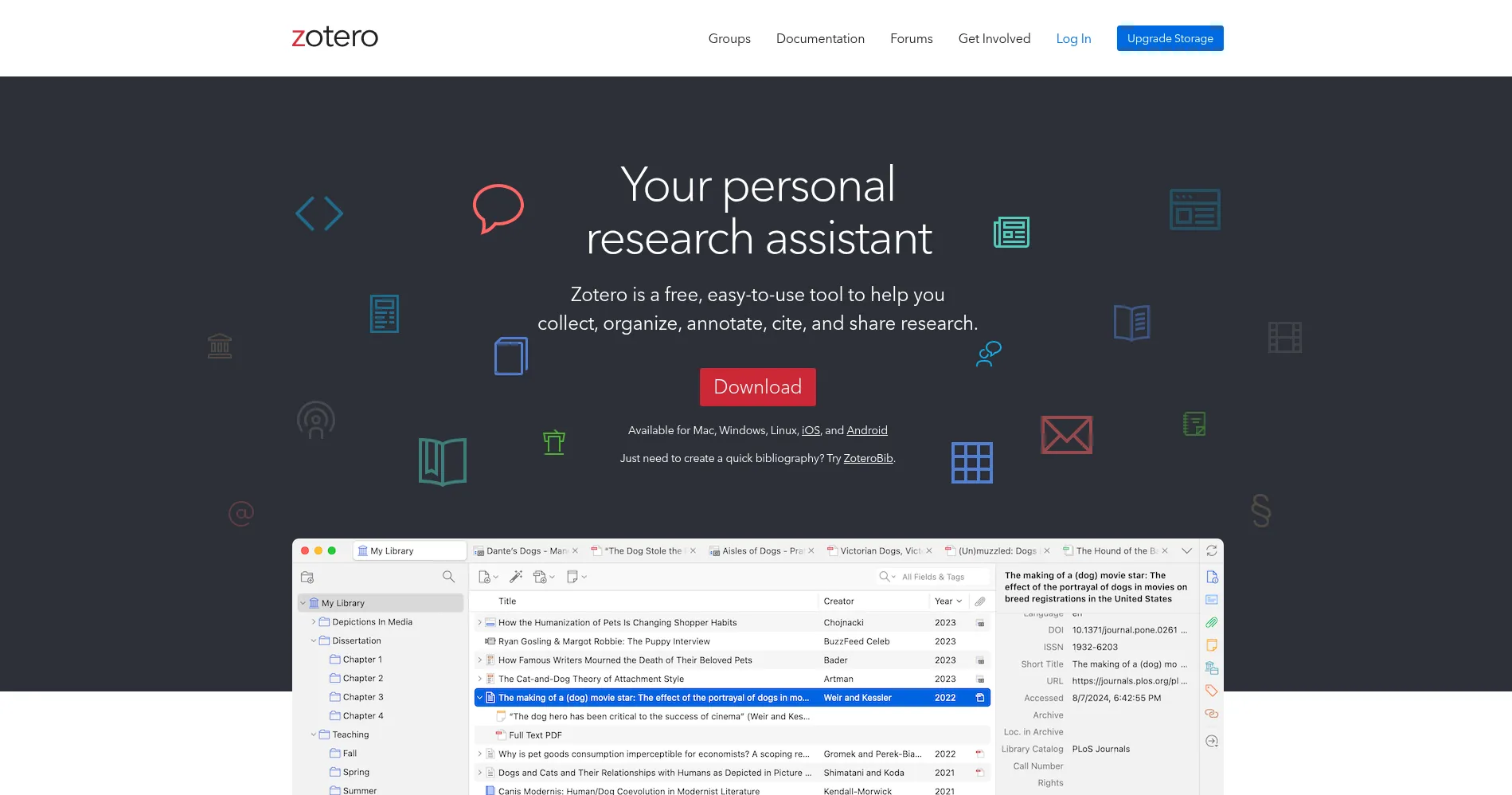
Zotero is a free, open-source reference manager that helps researchers collect, organize, and cite sources. With one browser click you can save an article, book, or web page, then sort it into collections, annotate its PDF, and insert a citation into your document. It works on desktop and mobile, and your library stays yours: the software is open source, so no company can lock you out of your own research. Your library also syncs across devices, so sources saved on one device appear on the others.
Key Features
1. One-Click Saves — The Zotero Connector browser extension saves an article, book, or web page to your library with a single click.
2. 9,000+ Citation Styles — Format references in APA, MLA, Chicago, and thousands of other styles, including journal-specific ones, without manual editing.
3. Word Processor Plugins — Insert citations and build bibliographies directly in Word, LibreOffice, and Google Docs as you write.
4. PDF Annotation — Highlight text and add notes inside PDFs in Zotero itself, so your reading notes stay attached to each source.
5. Group Libraries — Share collections with a research team, so everyone works from the same sources and the same reference list.
6. Open Source — The code is open and your data is portable, so you can export your library and move on whenever you choose.
Frequently Asked Questions (FAQ)
What does Zotero cost? — Nothing for the software itself. It is open-source and free to use; you only pay if you need more than 300 MB of cloud storage.
How do I save sources? — Install the Zotero Connector in your browser, then click it on any article, book, or web page to save it to your library.
Does it work with Google Docs? — Yes. Plugins exist for Word, LibreOffice, and Google Docs, so you can cite sources without leaving your document.
Can I collaborate with a team? — Yes. Group libraries let teams share collections and references, with each member able to add and annotate sources.
What is ZoteroBib? — A separate quick tool from the Zotero team that builds a one-off bibliography in your browser, with no account needed.
Who is Zotero for? — Students, researchers, and academics who want a private, free reference manager that works with any word processor.
Conclusion
Zotero is the default reference manager for a reason: it covers saving, organizing, citing, and sharing without charging for the software. The browser connector alone saves hours over a long project, and group libraries make team writing simpler. If you write papers, install it before your next literature search and let it carry the busywork of citations.
Keep exploring
Similar AI tools
Ranked by the job they do, their capabilities, and how closely they fit this workflow.