ZoteroBib
Instant bibliography builder from Zotero, no account needed.
Upvotes
0
Pricing
Free
Category
Research & Academic Tools
In the database since
Oct 2026
Overview
About ZoteroBib
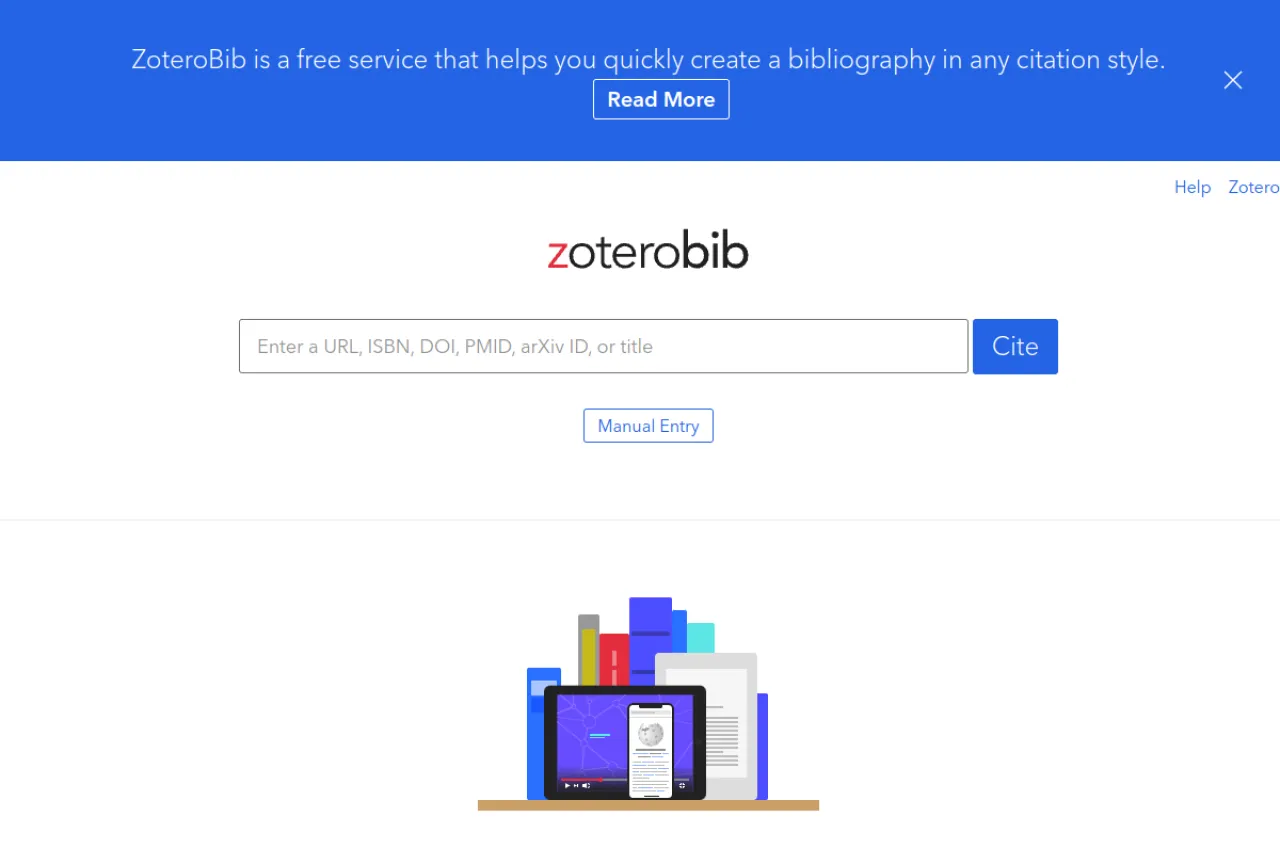
ZoteroBib is a free service that helps you quickly create a bibliography in any citation style. It comes from the team behind Zotero, the open-source research tool used by thousands of universities. You paste a source's URL, ISBN, DOI, or title, and it builds the citation for you. It suits students and researchers who need fast, correct references. For shared libraries or reuse across projects, the team recommends full Zotero instead. Visit the official ZoteroBib site for the FAQ and current details.
Key Features
1. Instant Citation Building
Paste a URL, ISBN, DOI, PMID, arXiv ID, or title into the search box. ZoteroBib pulls in the source data automatically.
2. Ten Thousand Plus Styles
Format your bibliography in APA, MLA, Chicago, Harvard, or any of 10,000+ CSL styles. Every major style is covered.
3. No Account or Install
Build bibliographies from any device without creating an account. Nothing needs to be installed to use it.
4. Manual Entry Option
Enter reference details by hand when automatic import misses something. This covers sources without a URL or identifier.
5. Copy Citations and Notes
Generate parenthetical citations or footnotes to paste into your document. This saves typing names and dates by hand.
6. Multiple Export Formats
Copy the bibliography to your clipboard or export HTML, RTF, RIS, or BibTeX. The exports work with webpages and reference managers.
7. Autosave and Share Links
Your bibliography autosaves to your browser's local storage. Generate a link to edit it on another device or share it.
Frequently Asked Questions (FAQ)
What is ZoteroBib?
ZoteroBib is a free bibliography generator by the Zotero team. It creates formatted citations instantly from a link or identifier.
How do I add a source?
Find your source in another tab and copy its URL into the ZoteroBib search bar. You can also paste an ISBN, DOI, PMID, or arXiv ID.
Which citation styles are supported?
APA, MLA, Chicago/Turabian, Harvard, and over 10,000 other CSL styles. Pick the one your school or journal requires.
Can I edit a citation after adding it?
Yes. Click any bibliography entry to change its fields. You can fix titles, dates, or author names by hand.
How do I share my bibliography?
Generate a link to a copy of the current version on zbib.org. Use the link to retrieve it later or share it with others.
Conclusion
ZoteroBib builds accurate bibliographies in seconds from a URL or identifier, with 10,000+ citation styles and easy exports. It fits students and researchers who want perfect references without software. The service is free with no account needed, and autosave plus share links make it practical for real projects and team work today. Try it with your next paper's sources.
Keep exploring
Similar AI tools
Ranked by the job they do, their capabilities, and how closely they fit this workflow.