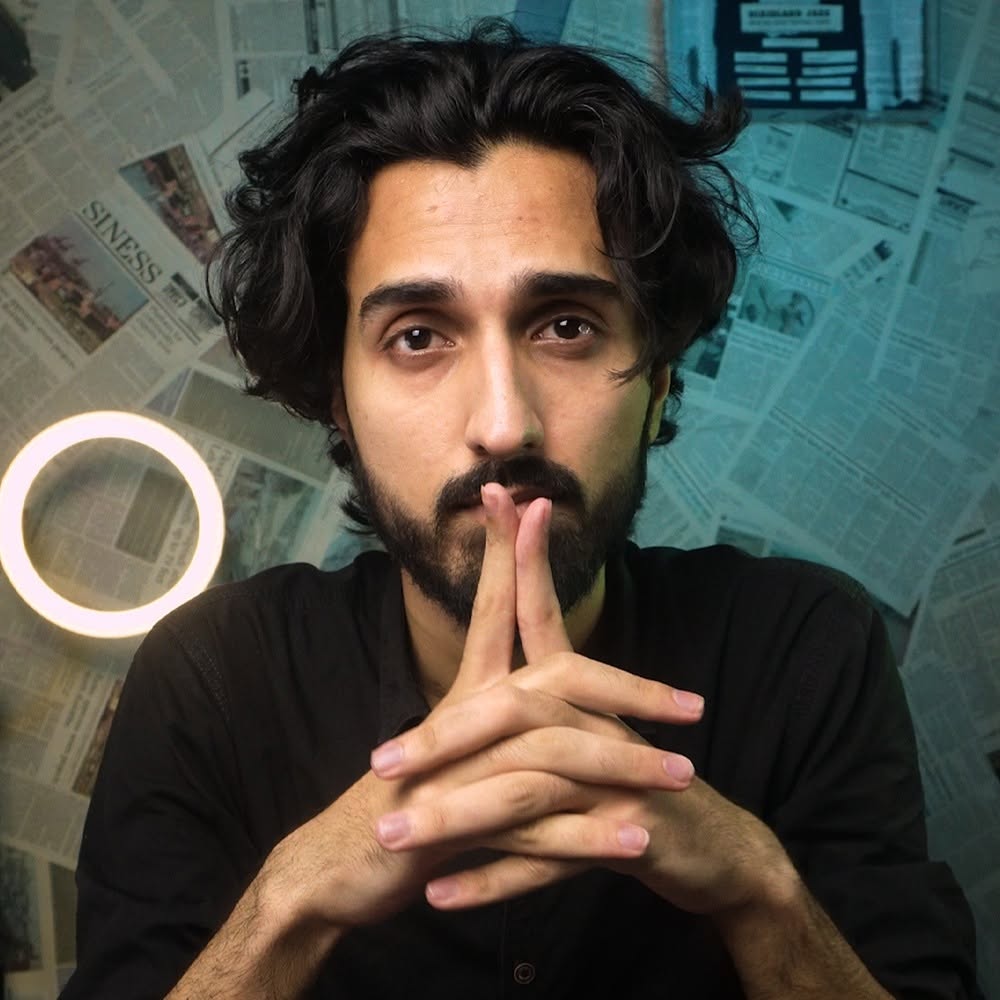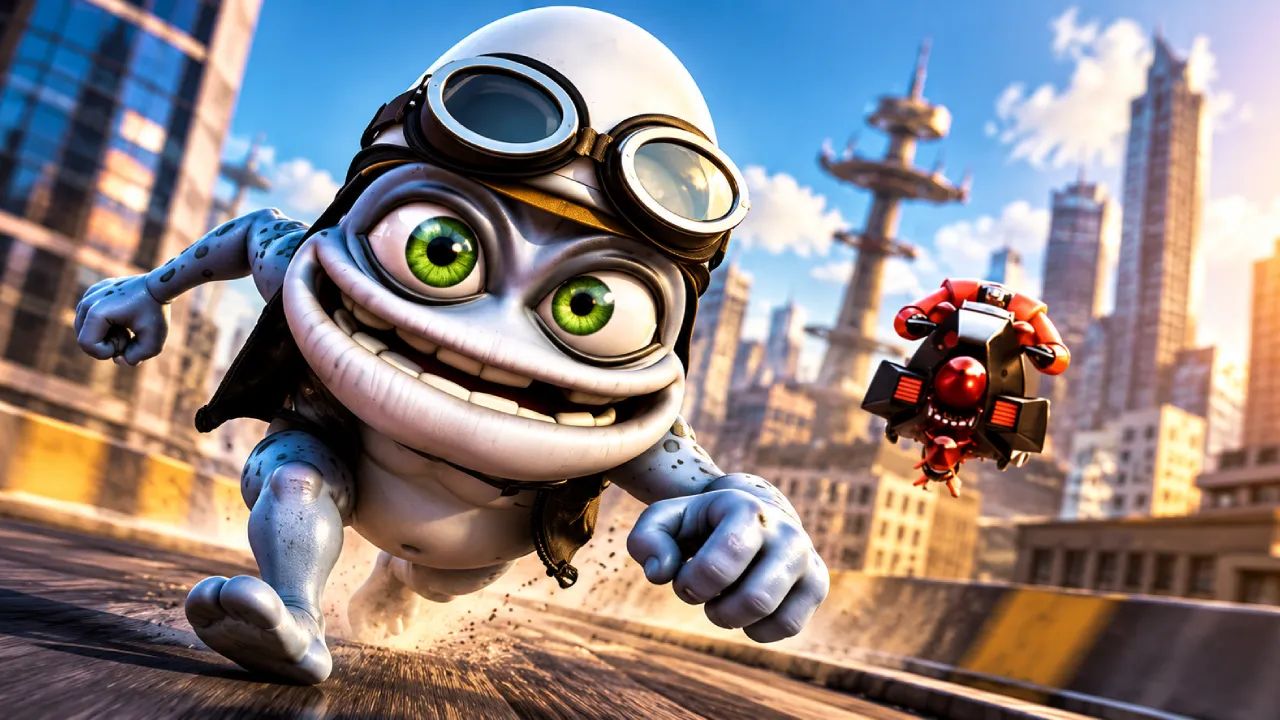
Here is the exact Seedance 2.5 prompt I used to create this video. Feel free to customize the character, scene, or concept and create your own version.
Have fun creating! I created this video using Wizstar AI → https://wizstar.com/
How to Use the Prompt
1st: Upload the video reference
You can use my video as the reference. Just download it and upload it to the chat.
2nd: Upload Character 1 photo
Upload the photo of your first character.
3rd: Upload Character 2 photo
Upload the photo of your second character.
4th: Set the characters accordingly in the prompt
Specify which uploaded photo should be used for Character 1 and Character 2, then paste the prompt and generate your video.
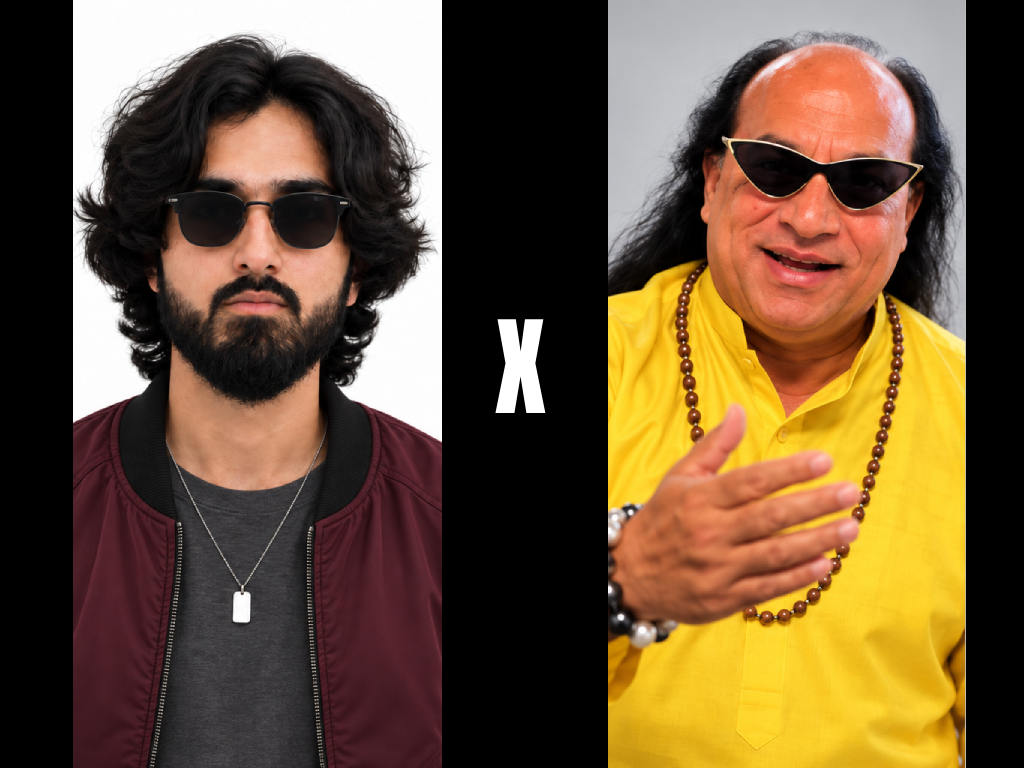
Video Prompt
PromptCopy
Replace the GREEN CHARACTER in @video1 completely with the character from @image1. Replace the YELLOW CHARACTER in @video1 completely with the character from @image2. CHARACTER ASSIGNMENT LOCK: GREEN CHARACTER = @image1 YELLOW CHARACTER = @image2 This mapping is absolute and must remain unchanged throughout the entire video. The characters from @image1 and @image2 are the ONLY sources for the visual identity of the replaced characters. For each replacement, transfer the reference character completely: * face * facial structure * skin * eyes * nose * mouth * hair * hairstyle * body * proportions * clothing * accessories * overall appearance * visual identity * facial expressions and natural mannerisms The original GREEN and YELLOW characters from @video1 must NOT remain visible in the final result in any form. Do not blend, morph, mix, average or combine the original characters with the reference characters. Do not preserve any facial features, hairstyle, clothing, body appearance or visual identity from the original GREEN or YELLOW characters. Only preserve from @video1: * camera movement * framing * composition * scene * lighting interaction * character position * body movement * gestures * choreography * timing * interaction with the environment * interaction with vehicles or other objects The replaced characters must perform the exact same actions and occupy the exact same positions as the original characters in @video1, while appearing as completely different people according to @image1 and @image2. The replacement must be seamless and physically consistent with the original footage. Maintain correct: * body-to-environment scale * perspective * depth * occlusion * contact points * shadows * lighting * reflections * motion blur * camera perspective The replacement must remain stable from frame to frame with no identity drift. IMPORTANT: Do not interpret the GREEN and YELLOW characters as characters that should be preserved. They are ONLY positional and motion references. Their visual identity must be fully discarded and replaced. FINAL RESULT: There must be no recognizable visual trace of the original GREEN or YELLOW characters. GREEN CHARACTER → fully replaced by @image1. YELLOW CHARACTER → fully replaced by @image2. The result must look as if the characters from @image1 and @image2 were originally present in the scene and filmed naturally in @video1.\