The Challenge of Character Consistency in AI Video
One of the primary hurdles in AI-driven video production is character drift. When an AI model generates an image or a video clip, it relies on probabilistic patterns that can change subtly between generations, resulting in facial features, clothing, or hair that look slightly different from one shot to the next. Achieving a stable identity requires a systematic approach to character design and reference management.
1. Define Your Character with a Character Sheet
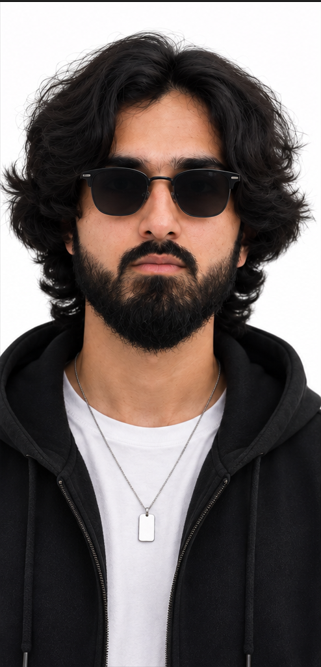
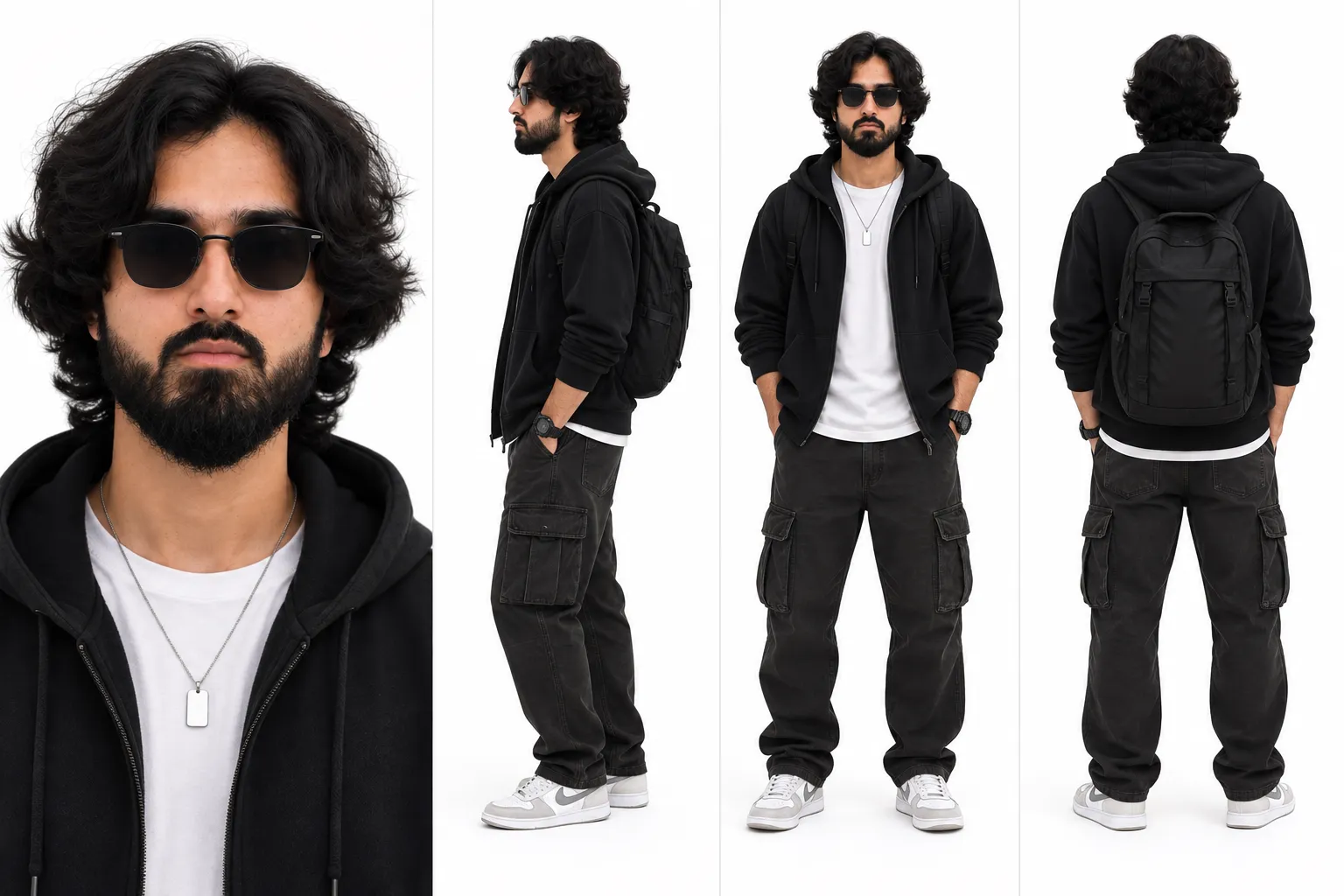
Before moving to video generation, you must solidify your character’s appearance using a static character sheet. This serves as your single source of truth. Use an image generator to create a multi-view reference image that includes a front, side, and three-quarter view of the character. Keeping this image handy during the generation process helps you maintain structural integrity across various frames.
2. Leverage Consistent Identity Tools
Modern video generation platforms often include specific tools designed to maintain character consistency. Look for features labeled as "Character Reference" or "Face Swap" modules. These tools allow you to upload your base character sheet or a specific reference photo, which the model uses to anchor the character's facial features. By providing this persistent anchor, you reduce the likelihood of the AI hallucinating new features in subsequent clips.
3. Implement Modular Generation
Avoid generating long, complex scenes in a single prompt. Instead, break your video down into modular segments. Generate one action at a time, ensuring that the character remains consistent by using the same reference seeds and settings across each generation session. If you are using a video generation model that supports seed control, lock the seed value to ensure a more predictable baseline for your outputs.
4. Use Post-Generation Refinement
Even with advanced tools, minor inconsistencies can occur. Use video editing software to color-correct and match the visual style of your clips. If specific features remain inconsistent, frame-by-frame masking or digital painting can bridge the gaps. Post-production is the final safety net for ensuring that the character feels like a unified entity throughout the duration of your project.
Frequently Asked Questions
What is the best way to keep a character's face the same in AI video?
The most effective method is using a dedicated "Character Reference" feature provided by your AI video tool, which allows you to upload a base image of the character to act as a visual anchor for all subsequent generations.
Why does my character look different in every video clip?
AI video models generate content based on probabilities; without a fixed reference, the model interprets your text prompt differently each time, leading to "character drift" where physical attributes shift between clips.
Do I need to be a professional designer to create consistent characters?
No, you do not need professional design skills. Using consistent prompts and high-quality character reference sheets helps non-designers achieve stable results by providing the AI with clear visual instructions.
Can I use the same character across different AI platforms?
It is difficult to maintain perfect consistency across different platforms because each AI model has different training biases and rendering styles. It is recommended to choose one platform and keep your entire production within that ecosystem.
Conclusion
Creating consistent AI characters is a process of managing constraints rather than relying on spontaneity. By utilizing character sheets, anchor references, and a modular approach to generation, you can minimize character drift and produce professional-looking video content. As AI video tools continue to evolve, focus on refining your reference assets to ensure your character remains recognizable from start to finish.