InVideo AI
Create complete AI videos from prompts, scripts, and images.
Upvotes
4
Pricing
Freemium
Category
Video Generators Video Generators
In the database since
Sep 2026
Overview
About InVideo AI
What is InVideo AI?
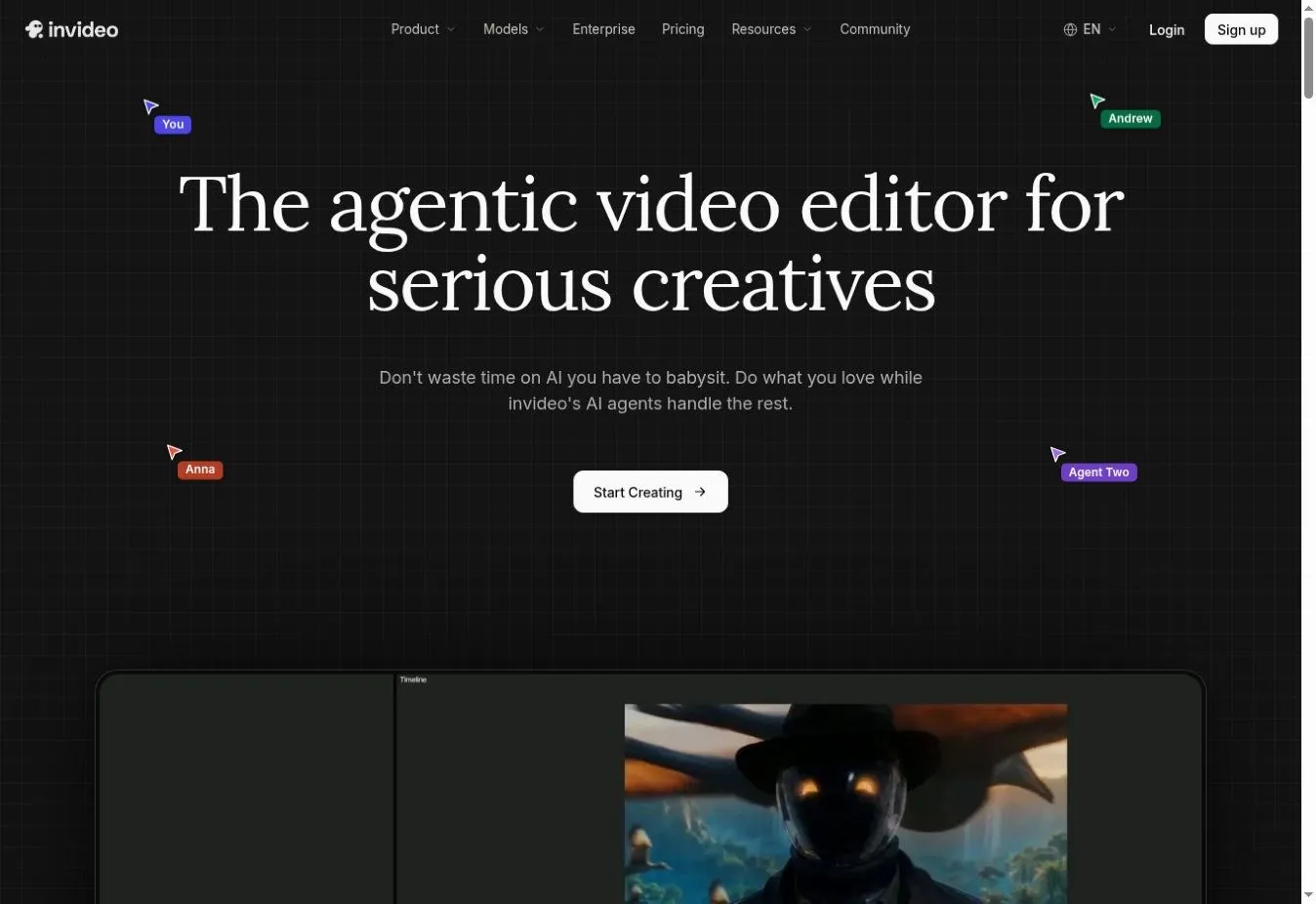
InVideo AI is an online video-generation platform that turns written ideas into complete videos. A user can describe a topic, audience, preferred platform, length, and style, and the tool can prepare a script, visuals, voiceover, subtitles, music, and transitions. This makes it useful for creators, marketers, educators, and businesses that want to produce videos without managing every production step manually.
The platform supports social media videos, explainers, advertisements, product demonstrations, training content, and longer storytelling projects. It combines generated media with a large stock library and includes tools for AI avatars, image-to-video generation, voice cloning, translation, and video editing.
InVideo AI works in a web browser, so users do not need to install traditional editing software. Its prompt-based workflow is suitable for beginners, while the timeline editor, creative models, and collaboration options provide additional control for experienced creators and teams.
Key Features
1. Prompt-to-Video Generation
Users can enter a video idea and specify details such as the audience, duration, platform, appearance, and voiceover accent. InVideo AI then assembles the script, scenes, narration, subtitles, music, and transitions into a complete first draft.
2. AI Script and Story Creation
The platform can write a structured script from a topic or creative brief. It can organize the idea into an introduction, main points, scenes, and ending, helping users move from an early concept to a usable video narrative.
3. AI-Generated and Stock Visuals
InVideo AI can create original images and video clips while also selecting relevant material from its stock-media library. Users can combine generated visuals, uploaded assets, and licensed stock footage within the same project.
4. Text-Based Video Editing
The Magic Box lets users request changes with natural-language commands. They can ask the editor to delete a scene, change the voice or accent, replace media, adjust the introduction, or revise other elements without rebuilding the project.
5. AI Voiceovers and Translation
InVideo AI provides human-sounding narration in more than 50 languages. Users can select different voices and accents, translate content for other audiences, or use voice-cloning options when a more personalized narration style is required.
6. AI Avatars and Presenter Videos
Creators can use built-in AI actors or build a digital avatar from supported footage. These avatars can present scripts in multiple languages, making them useful for advertisements, product explainers, educational videos, and social media content.
Frequently Asked Questions
Can InVideo AI generate a complete video from one prompt?
Yes. It can use a prompt to create the script, visuals, voiceover, subtitles, background music, and transitions. The generated draft can then be reviewed and edited before export.
Can InVideo AI create videos from images?
Yes. Its image-to-video tools can animate uploaded pictures or generated images. Users can describe the desired movement, style, camera behavior, and scene direction through a prompt.
Does InVideo AI support different languages?
Yes. The official platform supports voiceovers in more than 50 languages and also provides translation features for adapting videos to different audiences.
Can users edit an InVideo AI project manually?
Yes. Users can request changes through text commands and work with the available timeline editor and professional editing controls, depending on their selected plan and workflow.
Does InVideo AI require a software download?
No. It is a web-based platform that works in popular browsers on desktop and mobile devices, although generation features and limits may vary by account or subscription.
Final Verdict
InVideo AI is a practical choice for creators who want to turn an idea into a structured video with minimal setup. Its combination of script generation, visual creation, stock media, voiceovers, avatars, and prompt-based editing covers much of the production process in one platform.
Results still benefit from human review, especially when accuracy, brand consistency, or precise visual direction matters. Overall, it is a flexible option for producing social videos, explainers, advertisements, and multilingual content more efficiently.
Keep exploring
Similar AI tools
Ranked by the job they do, their capabilities, and how closely they fit this workflow.