
Upvotes
0
Pricing
Free
Category
Text-to-Speech
In the database since
Oct 2026
Overview
About Balabolka
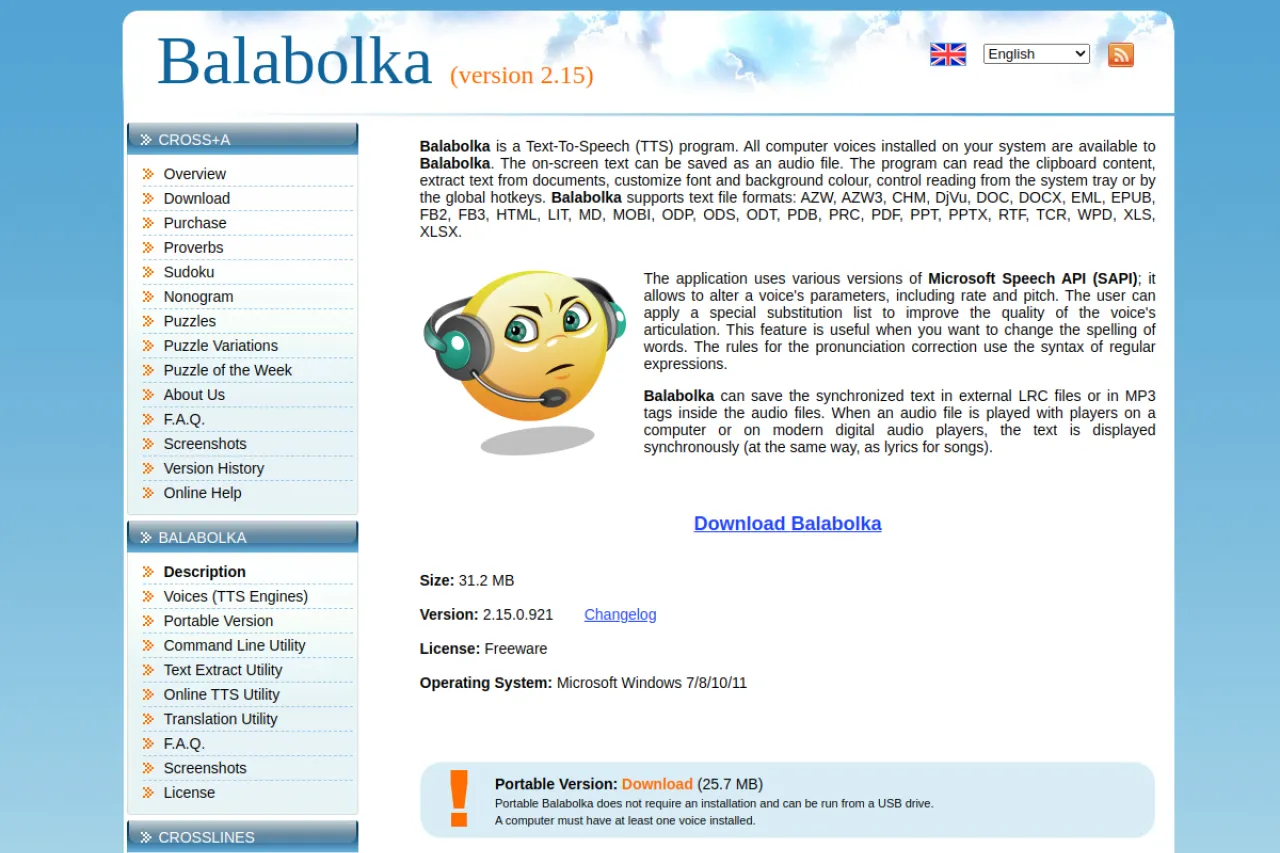
Balabolka is a free text-to-speech program for Windows, distributed as freeware. It reads on-screen text aloud using any voice installed on your system through SAPI, the built-in Windows speech system. The program opens many document formats, including DOC, PDF, EPUB, and HTML, and can save the spoken text as an audio file. You can also read clipboard content, control reading with hotkeys, and run it from a portable version. As long as the author's paid software Cross+A sells, Balabolka stays free. Visit the official page for the download and documentation.
Key Features
1. Works with Any SAPI Voice
Balabolka uses SAPI, the built-in Windows speech system, so every voice on your computer is available. You can switch voices and adjust speed and pitch.
2. Reads Many Document Formats
It opens formats like AZW, DOC, DOCX, EPUB, FB2, HTML, MOBI, ODT, and PDF. You can listen to ebooks and documents without converting them first.
3. Saves Audio Files
Spoken text can be saved as MP3, WAV, or OGG files. This lets you create audiobooks or voice tracks from any document.
4. Clipboard Reading
Balabolka can read whatever text you copy to the clipboard. This is handy for listening to web articles and emails quickly.
5. Hotkeys and System Tray
You can control reading from the system tray or with global hotkeys. This means you can pause and resume without switching windows.
6. Portable Version
A portable edition runs from a USB stick with no installation. You can carry your text-to-speech setup to any Windows computer.
7. Command-Line Utility
A command-line tool lets you convert text to speech in scripts and batch jobs. Advanced users can automate large conversion tasks.
8. Freeware License
Balabolka is freeware for personal use, funded by sales of the author's other software. There is no trial period or locked feature set.
Frequently Asked Questions (FAQ)
What is Balabolka used for?
Balabolka is used to turn text into speech on Windows. People use it to listen to documents, create audio files from text, and read the clipboard aloud.
What voices does Balabolka use?
It uses SAPI voices, the voice system built into Windows. Any SAPI voice installed on your system appears in Balabolka, and you can add more voices freely.
Can Balabolka save speech as MP3?
Yes. You can save the spoken text as MP3, WAV, or OGG audio files, which is useful for audiobooks and offline listening.
Can Balabolka read the clipboard aloud?
Yes. Balabolka reads clipboard text aloud, so copied web articles and emails can be listened to without opening any file first.
Does Balabolka work on Mac or Linux?
No, Balabolka is a Windows-only program. Mac and Linux users need a different text-to-speech tool.
Conclusion
Balabolka is a free Windows text-to-speech program that reads documents aloud and saves them as audio files for offline listening. It suits anyone who wants to listen to ebooks, articles, or documents using their system's SAPI voices. The portable version, batch tools, and freeware license make it a lasting favorite. Visit the official page to download it.
Keep exploring
Similar AI tools
Ranked by the job they do, their capabilities, and how closely they fit this workflow.