Blur Background
Soften photo backgrounds right in your browser
Upvotes
0
Pricing
Freemium
Category
Design Generators
In the database since
Oct 2026
Overview
About Blur Background
Blur Background is an online tool by Vignra that softens the background of a photo right in your browser. It targets one common job: removing distractions behind your subject, like messy rooms or crowds, so the person or product stands out in seconds. No account is needed to start. You upload a JPEG, PNG, or WebP image, adjust the blur strength, and download the result. Your photo is processed locally on your device and never sent to a server. Check blurbackground.vip for current limits and options.
Key Features
1. Local In-Browser Processing
Your photo is processed on your own device, not uploaded to a server. This keeps private photos private while you edit.
2. Adjustable Blur Strength
A slider controls how strong the background blur looks. You can pick a soft glow or a heavy blur that hides everything.
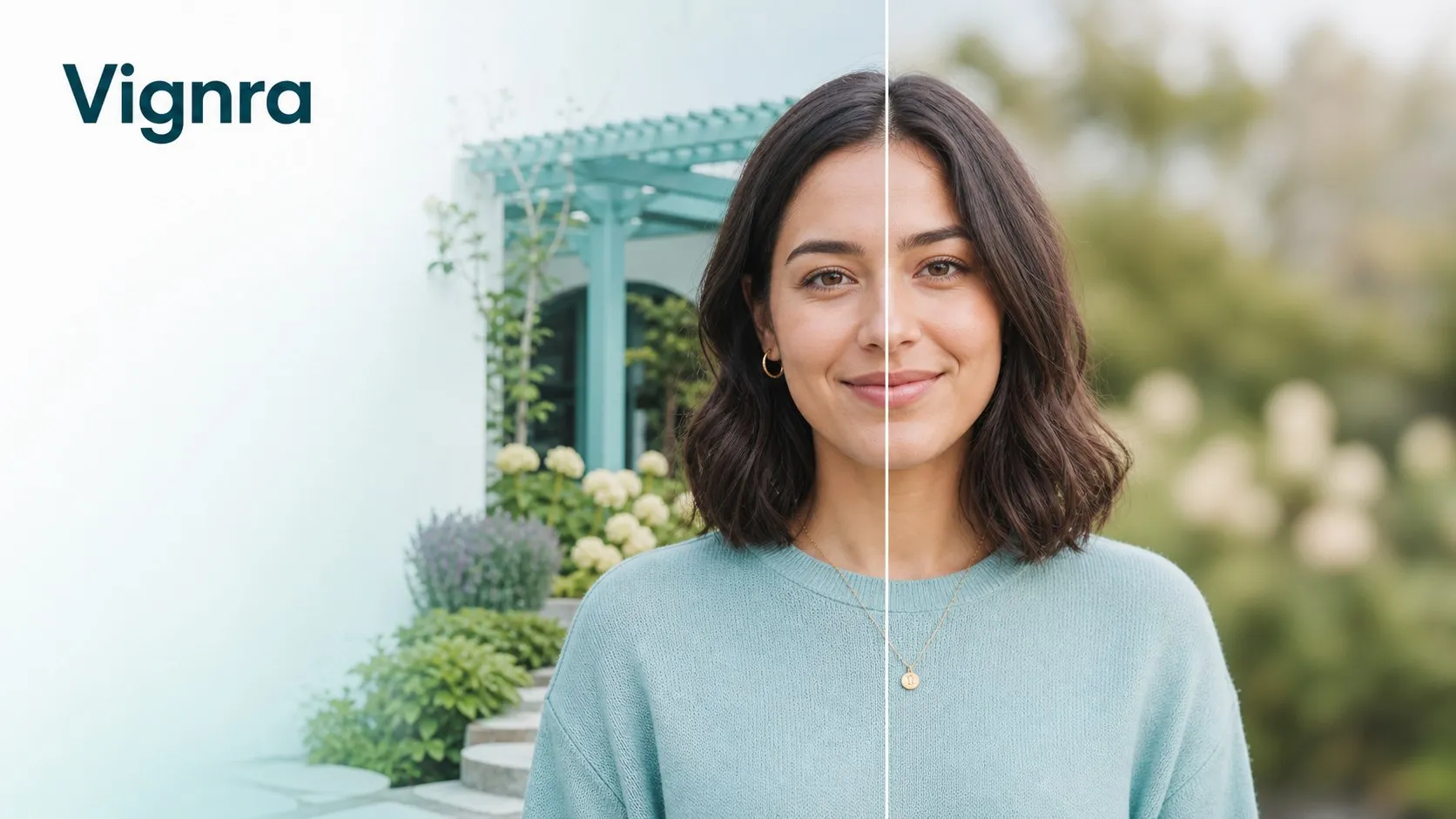
3. Before-and-After Compare
A comparison view shows the original next to the blurred result. You can check the effect before you download anything.
4. AI Refined Mode
Paid credit packs unlock AI Refined processing, an advanced bokeh effect with sharper subject and edge detection for tricky photos.
5. Works Without an Account
Anonymous visitors get 20 local attempts every 24 hours. Signing in for free raises that limit to 30 attempts per day.
6. Common Image Formats
The tool accepts JPEG, PNG, and WebP files. It handles one photo at a time, which keeps each edit fast and simple.
Frequently Asked Questions (FAQ)
How does Blur Background protect my privacy?
It processes your photo locally in your browser, so the image never uploads to a server. This makes it safer for personal or sensitive photos.
What is AI Refined mode?
AI Refined is an advanced bokeh option with better subject and edge detection. It is unlocked with one-time credit packs and suits photos with complex backgrounds.
Do I need an account to use it?
No. You can blur photos anonymously with 20 attempts per 24 hours. A free sign-in raises the limit to 30 attempts per day.
What image formats does it accept?
Blur Background accepts JPEG, PNG, and WebP files. Each edit handles one photo at a time.
What happens if a paid edit fails?
Vignra says credits from eligible failed tasks are restored automatically. Purchased credits never expire, so you can use them later.
Conclusion
Blur Background is a handy tool for quick portrait and product touch-ups. Local processing keeps your photos private, and the free daily attempts cover casual use. Paid credit packs add the sharper AI Refined mode for harder shots. It suits anyone who wants cleaner photos without learning an editor. Check the official site for current limits.
Keep exploring
Similar AI tools
Ranked by the job they do, their capabilities, and how closely they fit this workflow.