
Upvotes
0
Pricing
Freemium
Category
Design Generators
In the database since
Oct 2026
Overview
About Canva
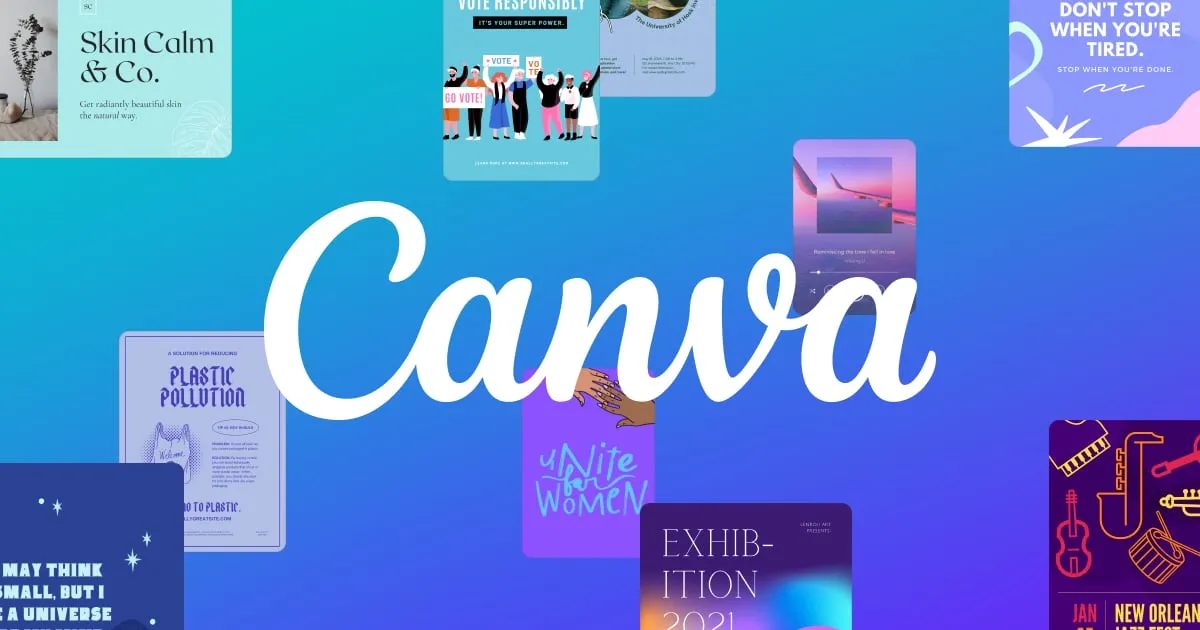
Canva is an online design platform that lets anyone create graphics with drag-and-drop tools. It offers thousands of templates for social posts, presentations, logos, videos, and print materials. Its Magic Studio adds AI tools that write text, generate images, and edit photos inside the same editor. It suits marketers, small businesses, teachers, and creators with no design training. Your work saves to the cloud and is easy to share. Teams can edit the same design together with comments and shared brand folders. Check canva.com for current features and options.
Key Features
1. Drag-and-Drop Editor
Build designs by dragging text, images, and shapes onto a canvas. No design software skills are needed to make polished graphics.
2. Template Library
Start from thousands of ready-made templates for posts, decks, resumes, and more. Each template is fully editable to match your style.
3. Magic Studio AI Tools
Magic Write drafts text, Magic Media generates images from prompts, and Magic Eraser removes unwanted objects from photos.
4. Background Remover
Remove a photo's background with one click. This is handy for product shots, headshots, and cutout-style social graphics.
5. Brand Kit
Save your logo, colors, and fonts in one place. The Brand Kit applies your identity across every design so everything looks consistent.
6. Magic Switch
Turn one design into many formats with a click. A blog graphic can become a presentation slide or a social post in seconds.
7. Real-Time Collaboration
Invite teammates to edit, comment, and approve designs together. Shared folders keep every file organized in one workspace.
Frequently Asked Questions (FAQ)
What is Canva used for?
Canva makes social media graphics, presentations, posters, logos, videos, and documents. It is built for non-designers who need professional-looking results fast.
How does Magic Studio work?
Magic Studio is Canva's set of AI tools for writing, image generation, and photo editing. On the free plan, AI use is limited — check canva.com/pricing for the current allowance.
Can a team work together in Canva?
Yes. Multiple people can edit the same design at once, leave comments, and share folders. Approval workflows help teams review work before publishing.
How is Canva different from Photoshop?
Canva is a simple browser editor with templates for quick graphics. Photoshop is a professional tool with deep manual editing for photographers and designers.
Can I print my Canva designs?
Yes. Canva offers built-in printing and delivery for business cards, flyers, posters, and more. You can also download print-ready files for your own printer.
Conclusion
Canva is the easiest way for non-designers to make sharp graphics. Templates and AI tools handle the hard parts, while Brand Kit keeps everything on-brand. It suits marketers, teachers, and small teams on tight schedules. A free plan covers basic needs, and paid plans unlock the full Magic Studio and bigger libraries. Check the official site for current options.
Keep exploring
Similar AI tools
Ranked by the job they do, their capabilities, and how closely they fit this workflow.


