Canva for Education
Design platform for classroom lessons and student projects
Upvotes
0
Pricing
Free
Category
Tools for Teachers
In the database since
Oct 2026
Overview
About Canva for Education
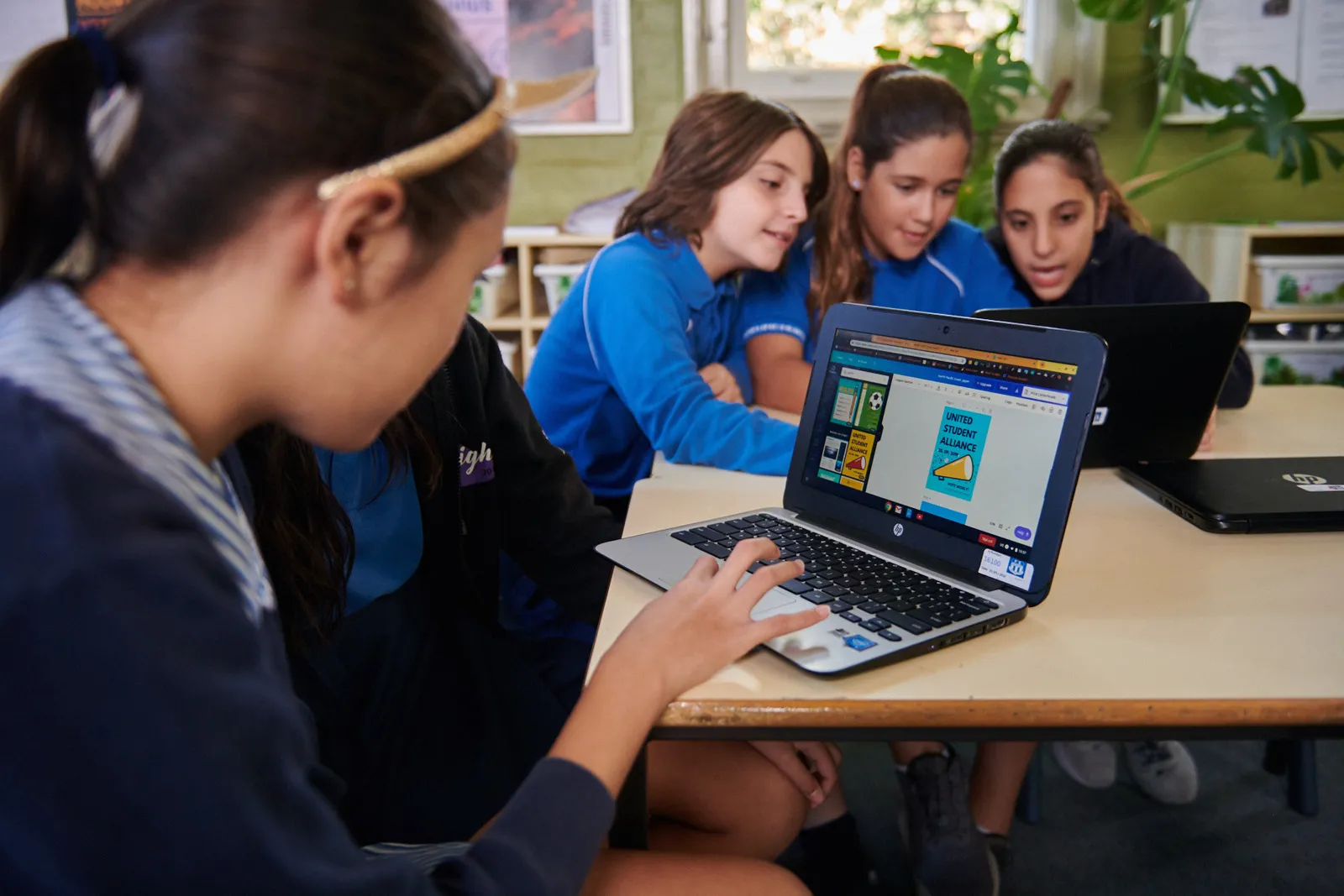
Canva for Education is the classroom version of Canva, made for K-12 teachers and students. It opens the full design toolkit for classrooms: presentations, whiteboards, docs, videos, and print materials. Teachers create visual lessons and assignments while students design projects and collaborate in shared spaces. The platform includes curriculum-mapped resources, ready-made templates, and classroom-safe AI features. It connects with Google Classroom, Canvas, Schoology, and other LMS tools. Districts deploy it across schools with shared templates and brand controls. For current eligibility details, check the official Canva for Education site.
Key Features
1. All-in-One Design Toolkit
Create presentations, whiteboards, docs, videos, and posters with the same drag-and-drop editor used across Canva.
2. Curriculum-Mapped Resources
Browse ready-made templates and teaching resources built for different subjects, grades, and learning goals across the curriculum.
3. Classroom-Safe AI
Use AI features for lesson ideas and creative activities. Canva does not use student data to train its AI models.
4. LMS Integrations
Connect with Google Classroom, Canvas, Schoology, D2L, Moodle, Blackboard, and Microsoft Teams to share work easily.
5. Assign and Assess
Create assignments inside Canva, hand them out to your classes, and review student work in one workspace.
6. Brand Controls for Schools
Districts keep every classroom on-brand with shared templates, approved fonts, content controls, and approval workflows.
Frequently Asked Questions (FAQ)
Who can use Canva for Education?
Canva for Education is built for K-12 teachers and their students. Teachers verify their school role, then add students to classrooms where they can design and collaborate.
How do teachers get verified?
Sign up with your school email address or upload proof of employment. Canva reviews the request and verifies most teachers within a few days.
Can students collaborate on designs?
Yes. Students work together in real time on shared designs, presentations, and whiteboards, which makes group projects simple to manage.
Which AI tools are included?
Classroom-safe AI includes Magic Write, Magic Resize, and the AI image generator for lesson ideas and creative activities.
Who pays for Canva for Education?
Eligible K-12 teachers, students, and schools use it free. Canva states it will remain 100% free for eligible K-12 educators, their students, and qualified districts.
How is it different from Canva Pro?
It is built for schools: verified teacher accounts, student classrooms, class management, and district-level controls for templates and branding.
Conclusion
Canva for Education gives K-12 teachers and students the full Canva design toolkit for lessons, assignments, and projects. Teachers create visual lessons while students collaborate on projects in shared classroom spaces. LMS integrations, classroom-safe AI, and district brand controls fit school workflows. It is free for eligible K-12 teachers, students, and schools, so check the official site for eligibility details.
Keep exploring
Similar AI tools
Ranked by the job they do, their capabilities, and how closely they fit this workflow.