Clockify
Time tracker and timesheet app for teams, with reports and invoicing
Upvotes
0
Pricing
Freemium
Category
Project Management
In the database since
Oct 2026
Overview
About Clockify
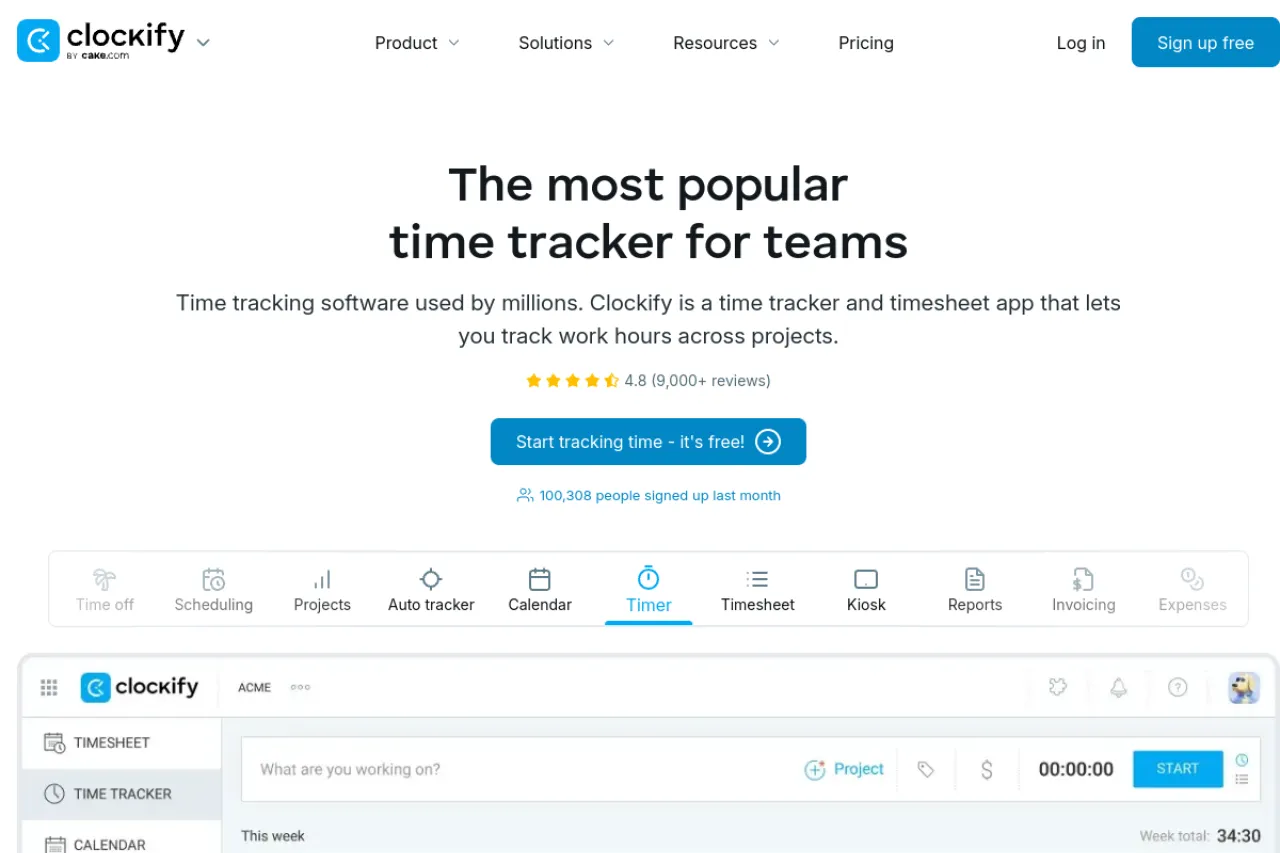
Clockify is a time tracking app made by CAKE.com. You start a timer or fill in a timesheet, and your hours are logged against projects and tasks. Teams can see where time goes with clear reports. It suits freelancers, agencies, and companies that bill by the hour or track staff time. Apps run on phones, computers, and web browsers, so tracking works anywhere. Managers can check totals without chasing staff. The free plan covers up to 5 users. Check clockify.me for current plan details.
Key Features
Timer, timesheet, and calendar views
Track time three ways: a live timer, a weekly timesheet you fill in by hand, or a calendar view of your logged hours.
Auto tracker
The desktop app can record which apps and websites you use during the day. You then turn that record into time entries quickly.
Reports and exports
Summary, weekly, and detailed reports show time by project, client, or person. You can filter results, share a live link, or export the data.
Projects, budgets, and alerts
Set estimates and budgets on projects and tasks. Clockify tracks progress against them and can alert you when a project nears its set budget.
Billable rates and invoicing
Add hourly rates per project or team member to mark time as billable. Paid plans can turn tracked time and expenses into client invoices.
Kiosk and scheduling
Staff can clock in on a shared tablet kiosk with a PIN or QR code. Paid plans add shift scheduling, time off, and timesheet approvals.
Frequently Asked Questions
What is Clockify used for?
Clockify is used to track work hours across projects and tasks. Teams use its timers and timesheets to see where time goes, plan budgets, and bill clients for the hours worked.
How many people can use Clockify's free plan?
The free plan allows up to 5 users and unlimited time tracking. Paid plans add admin controls, invoicing, scheduling, and other team tools.
Can Clockify create invoices?
Yes, on paid plans. You can build invoices from tracked time and expenses, download them as PDF files, and track their status. The Standard plan is the first tier that includes invoicing.
Does Clockify work on phones and computers?
Yes. Clockify has apps for Windows, Mac, and Linux, plus iOS and Android apps and browser extensions. Your entries sync across devices, so you can start a timer in one place and stop it in another.
What is the Clockify kiosk?
The kiosk is a clock-in station on a shared device. Workers pick their name and enter a PIN, or scan a QR code, to start and end shifts. Managers see the attendance in the same reports.
Conclusion
Clockify is a time tracker and timesheet app for teams of any size. It logs hours with timers or timesheets, then turns them into reports, budgets, and invoices. The free plan covers up to 5 users and unlimited tracking, and paid plans add admin and billing tools. It works for solo freelancers and large staff teams alike.
Keep exploring
Similar AI tools
Ranked by the job they do, their capabilities, and how closely they fit this workflow.