
Compose AI
AI autocomplete Chrome plugin that learns your writing voice
Upvotes
0
Pricing
Freemium
Category
Writing Generators
In the database since
Oct 2026
Overview
About Compose AI
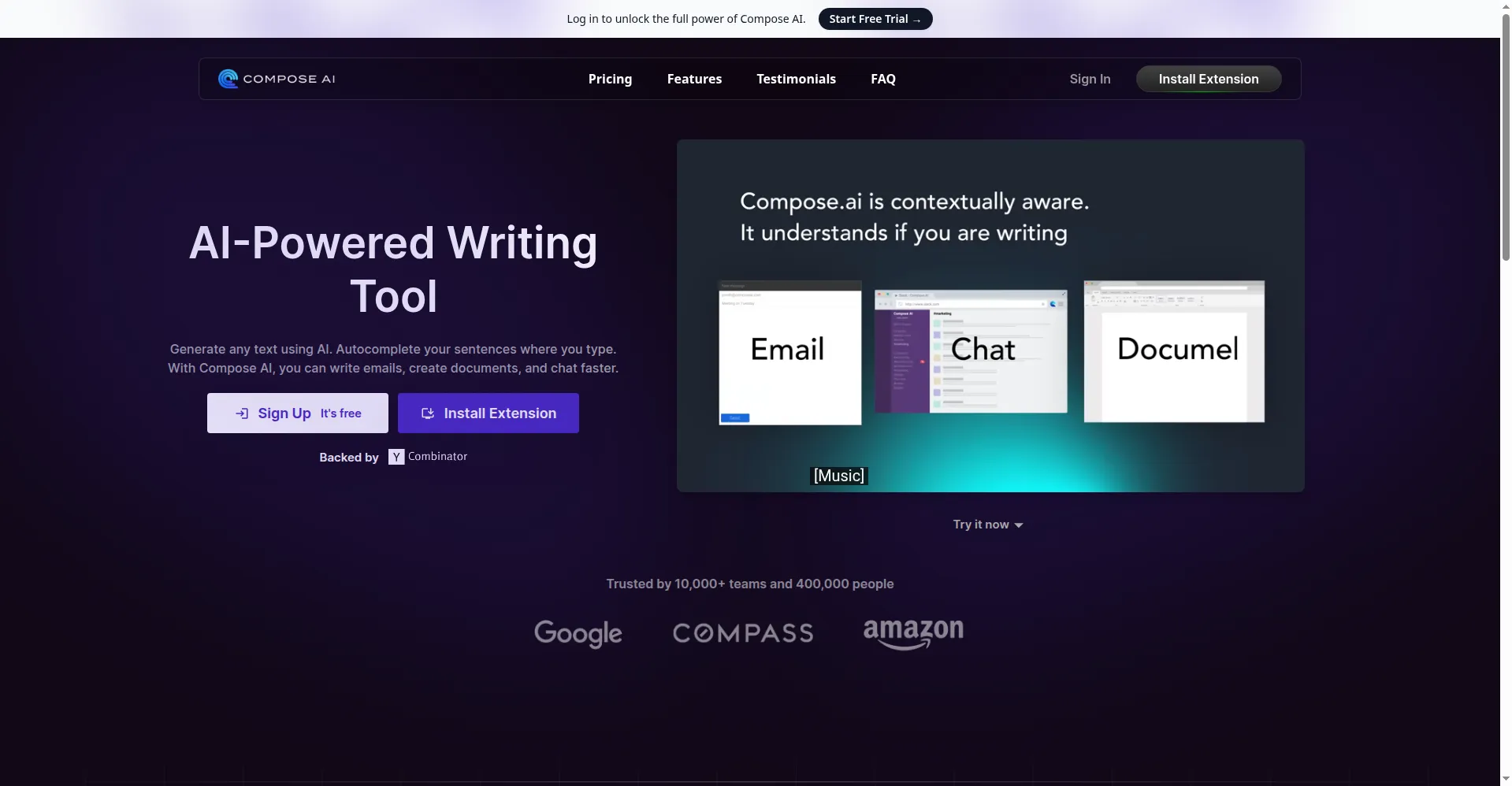
Compose AI is a free Chrome extension that helps you write faster with AI autocomplete. As you type, it suggests sentence endings that you accept with Tab. Type // plus a prompt to generate full text, highlight text to rephrase it, or create email replies in one click. It works in Gmail, Google Docs, Slack, LinkedIn, Notion, and most sites with a text box. Over time it learns your writing style for more personal suggestions. Check the official site for the latest features and limits.
Key Features
1. AI Autocomplete
It predicts your sentence endings as you type and shows them in gray. Press Tab to accept a suggestion or ignore it.
2. Prompt-Based Generation
Type // plus a short prompt to generate full text in place. It drafts emails, bios, replies, and short paragraphs fast.
3. Rephrase Any Text
Highlight a sentence to get new versions of it. You can make the tone friendlier, more professional, shorter, or longer.
4. One-Click Email Replies
It writes full email replies from a few words of context. The draft reflects the original message so replies stay relevant.
5. Personalized Writing Style
It learns your vocabulary, sentence structure, and tone over time. Suggestions start to sound like you wrote them yourself.
6. Works Across the Web
The extension runs on almost any site with a text field. You never leave Gmail or Docs to get writing help.
FAQ
What is Compose AI used for?
Compose AI speeds up everyday writing like emails, messages, and documents. It autocompletes sentences and drafts text where you type, cutting writing time by up to 40%. It is built for speed, not for long creative writing sessions.
How does the autocomplete work?
As you type, the extension shows a gray suggestion for how your sentence could continue. Press Tab to insert it or keep typing to dismiss it.
Which browsers and sites does it support?
It is a Chrome extension. It works in Gmail, Google Docs, Slack, LinkedIn, Notion, and most other web apps with text fields.
Does it learn my writing style?
Yes, it adapts to your vocabulary and tone as you accept or reject suggestions. Premium plans unlock deeper personalization for power users. The more you write with it, the better the matches become.
Is my text data kept private?
The company says your text is used only to improve suggestions and is never sold. Read their privacy policy for full details before installing. The extension only reads text in fields where you type.
Can it write long articles for me?
It is best for short, everyday writing rather than long-form content. For full articles, a dedicated long-form writer fits better.
Conclusion
Compose AI suits busy people who write lots of emails and messages every day. Its autocomplete, rephrasing, and one-click replies cut writing time without leaving your browser. The extension is free to install with a basic plan, and premium adds personalization. It fits students, sales teams, and support staff who live in their inbox daily.
Keep exploring
Similar AI tools
Ranked by the job they do, their capabilities, and how closely they fit this workflow.