Upvotes
0
Pricing
Open Source
Category
Text-to-Speech
In the database since
Oct 2026
Overview
About Coqui TTS
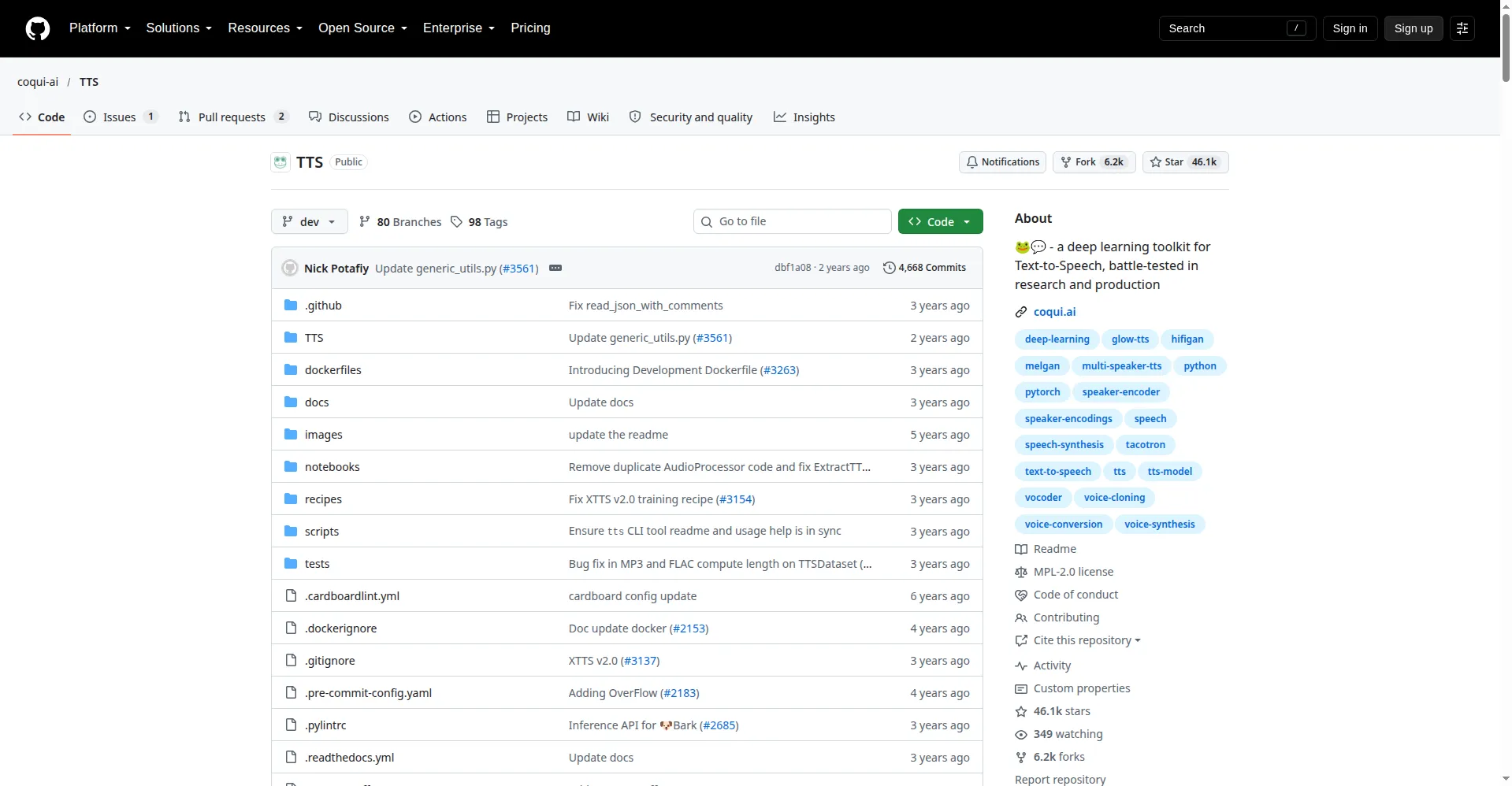
Coqui TTS is an open-source toolkit that turns text into speech. It grew out of Mozilla's TTS project and is built for developers and researchers. The company behind it, Coqui, shut down in January 2024, so the code is now kept alive by a community fork. Its best-known model, XTTS v2, can clone a voice from a short audio sample in 17 languages. Everything runs on your own machine, with no cloud account or subscription. Check the community repository for the latest releases.
Key Features
1. XTTS v2 voice cloning
Give XTTS v2 a short recording of a voice, and it speaks new text in that same voice. It even works across languages.
2. 17 languages
XTTS v2 supports 17 languages with natural pronunciation in each. Other models in the toolkit cover even more languages and accents.
3. 1,100+ ready-made models
The toolkit ships with over a thousand pre-trained models, including Fairseq models you can run right away. Most users never need to train anything themselves.
4. Runs fully on your machine
Install it with pip and run everything locally. Your text and audio never leave your computer, which keeps private projects safe.
5. Trainer API
The Trainer API lets you train a new voice model or fine-tune an existing one. It shows training progress in your terminal and TensorBoard.
6. Community-maintained
The original company closed in 2024, but a community fork keeps releasing updates. The pip package coqui-tts still gets new versions every few months.
7. Voice conversion and vocoders
Beyond speech, the toolkit handles voice conversion, which swaps one voice for another. It also bundles vocoders that turn raw model output into clean audio.
Frequently Asked Questions (FAQ)
What happened to Coqui the company?
Coqui shut down in January 2024 and its website went offline. The open-source TTS code survived: a community fork now maintains it and publishes new releases under the coqui-tts package name. The repository has over 46,000 stars, making it one of the most-used open TTS projects.
How do I install Coqui TTS?
Install the community package with pip install coqui-tts, then follow the quick-start in the repository docs. You need Python on your machine, and a GPU makes generation much faster. Pre-trained models download automatically the first time you use them.
Can Coqui TTS clone my voice?
Yes. XTTS v2 clones a voice from a short audio sample and can speak in 17 languages. Clean, clear recordings give the most natural results.
What languages does it support?
XTTS v2 supports 17 languages, including English, Spanish, French, German, and Hindi. The wider toolkit includes models for even more languages.
How is Coqui TTS different from ElevenLabs?
Coqui TTS is open-source and runs on your own machine with no subscription. ElevenLabs is a paid cloud service with a polished web app and customer support. Choose Coqui when privacy, cost, or customization matter most.
Do I need a GPU to use it?
No. Coqui TTS works on a regular CPU, though generation is slower. A GPU with enough memory speeds things up a lot. For training your own models, a GPU is strongly recommended.
Conclusion
Coqui TTS is the open-source way to turn text into speech on your own hardware. It suits developers who want full control, voice cloning, and no subscription fees. The company is gone, but the community keeps the code alive. Check the community fork for the newest release before you install it. Start with XTTS v2 for the best voice cloning.
Keep exploring
Similar AI tools
Ranked by the job they do, their capabilities, and how closely they fit this workflow.