Upvotes
0
Pricing
Open Source
Category
Code Assistants
In the database since
Oct 2026
Overview
About Crush
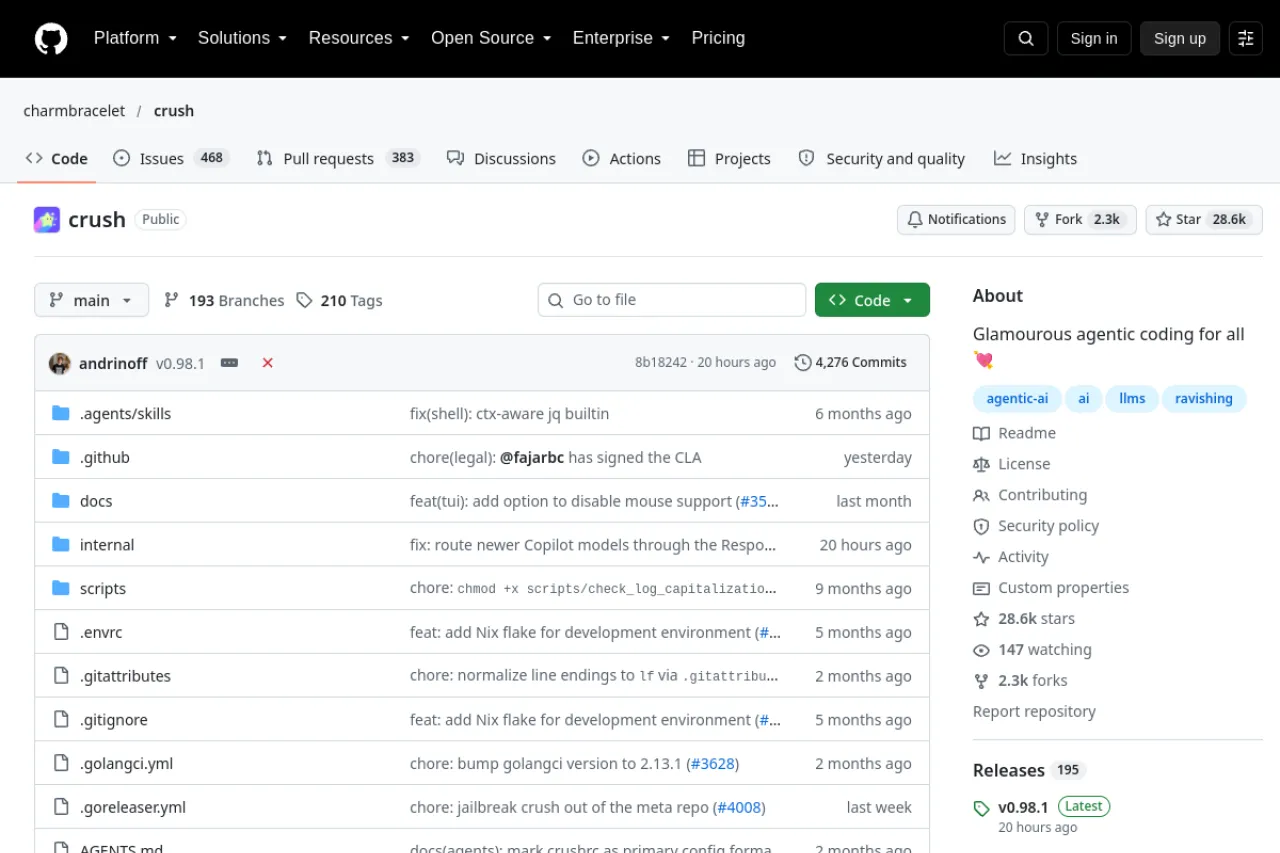
Crush is an open-source AI coding agent for the terminal, built by Charm. Charm (the team behind popular terminal tools) designed it for developers who live in the shell. You chat with Crush, and it reads files, makes edits, and runs commands. It connects to many model providers through your own API keys. Sessions keep full context, so you can pause and resume work. Crush also supports MCP tools for extra powers. It has a polished full-screen interface with themes. Check the repo for install steps.
Key Features
1. Full-Screen Terminal UI
Crush runs as a polished full-screen app. Themes and keybindings make long coding sessions comfortable.
2. Multi-Provider Models
Use OpenAI, Anthropic, Google, or local models through Ollama. Swap providers anytime without leaving your terminal.
3. Persistent Sessions
Work is saved in sessions with full context. Resume yesterday's task exactly where you left off.
4. MCP Tool Support
Connect MCP servers for databases, browsers, and more. Crush gains new powers through these tools.
5. Built by Charm
It comes from the Charm team, known for great terminal tools. Expect careful design and fast updates.
Frequently Asked Questions (FAQ)
What is Crush?
It is an open-source AI coding agent for the terminal by Charm. It edits code, runs commands, and works with many AI models.
How is Crush different from OpenCode?
Both are terminal agents with wide model support. Crush is Charm's own take, with its signature polished terminal interface.
Which models does Crush support?
OpenAI, Anthropic, Google, and local models through your API keys. You choose the provider per session.
Does Crush run commands automatically?
It can, with your permission settings. You control which commands need approval before they run.
Can I use Crush with local models?
Yes. Point it at Ollama or a compatible local server to keep everything on your machine.
Conclusion
Crush brings Charm's design sense to AI coding in the terminal. Multi-model support, sessions, and MCP tools make it flexible for daily work. It suits developers who love the command line and want a polished interface. The project is open source and free to use. Install it, add your API key, and start your first session.
Keep exploring
Similar AI tools
Ranked by the job they do, their capabilities, and how closely they fit this workflow.