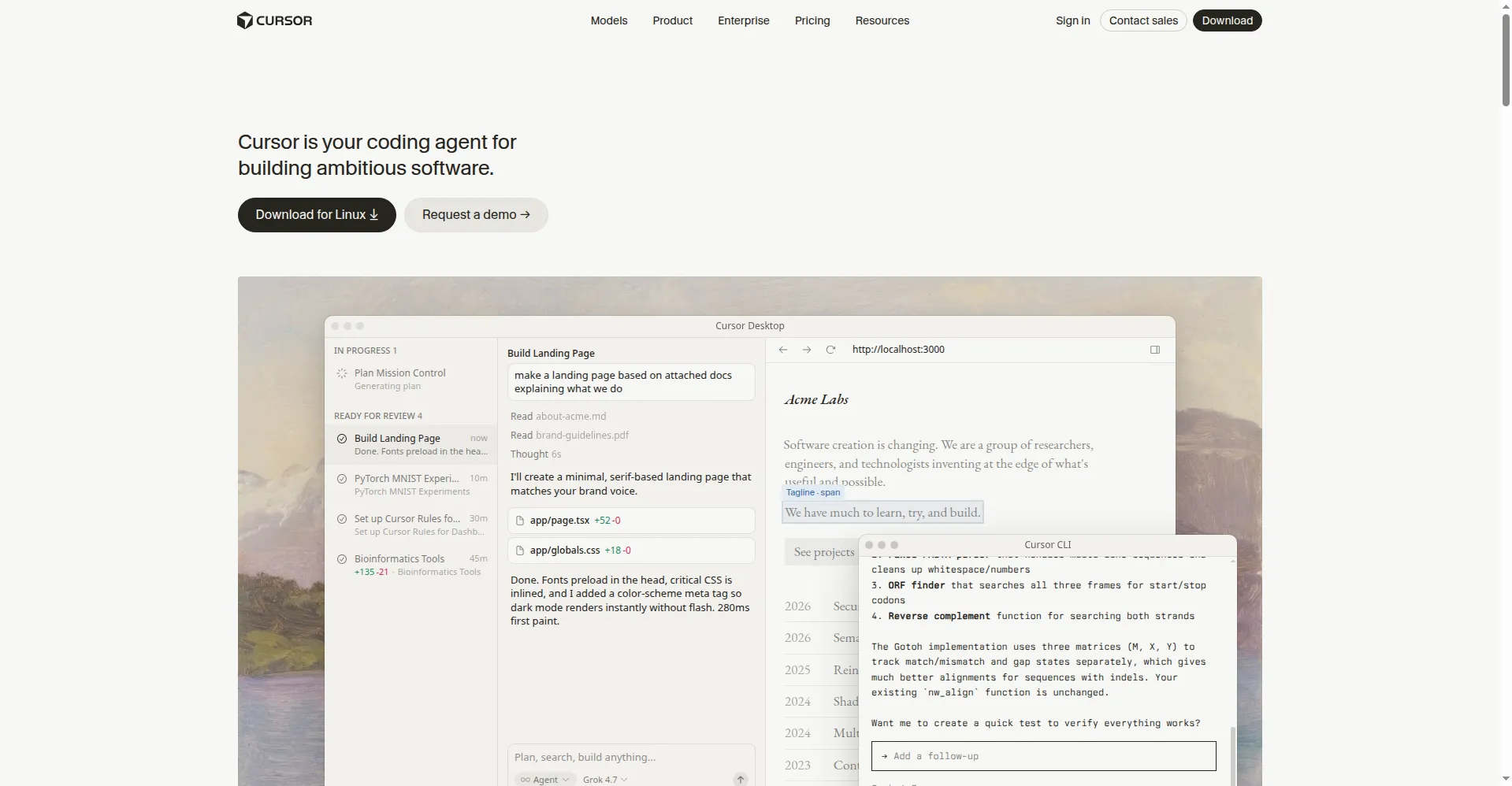
Cursor is an AI-first code editor built for pair programming with AI. It is based on VS Code, so it feels familiar from the start. You chat with the AI to write, edit, and understand code across your project. Cursor reads your codebase to give answers with full context. The tab completion predicts your next edits with surprising accuracy. Developers switch to it for the deep AI integration, not just plugins. It makes coding feel like working with a smart partner.
Key Features
1. AI Chat
Ask questions and request changes in plain words. The AI edits your code with full project context.
2. Smart Tab Complete
Get predictions for your next edit, not just next word. It understands what you are trying to do.
3. Codebase Search
Find code by meaning, not just keywords. Ask where something happens and get the right files.
4. VS Code Based
Built on VS Code, so your extensions and shortcuts work. Switching costs you almost nothing.
5. Composer Mode
Generate whole features across many files at once. Describe the change and watch it happen.
Frequently Asked Questions (FAQ)
What is Cursor?
Cursor is a code editor with AI built in. You chat with it to write and edit code across your project.
Is Cursor free?
There is a free tier with limits. Paid plans unlock more AI usage for heavy daily coding.
Do I need to learn a new editor?
No. It is VS Code under the hood. Your settings and extensions carry over easily.
How is it different from Copilot?
Cursor is AI-first, not a plugin. Deeper integration means smarter edits across your whole codebase.
Conclusion
Cursor rethinks the code editor around AI from the ground up, not as an afterthought. Chat plus smart completion covers how developers really work every day. VS Code roots make switching painless with familiar shortcuts. It is ideal for coders who want AI as a true partner. Try it to feel the future of coding.