database.build
Run Postgres in your browser with an AI query assistant.
Upvotes
0
Pricing
Free
Category
SQL Tools
In the database since
Oct 2026
Overview
About database.build
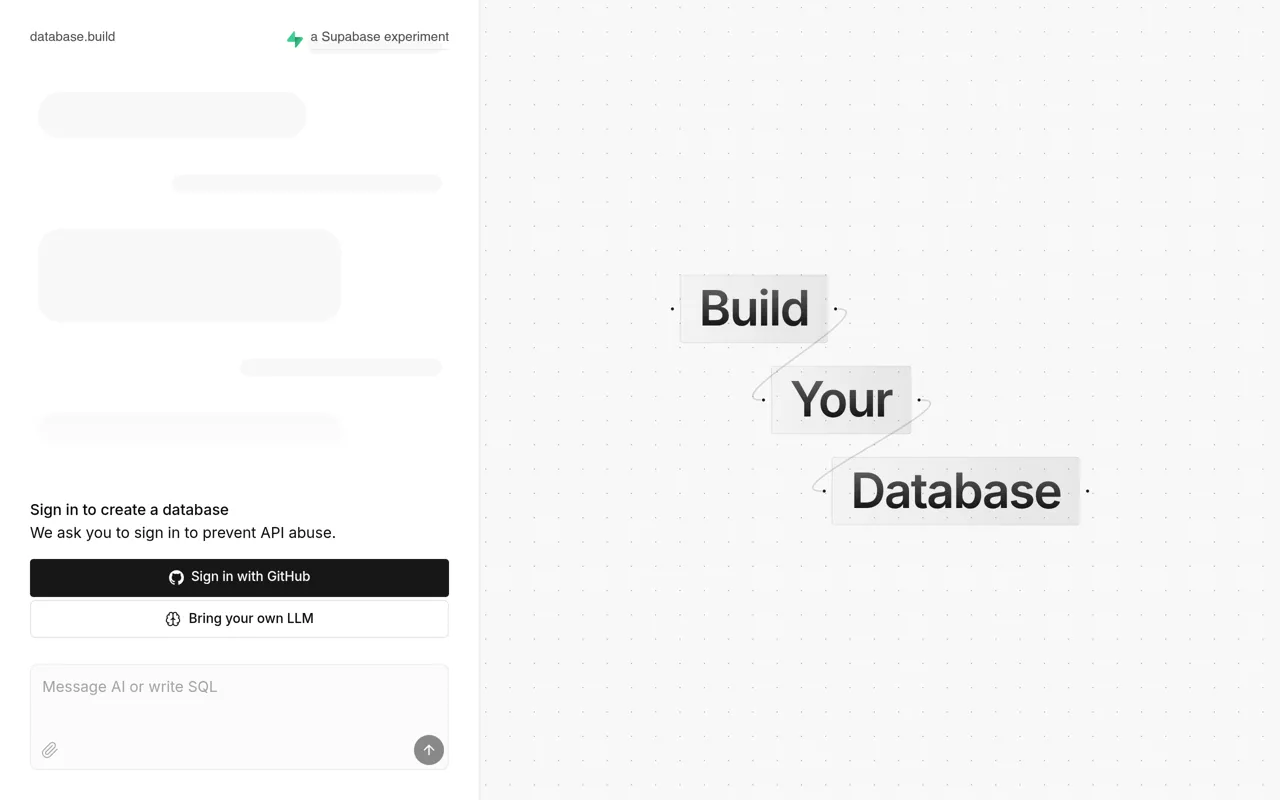
database.build is a free tool that runs Postgres in your browser. Postgres is a popular open-source database system. You can spin up a working database with one click and no setup. An AI assistant helps you write queries and build tables. It is handy for learning SQL or testing ideas fast. The project comes from the Supabase community and was once called postgres.new. You sign in with GitHub to create a database, which helps prevent API abuse. See the official site for the newest details.
Key Features
1. In-Browser Postgres
Run a real Postgres database inside your browser tab. There is no server to install or manage.
2. AI Query Assistant
Ask the AI to write SQL queries or design tables. It explains the code it creates for you.
3. One-Click Setup
Start a fresh database in seconds with no config files. You can begin querying right away.
4. Great for Learning SQL
Practice queries on real data without setup pain. Beginners can experiment freely and safely here.
5. From the Supabase Community
The tool was built by the Supabase community. It was previously known as postgres.new before the rename.
Frequently Asked Questions (FAQ)
What is database.build?
It is a free in-browser Postgres database with an AI assistant. You can create databases and query them with AI help.
Do I need to install Postgres?
No. The database runs inside your browser. There is nothing to download or configure.
How does the AI assistant help?
It writes SQL queries, designs tables, and explains code. You describe what you want in plain words.
Do I need an account?
Yes. You sign in with GitHub to create a database. The sign-in helps prevent API abuse of the service.
Who is it for?
Students learning SQL, developers testing ideas, and anyone who wants a quick Postgres sandbox.
Conclusion
database.build makes Postgres instant and easy. The in-browser sandbox removes all setup work, and the AI assistant helps with SQL. It suits learners and developers who want speed. The tool is free to use. Open it and run your first query in seconds. It is the fastest way to practice SQL. Sign in and start querying.
Keep exploring
Similar AI tools
Ranked by the job they do, their capabilities, and how closely they fit this workflow.