FaceApp
AI selfie editor with aging, gender swap and hairstyle filters
Upvotes
0
Pricing
Freemium
Category
Portrait Generators
In the database since
Oct 2026
Overview
About FaceApp
FaceApp is an AI photo editor that transforms selfies with one-tap filters. Its Old and Young filters show you at a different age, while the gender swap, smile, and hairstyle tools change your look. You can try new hair colors, add makeup or beards, swap faces with friends, or star in a movie scene. The app works on photos and video clips, and edits can be shared to social media with one tap. It is free to download with core filters, and FaceApp Pro unlocks the full filter library.
Key Features
1. Aging filters
See yourself decades older or younger with the app's most famous filters. The results look photorealistic, which is why this feature went viral worldwide.
2. Gender swap
The AI reimagines your face as another gender with natural-looking results. This filter became a global social media trend within days of release.
3. Smile and expression tools
Turn a frown into a smile or tweak your expression with one tap. The edits blend naturally, so the photo still looks like you.
4. Hairstyle and hair color try-on
The AI suggests hairstyles and colors that suit your face shape. This lets you preview a new look before visiting a salon.
5. Makeup and retouching
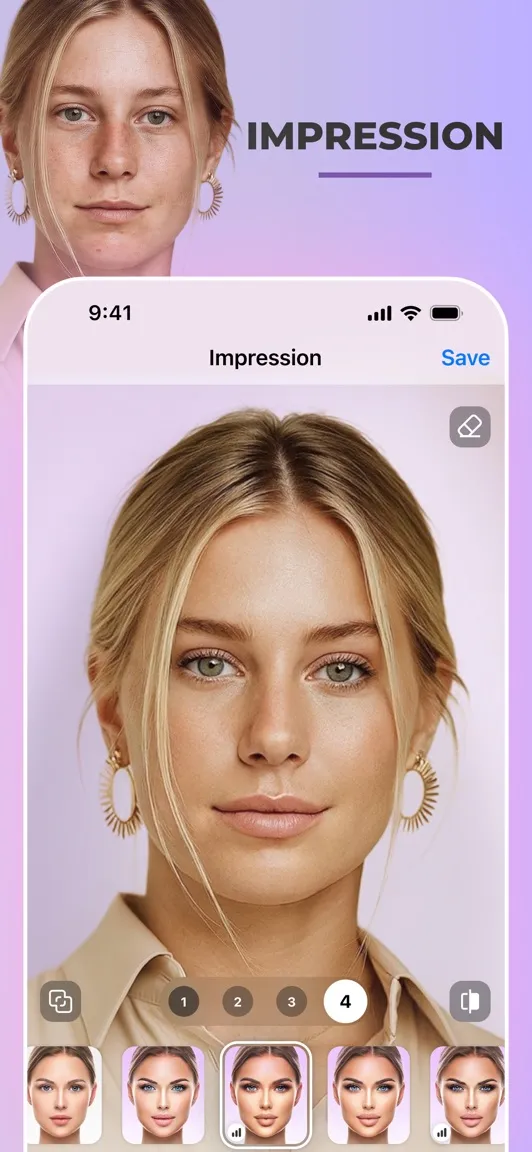
Add trendy makeup, remove blemishes, and smooth wrinkles in seconds. Face reshaping tools can also make features slightly bigger or smaller.
6. Face swap and celebrity morph
Swap faces with friends in a photo or morph your face with a celebrity. The blending keeps lighting and skin tones matched.
7. Video filters
The aging effect works on video selfies too, not just photos. You can record or upload a clip and watch yourself age in motion.
Frequently Asked Questions (FAQ)
Which FaceApp filters can I use without paying?
Core filters like Old, Young, Smile, Upset, and Hipster are free. The full filter library, including makeup and Hollywood styles, needs a FaceApp Pro subscription.
How much does FaceApp Pro cost?
FaceApp Pro comes as a monthly, yearly, or lifetime purchase, with prices around $5 a month, $30 a year, or $50 for lifetime. Exact prices vary by region and store.
Can FaceApp edit videos?
Yes, the aging filter also works on video selfies. You can record a clip in the app or upload one, then apply Old or Young to see the effect in motion.
How do I share my edits?
The app has a one-tap share button that sends your edited photo straight to your social media accounts. You can also save edits to your camera roll.
Is FaceApp available on both iPhone and Android?
Yes, FaceApp is free to download on iOS and Android. The same filters and Pro options are available on both platforms.
Conclusion
FaceApp turned AI face editing into a global trend, and it remains one of the easiest ways to transform a selfie. The free filters cover the famous aging and smile effects, while Pro unlocks everything else for a reasonable price. Whether you want fun edits or a quick new look to preview, FaceApp delivers realistic results in seconds.
Keep exploring
Similar AI tools
Ranked by the job they do, their capabilities, and how closely they fit this workflow.