Font Changer Tool
Turn plain text into stylish fonts you can copy and paste anywhere
Upvotes
0
Pricing
Free
Category
Writing Generators
In the database since
Oct 2026
Overview
About Font Changer Tool
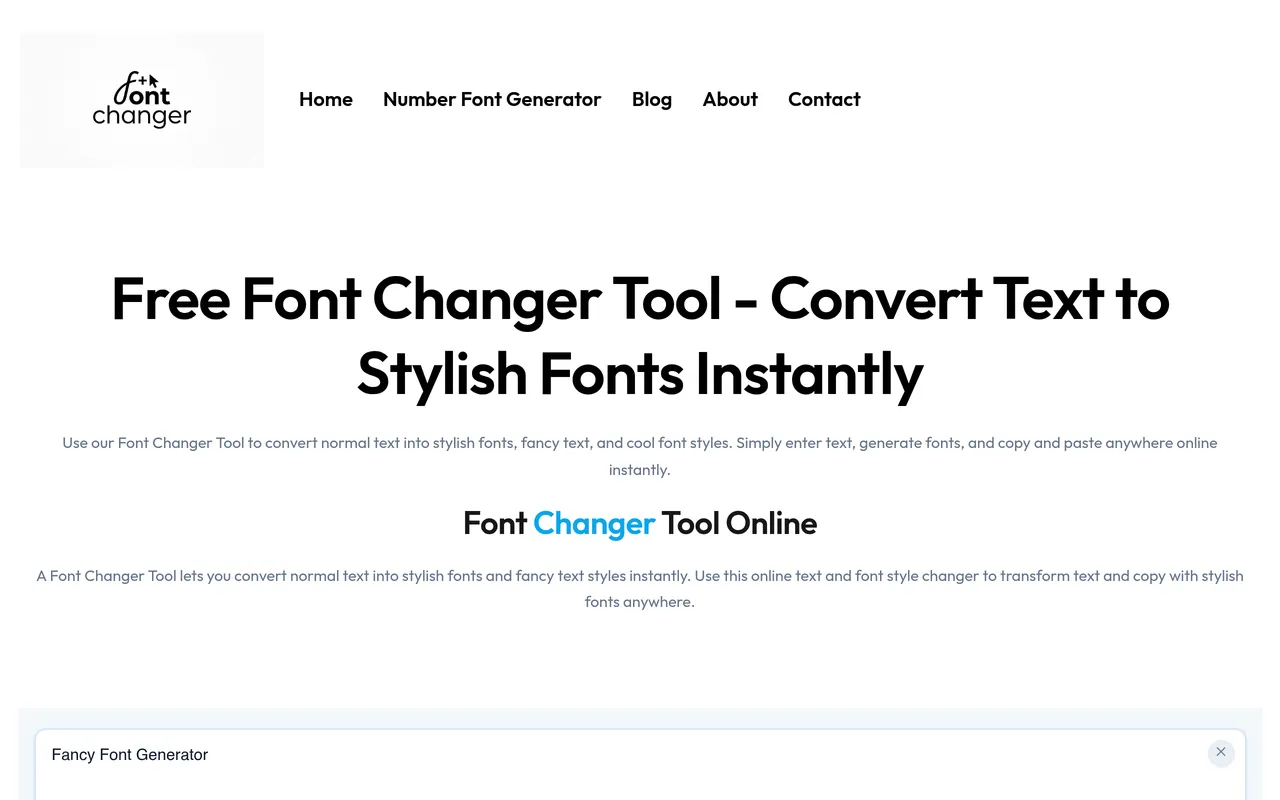
Font Changer Tool is a free online tool that turns plain text into stylish fonts in seconds. You type or paste your words, and the tool instantly shows them in many fancy styles. You then copy the style you like and paste it anywhere — social media bios, captions, posts, comments, chat messages, or gaming names. There is nothing to install, and the converted text works on Instagram, Facebook, WhatsApp, and other apps where normal font settings cannot be changed. It makes profiles and posts stand out.
Key Features
Instant Font Conversion
Type or paste any text and see it converted into many stylish fonts at once, with no waiting and no steps needed.
Copy and Paste Anywhere
Pick a style, copy it, and paste it into bios, captions, posts, comments, chat messages, or gaming usernames.
Made for Instagram
Create stylish bios and captions that stand out on your profile, using font styles Instagram does not offer in its app settings.
Facebook and WhatsApp Styles
Change normal text into stylish fonts for Facebook posts, comments, and profile names, or send WhatsApp messages in styles friends notice.
Many Style Generators
The site also offers cursive, gothic, aesthetic, cute, upside-down, and zalgo text generators, plus fancy number styles, all in one place.
Gaming Name Generator
Build PUBG and Free Fire names with stylish fonts and symbols, so your in-game name looks different from every other player.
Works on Any Device
The tool runs in your browser on phone or computer, so you can change fonts anytime without downloading any app.
FAQ
Is Font Changer Tool free to use?
Yes. Font Changer Tool is completely free. You can convert text into stylish fonts and copy them without paying anything.
How do I use the font changer?
Type or paste your text into the input box, look through the style list, then copy the style you want and paste it where you need it.
Where can I paste the stylish fonts?
You can paste them in Instagram bios and captions, Facebook posts and comments, WhatsApp messages, and gaming usernames such as PUBG and Free Fire names.
Do the fonts work on every app?
The converted text is made to copy and paste anywhere, including social media and chat apps. If one style does not display in an app, simply pick another style.
Do I need to install anything?
No. Font Changer Tool works fully online in your browser. You do not need to download an app or install a font pack.
Can I make gaming names with it?
Yes. The site has PUBG and Free Fire name generators that combine stylish fonts with symbols for unique in-game names.
Conclusion
Font Changer Tool is a simple, free way to make your words stand out online. It turns plain text into stylish fonts in seconds, and the copy-and-paste result works almost anywhere — profiles, posts, chats, and game names. With many style generators in one place, it saves you from trying separate tools for every app or look.
Keep exploring
Similar AI tools
Ranked by the job they do, their capabilities, and how closely they fit this workflow.