Foobar2000
Lightweight, customizable audio player with conversion and CD ripping.
Upvotes
0
Pricing
Free
Category
Audio Tools
In the database since
Oct 2026
Overview
About Foobar2000
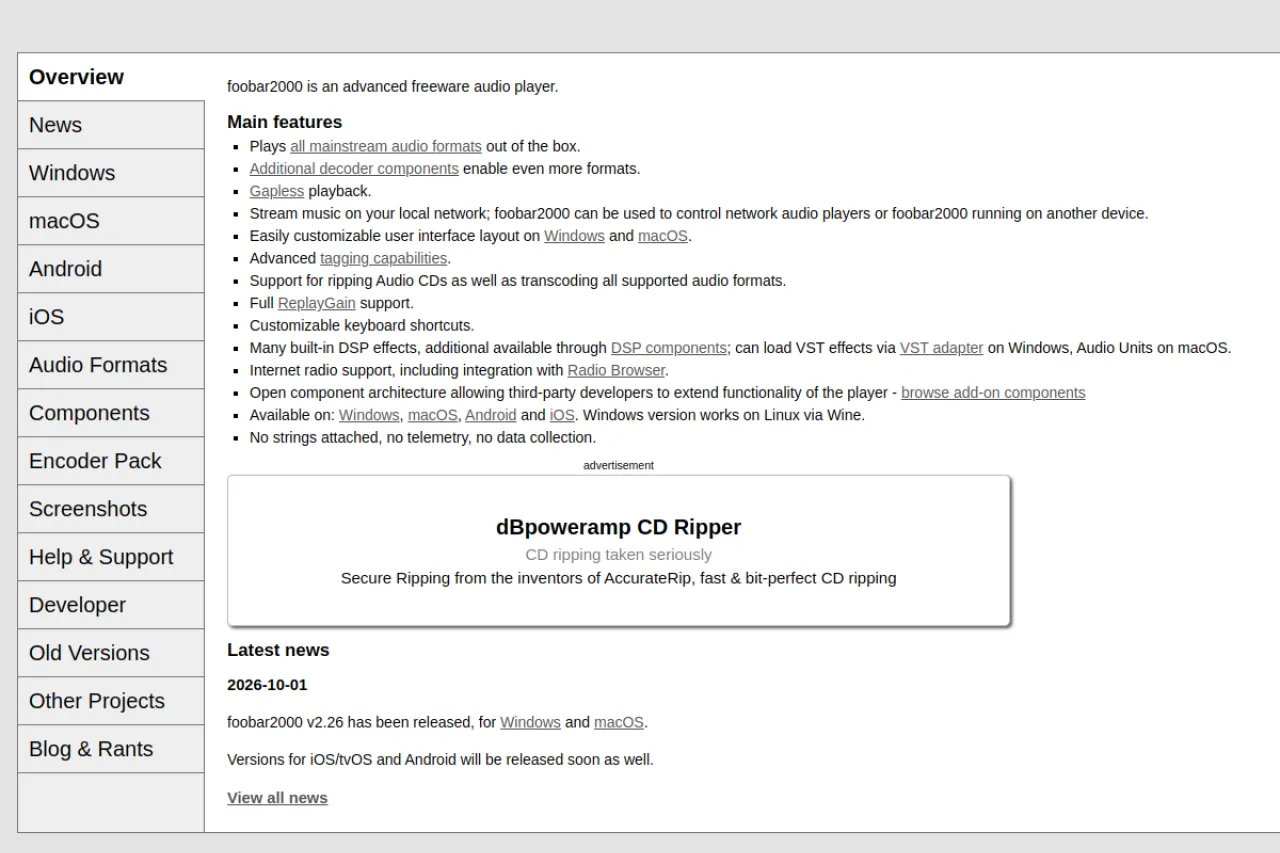
Foobar2000 is a free audio player for Windows, Android, iOS, and Mac. It is known for being light and fast: the small download uses little memory and starts quickly. The player supports many audio formats out of the box, including MP3, FLAC, WAV, and AAC. Its interface is fully customizable, and free components add features like format conversion and CD ripping. It suits music lovers with large local libraries who want control without bloat. Download it from the official foobar2000.org site.
Key Features
1. Lightweight Player
The app is small and uses very little memory. It opens fast and runs smoothly even on old computers.
2. Wide Format Support
It plays MP3, FLAC, WAV, AAC, Ogg, and many more formats. You rarely need another player for your music files.
3. Customizable Interface
Columns, panels, and themes can be rearranged freely. You can shape the player to match how you browse music.
4. Format Conversion
A built-in converter changes files between formats, such as FLAC to MP3. It helps when a device needs a specific format.
5. CD Ripping
Foobar2000 can rip audio CDs to digital files with track names. It preserves quality for building a digital library.
6. Gapless Playback
Gapless playback plays live albums and mixes without pauses between tracks. The music flows exactly as the artist intended.
Frequently Asked Questions (FAQ)
What is foobar2000 used for?
It is used to play and manage music stored on your device. People also use it to convert audio formats and rip CDs to digital files.
How do I start using foobar2000?
Install it, then point it at your music folders to build your library. The player is small and uses very little memory, so it opens fast and runs smoothly even on old computers.
Does foobar2000 play FLAC files?
Yes. Foobar2000 plays FLAC and many other lossless and lossy formats natively. No extra plugin is needed for common formats.
Is foobar2000 available on Android and iOS?
Yes. Foobar2000 has mobile apps for Android and iOS alongside the desktop versions. The mobile apps are also free.
How do I convert audio formats in foobar2000?
Right-click tracks in your playlist, choose Convert, and pick the target format and settings. The converter then writes the new files to your chosen folder.
Conclusion
Foobar2000 is a top choice for people who keep music files on their devices. It is light, free, and handles almost any audio format you throw at it. Customization and conversion tools reward tinkerers. It does not stream music, so streaming-only listeners should look elsewhere. For local libraries, few players match it. Get it free from foobar2000.org.
Keep exploring
Similar AI tools
Ranked by the job they do, their capabilities, and how closely they fit this workflow.