
Getimg.ai
AI studio for image generation, photo editing, video, and custom models.
Upvotes
1
Pricing
Paid
Category
Text-to-Image
In the database since
Oct 2026
Overview
About Getimg.ai
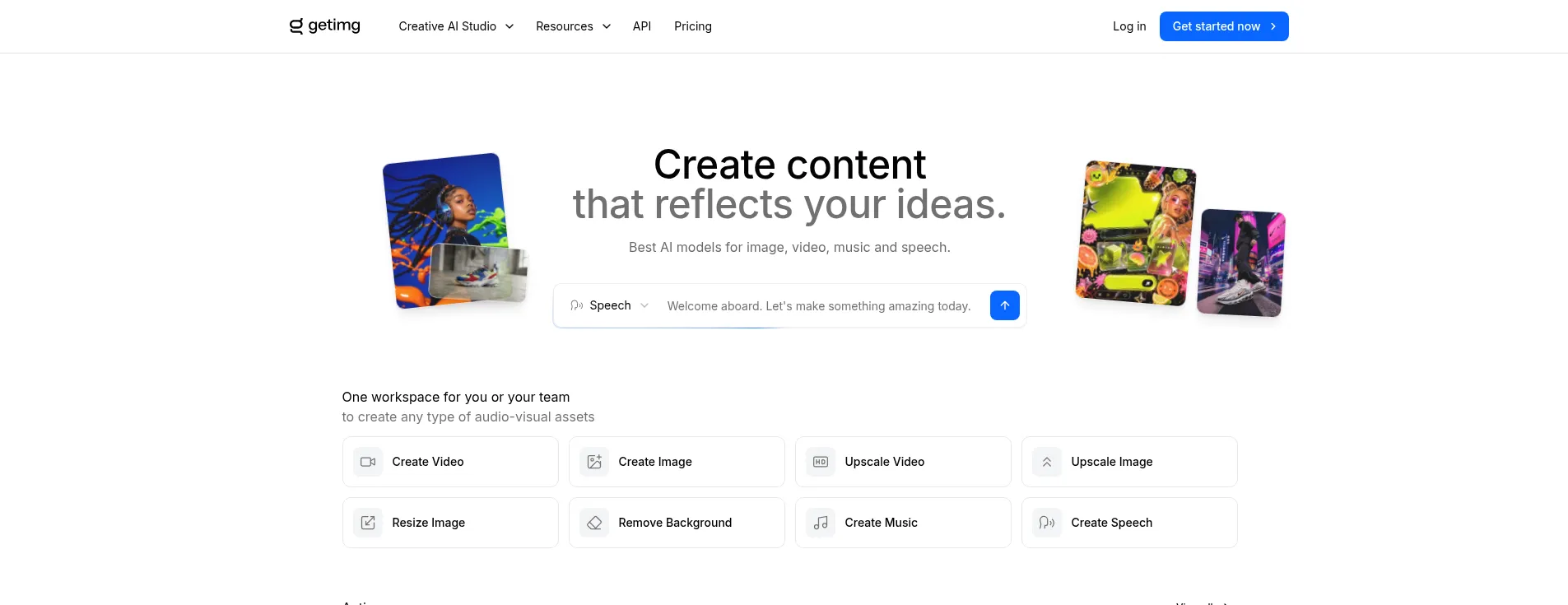
Getimg.ai is a full AI creative studio in the browser, covering image generation, photo editing, and video. It offers dozens of models — including Flux and Stable Diffusion XL — plus an infinite canvas for inpainting (repainting parts of a photo), outpainting (extending beyond the edges), and background removal. DreamBooth training builds custom models from your own photos. Paid plans start at $15 a month and add faster queues, video, and commercial rights. Unused credits do not roll over, so plan your usage for the month.
Key Features
1. Large model library
Choose from Flux, Stable Diffusion XL, and dozens of models, each suited to different styles.
2. Automatic model selection
Auto mode matches the best model to each prompt on its own. Short natural-language descriptions work, with no need to research the catalog first.
3. Real-time generation
Fast models return images in seconds. Adjust the prompt, rerun, and compare directions almost as quickly as you can type.
4. Infinite canvas editing
Expand borders with outpainting and repaint areas with inpainting on an unbounded workspace. Blend composite elements without a second app.
5. Custom model training
Train personal models on your own images to keep a character, product, or art style consistent. Later generations keep the same subject automatically.
6. Image-to-video and text-to-video
Turn static images or text prompts into short animated clips. New video models are added to the platform as they launch.
7. Upscaling and background tools
Raise resolution up to 4K, remove or replace backgrounds, and resize outputs for different formats. Everything happens inside the same studio.
Frequently Asked Questions (FAQ)
What is Auto mode in Getimg.ai?
Auto analyzes your prompt and routes it to the model best suited for that kind of image. Realistic portraits, text-heavy graphics, and stylized art each land on different models.
Do credits expire?
Yes. Plan credits do not roll over — anything unused expires at the end of the billing cycle.
Did Getimg.ai discontinue its free plan?
Yes. The current pricing page lists paid plans only, starting at $15 per month. Older reviews that mention a free tier are out of date.
Can I train the AI on my own character or product?
Yes, on plans that include model training. You upload sample images and the platform trains a custom checkpoint, so later generations keep the same subject or style.
Can I use Getimg.ai images commercially?
Yes, on all paid plans. Free-trial or unpaid access is for personal use only, so check the terms before starting client work.
Does a Getimg.ai subscription include the API?
No. The API is a separate pay-as-you-go product with its own account. None of the subscription plans include API access.
Conclusion
Getimg.ai punches above its weight as an all-rounder. Generation, deep editing, custom training, and video live under one roof. It is pricier than single-purpose tools once you scale, and unused credits do not roll over. For creators who want one studio instead of five subscriptions, it is a sensible starting point at $15 a month.
Keep exploring
Similar AI tools
Ranked by the job they do, their capabilities, and how closely they fit this workflow.