

SeaArt AI
Create images and videos, chat with AI characters, train your own models.
Upvotes
1
Pricing
Freemium
Category
Text-to-Image
In the database since
Oct 2026
Overview
About SeaArt AI
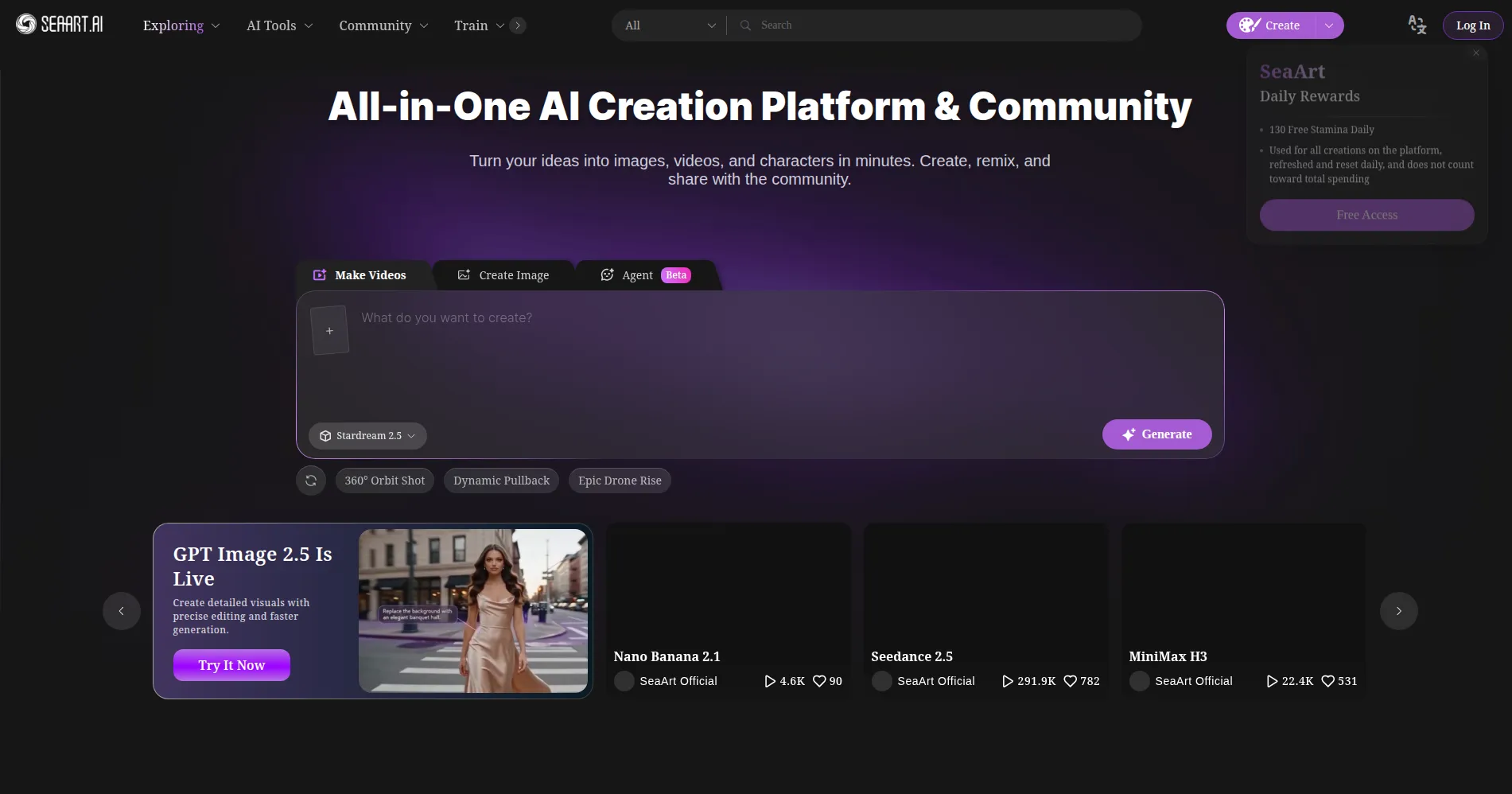
SeaArt AI is an all-in-one AI creation platform and creative community. It turns text prompts into images and videos. You can also chat with AI characters. Tools for training and running your own Stable Diffusion-based models work fully online. No high-end hardware is needed, because all generation runs in the cloud. SeaArt reports over 50 million registered users. Beginners can learn the ropes with guided tutorials. Working artists can publish and share client-ready visuals. Check the official site for the latest plans and limits.
Key Features
1. Text-to-Image Generation
Turn text prompts into detailed artwork across anime, photorealistic, and fantasy styles. Adjust models, presets, and settings for each result.
2. AI Video Generation
Turn text, images, or reference clips into short videos with motion and audio sync. Support for cinematic styles like MiniMax and Seedance.
3. Train & Run Your Own Models
Train custom Stable Diffusion models online with your own images. SeaArt provides the computing power, so no high-end hardware is needed.
4. Community Model Library
Browse models, LoRAs, and styles shared by other creators. Remix their prompts and settings as a starting point for your own work.
5. AI Character Chat
Design your own AI characters and chat with them. Keep their appearance consistent across images and scenes.
6. Creative Editing Tools
Polish results with inpainting, object replacement, and upscaling. Fix small details, swap items, or raise resolution without leaving the platform.
7. Creator Academy & Community
Learn prompting and workflows through tutorials in the Creator Academy. Publish finished work to the community gallery for feedback.
Frequently Asked Questions (FAQ)
Is SeaArt AI only an image generator?
No. Beyond images, it offers AI video generation and AI character chat. You also get model training, creative editing tools, and the Creator Academy.
What is the difference between stamina and credits?
Stamina is the free daily allowance that resets each day and does not roll over. Credits are purchased separately and last longer for heavier use.
Can I use SeaArt AI creations commercially?
SeaArt says you can create product visuals, ads, and marketing content. Confirm you hold the necessary rights to inputs, models, and outputs first.
Do I need a powerful computer to use SeaArt AI?
No. All generation and model training run in the cloud. There are also mobile apps for iOS and Android that work with the same account.
Can I keep my creations private?
Yes. You choose whether each creation stays private. You can also publish creations to the community gallery.
What can I learn in the Creator Academy?
The Creator Academy offers guides and tutorials. They cover prompting, model selection, video workflows, and creative techniques for all skill levels.
Conclusion
SeaArt AI suits creators who want breadth in one place. It combines images, video, character chat, and model training with a usable free tier. Daily stamina covers casual experiments. The community library shortens the learning curve. Paid plans scale up for professionals. Start free, browse the gallery, and upgrade only when your output volume demands it.
Keep exploring
Similar AI tools
Ranked by the job they do, their capabilities, and how closely they fit this workflow.