
Upvotes
0
Pricing
Freemium
Category
Code Assistants
In the database since
Oct 2026
Overview
About GitHub Copilot
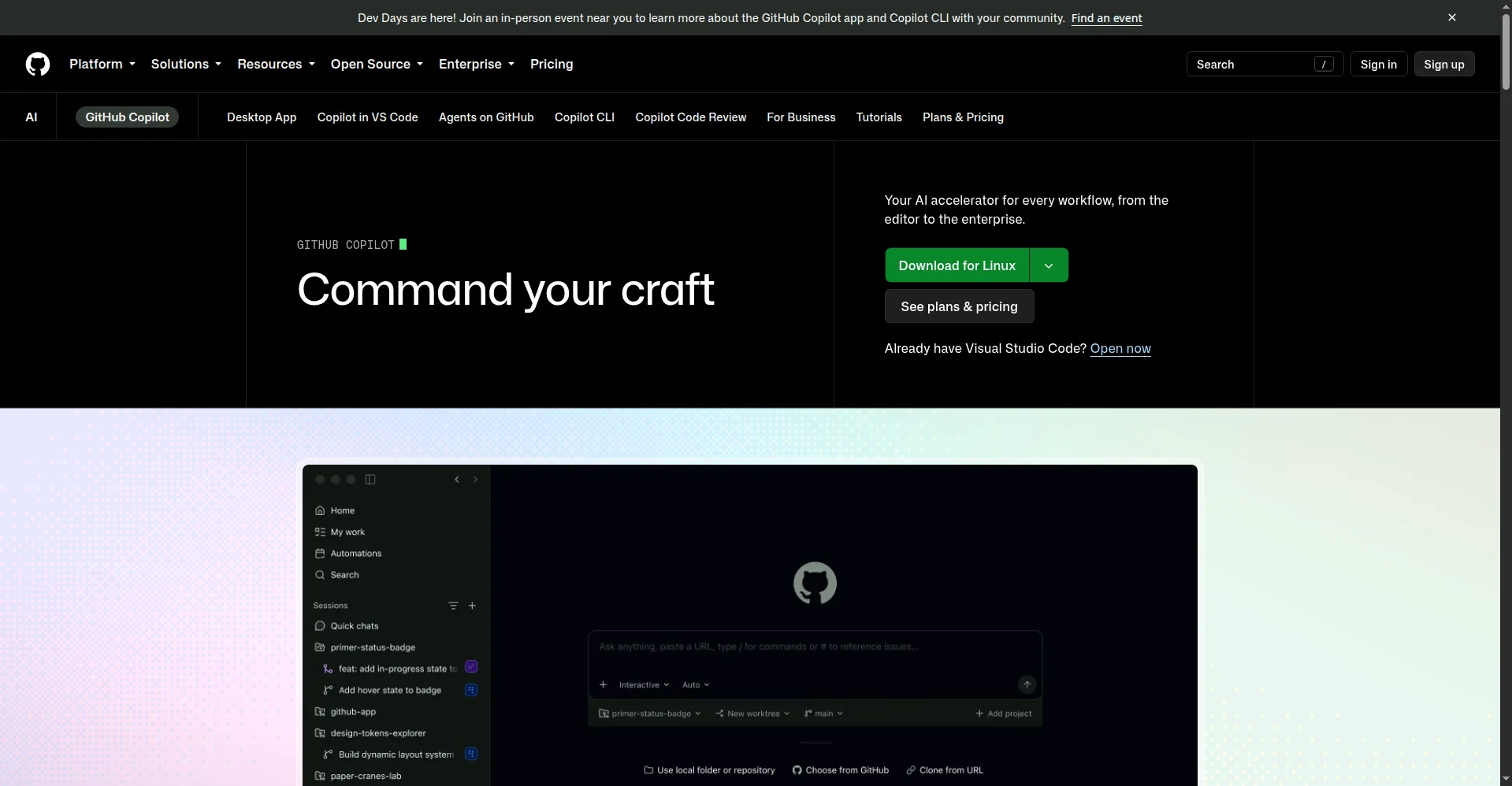
GitHub Copilot is the AI pair programmer from GitHub and OpenAI. It suggests code as you type, often completing whole functions for you. You can also chat with it to explain code, write tests, or fix bugs. It works in most popular editors and learns from billions of lines of code. Millions of developers use it to code faster with fewer interruptions. The suggestions adapt to your style and project context. It feels like a knowledgeable partner looking over your shoulder.
Key Features
1. Code Completions
Get suggestions for lines and full functions as you type. Accept with one key and keep moving.
2. Copilot Chat
Ask questions and request changes in plain words. Get explanations, refactors, and fixes fast from the AI chat.
3. Many Editors
Works in VS Code, JetBrains, Neovim, and more. AI help follows you to your favorite setup.
4. Test Generation
Ask Copilot to write tests for your functions. It creates cases that match your code's behavior.
5. Docs Lookup
Get answers about APIs without leaving your editor. It explains libraries in context of your code.
Frequently Asked Questions (FAQ)
What is GitHub Copilot?
It is GitHub's AI coding assistant. It suggests code as you type and chats with you about your project.
Does GitHub Copilot have a free plan?
Yes, Copilot offers a free plan with limited completions and chat. Paid plans raise those limits for daily use.
Which editors support it?
VS Code, Visual Studio, JetBrains, Neovim, and more. Most major editors are covered.
Does it work offline?
No. Copilot needs the internet to reach its AI models. Your code is sent securely for suggestions.
Conclusion
GitHub Copilot set the standard for AI pair programming that others now follow. Completions plus chat handle most coding tasks you face daily. Wide editor support means it fits into any workflow you prefer. It is the safe default for AI coding help. Try it to write code at the speed of thought. It suits beginners and experts alike.
Keep exploring
Similar AI tools
Ranked by the job they do, their capabilities, and how closely they fit this workflow.