
Google Keep
Google's free quick-capture notes with voice, reminders, and sync.
Upvotes
0
Pricing
Free
Category
Note-Taking Tools
In the database since
Oct 2026
Overview
About Google Keep
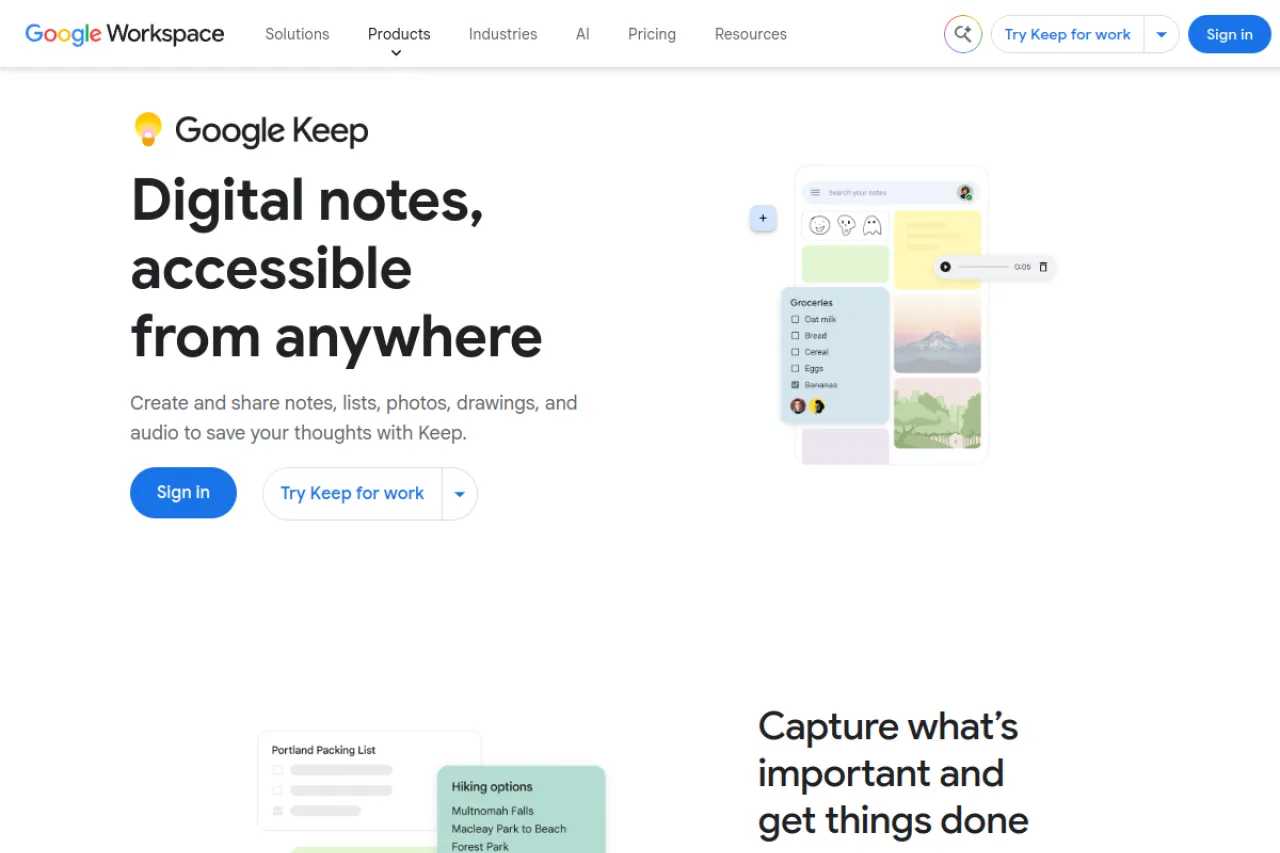
Google Keep is Google's note-taking app for capturing ideas fast. Notes appear as color-coded cards you can pin, label, and search. You can type, speak a note with voice transcription, snap a photo, or draw a quick sketch. Reminders with dates, times, and places make sure notes turn into action. Everything syncs across your phone, tablet, and computer through your Google account. Gemini AI features help you generate and organize notes from rough ideas. Over a billion Play Store installs prove its popularity.
Key Features
1. Quick-Capture Cards
Jot a thought in seconds as a card, then color it, pin it, or label it for later finding.
2. Voice Notes With Transcription
Speak a note and Keep writes it out as text, which is handy when your hands are busy.
3. Checklists
Turn any note into a checklist with tick boxes for groceries, tasks, and packing lists.
4. Time and Place Reminders
Set reminders by date or by location, so a note pops up when you reach the store.
5. Cross-Device Sync
Notes sync through your Google account, so a note on your phone appears on your computer too.
6. Gemini AI Integration
Gemini-powered features help generate and organize notes from your raw ideas.
7. Photo and Drawing Notes
Attach photos to notes or sketch a quick drawing when words alone are not enough.
Frequently Asked Questions (FAQ)
What is Google Keep used for?
Google Keep is used for quick notes, lists, and reminders. People capture ideas, make shopping lists, and set reminders across all their devices.
How do I access Google Keep on a computer?
Open keep.google.com in a browser and sign in with your Google account. Your notes from your phone appear there automatically.
Can Google Keep remind me at a location?
Yes. You can set a reminder tied to a place, and Keep notifies you when you arrive there.
What is the Gemini integration in Google Keep?
Gemini is Google's AI assistant. Its features in Keep help generate notes and organize ideas from your input.
Is Google Keep really free with no premium tier?
Yes. Google Keep has no premium tier — every feature is free with your Google account.
Conclusion
Google Keep is the fastest way to catch an idea before it escapes. Color cards, voice notes, reminders, and instant sync cover daily note needs with zero cost. It suits anyone with a Google account who wants simple notes everywhere without paying for premium tiers. It remains the simplest note app in Google's whole lineup.
Keep exploring
Similar AI tools
Ranked by the job they do, their capabilities, and how closely they fit this workflow.