
Google Sites
Google's simple builder for basic sites, team pages, and class projects.
Upvotes
0
Pricing
Free
Category
Website Builders
In the database since
Oct 2026
Overview
About Google Sites
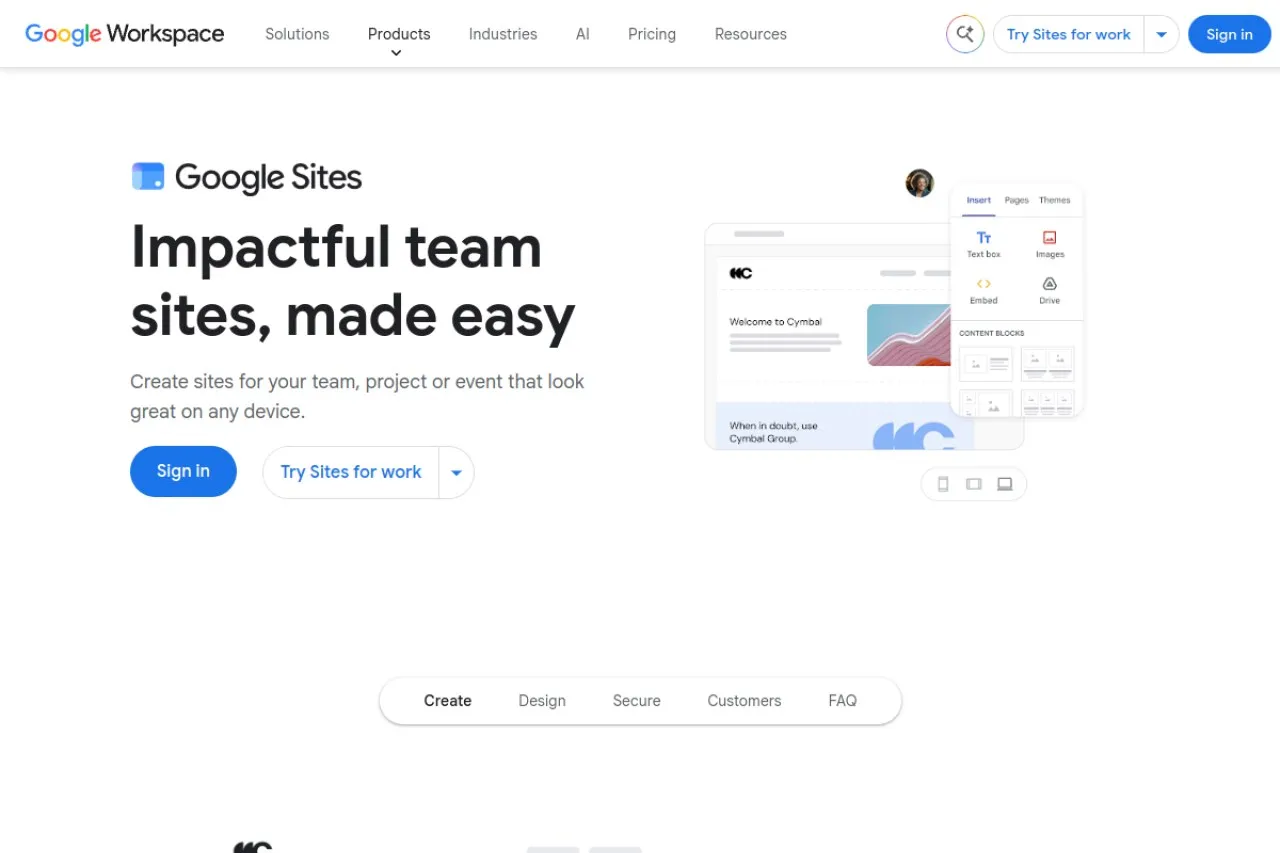
Google Sites is Google's simple website builder, completely free with any Google account. You can create unlimited sites with hosting included — no subscription or upgrade path. It works like Google Docs: a drag-and-drop editor with real-time collaboration and version history. Sites embed Google apps like Drive files, Maps, Calendar, Forms, and YouTube with one click. Google Sites has no AI features and stays basic on purpose. It suits simple info pages, team hubs, and class projects rather than complex commercial sites. Check sites.google.com for details.
Key Features
1. Completely Free With a Google Account
Build and host unlimited sites at zero cost. Sites live in Google Drive, using your 15 GB of storage on free accounts.
2. Real-Time Collaboration
Invite others to view or edit your site together, just like Google Docs, with full version history included.
3. Easy Google App Embeds
Drop in Google Docs, Sheets, Slides, Forms, Maps, Calendar, and YouTube without code or plugins.
4. Simple Templates and Editor
Start from ready templates or a blank page. Change fonts, colors, images, and layouts with basic tools.
5. Access Controls
Choose who sees your site: fully public, your organization only, or specific people, with search-engine indexing optional.
6. No Ads and Mobile Output
Published sites show no ads, and every site adapts to phones and tablets automatically for free.
Frequently Asked Questions (FAQ)
Is Google Sites really free?
Yes. Google Sites is entirely free for personal use with a Google account — unlimited sites, hosting, and core features with no subscription. Only a custom domain costs money, and you buy it from a separate domain registrar.
Can I use a custom domain with Google Sites?
Yes. You can connect a custom domain you own by setting up DNS manually. Since Google sold Google Domains to Squarespace, you buy the domain from a third-party registrar and point it at your site.
Does Google Sites use AI?
No. Google Sites is a manual drag-and-drop builder with no AI website generation or AI design tools. You build and write every page yourself, which keeps it simple but limits what it can do.
Can I sell products on Google Sites?
No. Google Sites has no native eCommerce — no cart, checkout, or product catalog. You can only embed third-party payment buttons, which is awkward for real stores.
What is Google Sites best for?
Team intranets, classroom resources, event pages, documentation hubs, and simple portfolios — anywhere a basic, free, collaborative site is enough. It is not suited for complex or commercial sites.
Is Google Sites good for SEO?
Sites can be indexed, but SEO controls are very limited: no schema editing, no robots.txt, and little Open Graph control. For competitive keywords, a full website builder is a better choice.
Google Sites vs Wix: which is better?
Google Sites is free and simpler, but very limited. Wix costs money but offers templates, blogging, eCommerce, and real SEO tools. Choose Sites for basic pages, Wix for a serious business site.
Conclusion
Google Sites is the simplest free way to publish a basic website. Unlimited sites, no ads, real-time collaboration, and deep Google app embeds make it ideal for team pages, schools, and simple portfolios. It lacks eCommerce, blogging, and advanced SEO, so move on when you need more. It is best for simple projects. Check sites.google.com for details.
Keep exploring
Similar AI tools
Ranked by the job they do, their capabilities, and how closely they fit this workflow.