Vidu AI
Create AI videos from text, images and references with flexible controls.
Upvotes
2
Pricing
Paid
Category
Video Generators Video Generators
In the database since
Sep 2026
Overview
About Vidu AI
What is Vidu AI?
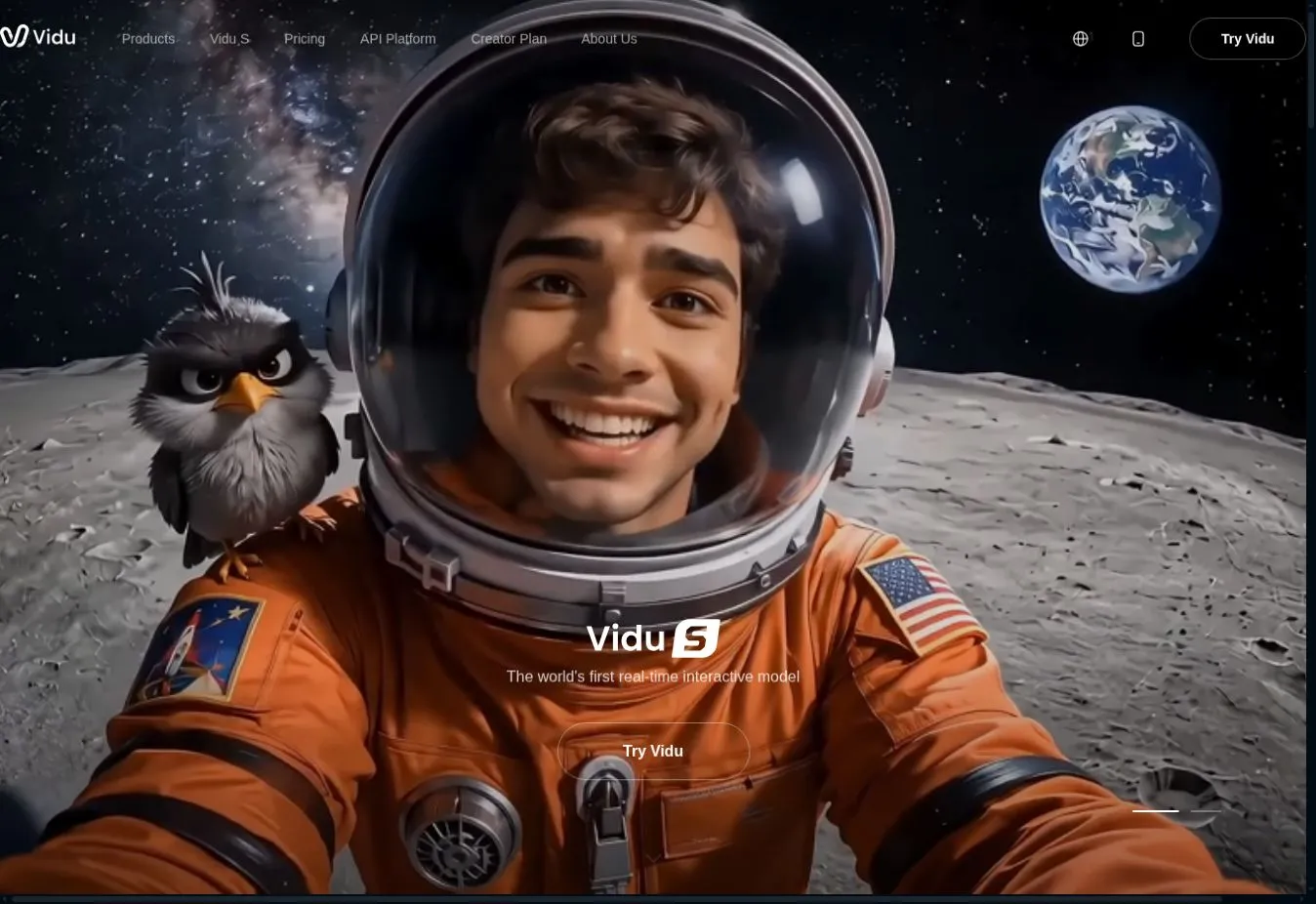
Vidu AI is an AI video-generation platform that helps creators produce videos from text prompts, images and visual references. It is designed for content creators, marketers, filmmakers, designers and businesses that want to generate animated scenes without using traditional video-production software.
Users can describe a scene with text, animate an uploaded image or provide reference images to guide the appearance of characters, objects and environments. Vidu also supports start-and-end frame generation, allowing users to define how a video begins and ends while the AI generates the movement between both frames.
The platform offers different video models, resolutions, durations and generation modes. Users can control elements such as the video ratio, motion strength and background audio depending on the selected model and workflow. Vidu also provides an API for developers and businesses that want to integrate AI video generation into applications or automated content systems.
Key Features
1. Text-to-Video Generation
Enter a written prompt describing the subject, environment, action and visual style. Vidu converts the description into a generated video and supports different aspect ratios, durations and resolutions.
2. Image-to-Video Generation
Upload a still image and animate it using a text prompt. This feature can add movement to portraits, illustrations, product images, concept art and AI-generated characters.
3. Reference-to-Video
Use one or more images as visual references for the generated video. Reference-to-video is useful when a creator wants to maintain recognizable characters, objects or scene elements in the final result.
4. Start-and-End Frame Control
Provide a starting image and an ending image to guide the video’s transformation. Vidu generates the movement between both frames, giving creators more control over the direction and final appearance of the scene.
5. Multi-Frame Video Generation
Create a longer visual sequence using multiple keyframes. Each section can be guided with prompts, helping users plan transitions while maintaining better consistency across the generated storyline.
6. Video Extension and Upscaling
Extend an existing AI-generated video by adding more seconds to the sequence. Vidu also provides upscaling options for improving video resolution, with supported outputs depending on the selected tool and model.
Frequently Asked Questions
Can Vidu AI generate videos from text?
Yes. Vidu supports text-to-video generation. Users can describe the scene, action and visual style through a prompt, and the selected model generates a video based on those instructions.
Can Vidu animate a still image?
Yes. Its image-to-video feature can turn an uploaded image into an animated clip. The prompt can describe the expected character movement, camera direction or environmental motion.
What is reference-to-video in Vidu?
Reference-to-video uses uploaded images to guide the subjects or scenes appearing in a generated video. It can help creators preserve important visual details while generating new actions and environments.
Does Vidu support consistent characters?
Vidu’s reference-to-video and multi-frame tools are designed to improve consistency by allowing creators to provide visual references and keyframes. Results can still vary depending on the selected model, prompt and source images.
Does Vidu provide API access?
Yes. Vidu offers an API platform for video, image, audio, template and digital-character workflows. Developers can use it to add supported generation features to applications and automated systems.
Final Verdict
Vidu AI provides a useful collection of video-generation tools for turning text, images and references into animated content. Its reference-to-video, start-and-end frame and multi-frame features give creators more control than a basic prompt-only generator.
The platform can be useful for social media videos, visual effects, advertisements, concept scenes and creative experiments. Generation costs depend on factors such as the selected model, duration and resolution. Overall, Vidu is a strong option for users who need flexible AI video workflows and are comfortable using a credit-based paid service.
Keep exploring
Similar AI tools
Ranked by the job they do, their capabilities, and how closely they fit this workflow.