Kling AI
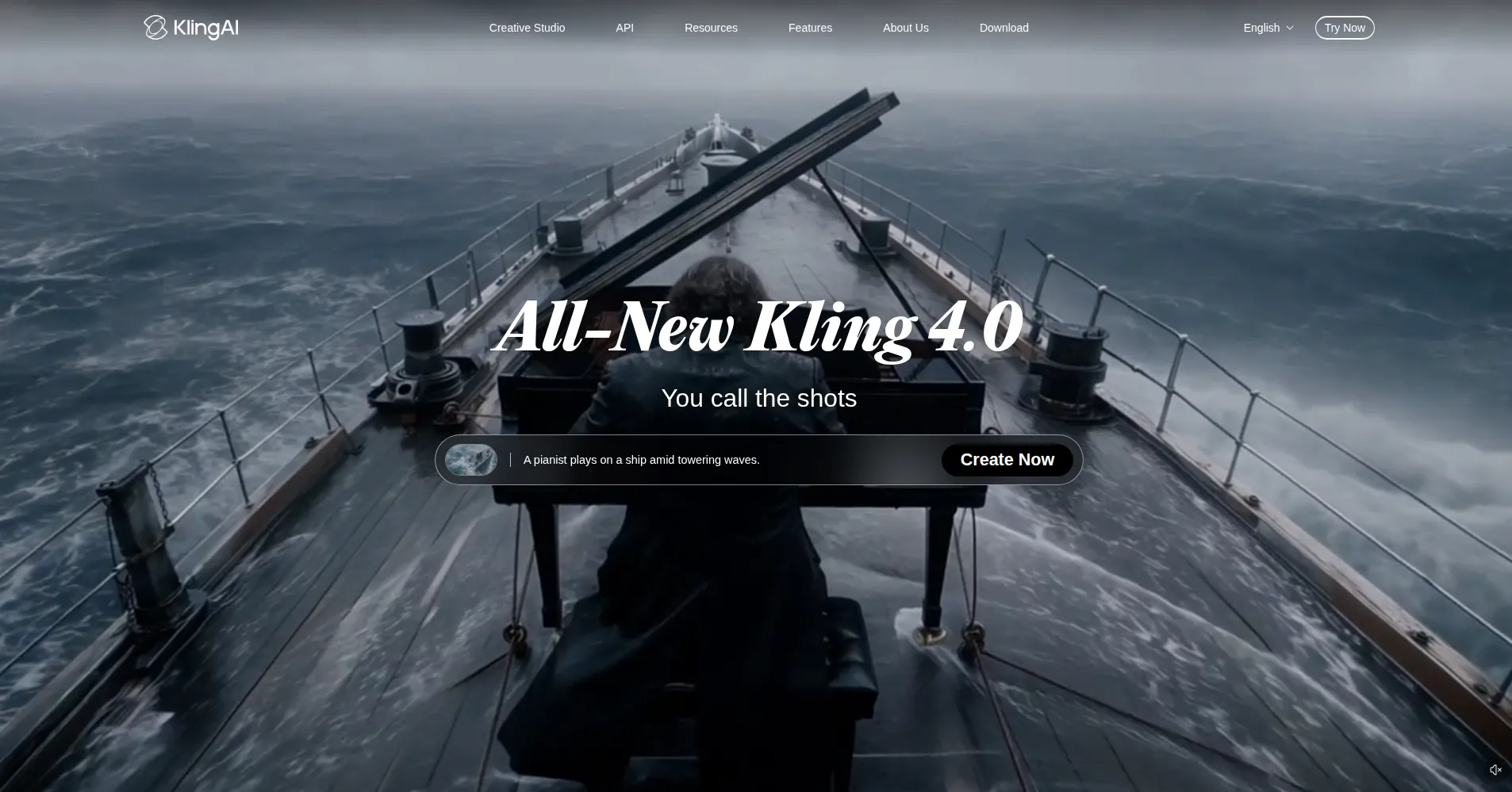
Turns text and images into cinematic clips with realistic human motion.
Upvotes
1
Pricing
Freemium
Category
Video Generators
In the database since
Oct 2026
Overview
About Kling AI
Kling AI is an AI video tool from Kuaishou that turns text, images, and reference clips into short cinematic videos. It creates realistic human motion, lip-synced speech, and smooth camera moves from simple prompts. Creators use it for ads, short films, and social clips. Paid plans unlock longer videos and higher quality. Check klingai.com for the current free limits.
Key Features
1. Text-to-video generation
Write a text prompt and Kling turns it into a short video clip. The model handles motion, lighting, and scene details for you.
2. Image-to-video with frame control
Upload a start image, an end image, or both, and Kling fills the motion between them. This keeps characters and style consistent.
3. Native synchronized audio
Kling 3.0 can generate dialogue and sound effects that match the video. Voices sync with lip movements automatically.
4. Multi-shot storyboard videos
Chain several shots into one longer video with planned scene changes. Each shot keeps the same look and feel.
5. Reference-based generation
Upload reference clips or character images so new videos copy their style. This helps brand and series work stay on-model.
6. Motion and camera controls
Direct camera moves like zoom, pan, and orbit, plus motion strength. The controls give directors real creative input.
7. Developer API
A paid API lets apps generate Kling videos on demand. It supports text-to-video and image-to-video calls.
Frequently Asked Questions (FAQ)
What inputs can I combine in a single Kling generation?
Text prompts, start and end images, and reference clips can be combined. Kling 3.0 supports multi-element control in one run.
Does Kling AI generate audio with the video?
Yes. Kling 3.0 creates native synchronized audio, including dialogue and sound effects that match the scene.
How do Kling's daily login credits work?
Free users get a small number of credits each day by logging in. Check klingai.com for the current amount, since it changes.
Can I direct the camera in Kling videos?
Yes. Camera controls include zoom, pan, orbit, and tilt. You can set the motion strength for each shot.
What is multi-shot generation?
Multi-shot lets you plan several shots in one video with scene changes. The style and characters stay consistent across shots.
Is there an API for building with Kling?
Yes, a paid developer API is available. It supports text-to-video and image-to-video generation for apps.
Conclusion
Kling AI suits creators who want cinematic short videos from simple text or image inputs. Its realistic motion and synced audio stand out. Daily free credits let beginners test it, while paid plans add quality and length.
Keep exploring
Similar AI tools
Ranked by the job they do, their capabilities, and how closely they fit this workflow.