Upvotes
0
Pricing
Open Source
Category
Coding Tools
In the database since
Oct 2026
Overview
About MarkItDown
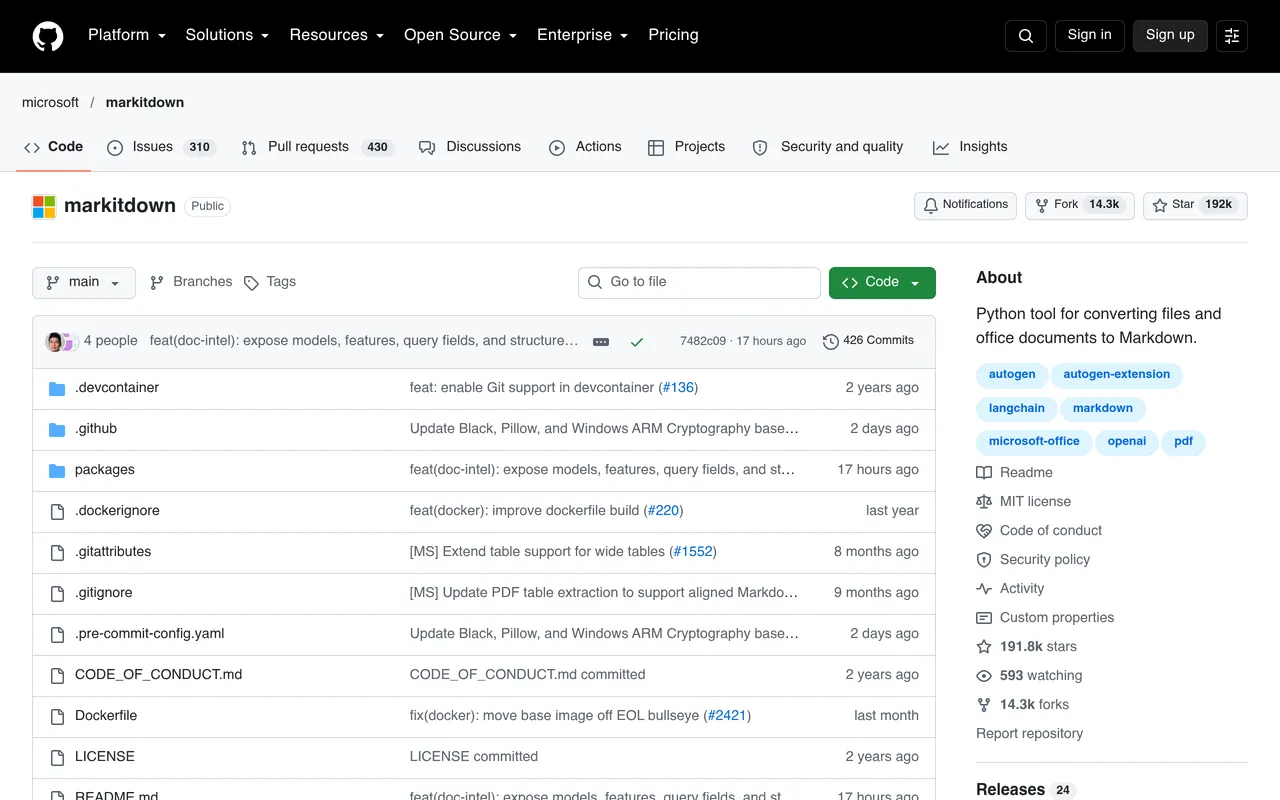
MarkItDown is Microsoft's open-source Python tool that converts many file types into clean Markdown. It turns PDFs, Office files, images, and audio into structured text that large language models can use easily. It keeps headings, lists, tables, and links intact, so the output stays useful for search and AI apps. You can install it with one command, and it needs Python 3.10 or newer. It also handles ZIP files, EPUB books, and YouTube links. You get tidy Markdown ready for AI apps, search, and document workflows.
Key Features
1. Many Formats
MarkItDown reads PDFs, Office files, images, audio, and HTML. One tool replaces a pile of converters.
2. AI-Ready Output
Clean Markdown is easy for AI models to parse. Apps that search your files get better answers from better input.
3. Library or CLI
Use it as a Python library in your code or as a command-line tool. Both ways take only minutes to learn.
4. Local Processing
Most conversion happens on your own machine. Your files stay with you by default. This makes it safe for private and business files.
5. Image and Audio
It reads text from images and transcribes spoken audio. Even YouTube links become readable text.
Frequently Asked Questions (FAQ)
What is MarkItDown used for?
MarkItDown converts files like PDFs and Word docs into Markdown for AI apps. Developers use it to feed documents into search apps and chatbots.
Which formats does MarkItDown support?
It supports PDF, PowerPoint, Word, Excel, images, audio, HTML, CSV, JSON, and more. The README has the complete list.
Do I need Python to use MarkItDown?
Yes, it is a Python library with a command-line interface. Basic Python knowledge is enough to install and run it.
Does MarkItDown send my files anywhere?
No, core processing happens locally on your machine. Your files are not uploaded for basic conversion.
How is MarkItDown different from Pandoc?
Pandoc converts between document formats broadly; MarkItDown focuses on clean Markdown for AI use. It also handles images and audio that Pandoc does not.
Conclusion
MarkItDown solves a boring but vital problem: getting your files into AI-readable shape. One tool handles nearly every format, runs locally, and outputs clean Markdown. It is a staple for RAG builders and document workflows. The tool is open source under the MIT license, easy to install. Add it to projects that feed documents to a language model.
Keep exploring
Similar AI tools
Ranked by the job they do, their capabilities, and how closely they fit this workflow.