Upvotes
0
Pricing
Freemium
Category
Text-to-Speech
In the database since
Oct 2026
Overview
About Narakeet
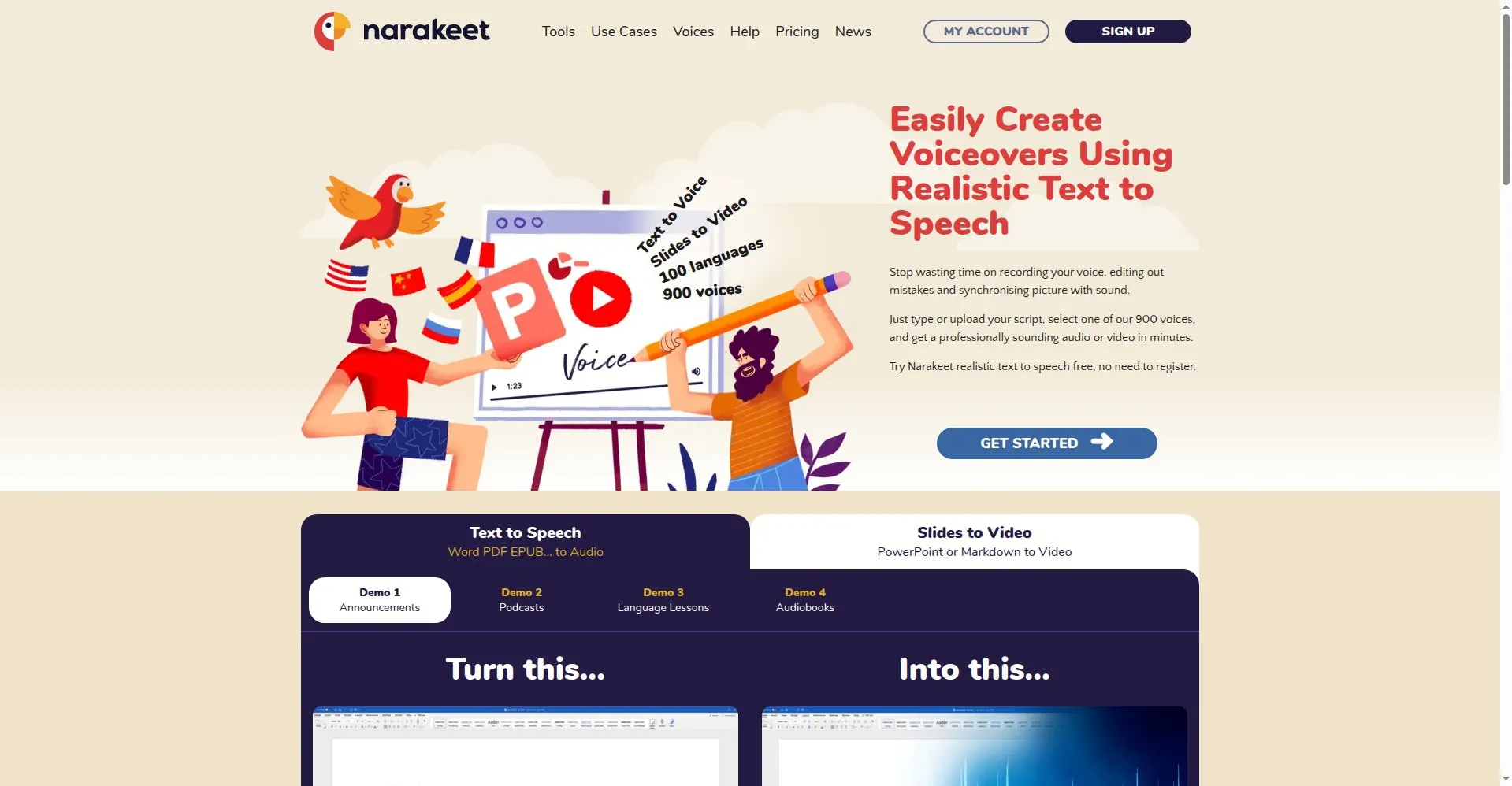
Narakeet turns scripts and slide decks into narrated videos with AI voices. Upload a slide deck, paste a script, or write in Markdown, and it produces a finished video with synced narration and subtitles. It offers hundreds of AI voices across dozens of languages, with control over speed, pitch, and pauses. Teachers, trainers, and course creators use it to make lessons without recording their own voice. Pricing is pay-per-minute with credits that never expire, plus a limited free tier. Check current prices on narakeet.com before buying credits.
Key Features
1. Slides to Narrated Video
Upload a PowerPoint, Google Slides, or Keynote deck and get a full HD video back, with narration synced to each slide automatically.
2. 800+ Voices, 100 Languages
Pick from 800+ AI voices across about 100 languages, with adjustable speed, pitch, volume, and pauses for every line.
3. Markdown Video Scripts
Write whole videos in Markdown — slides, callouts, overlays, and embedded clips — then generate the narration from the same file.
4. Subtitle-to-Audio Dubbing
Upload SRT or WebVTT subtitle files to create synchronized dubbed audio tracks in a different language than the original.
5. Automatic Subtitles
Every video gets embedded subtitles and closed captions generated automatically, keeping speech and text in sync.
6. Batch Multilingual Production
Generate the same video in several languages and resolutions at once, instead of rebuilding each version by hand.
7. API and Command-Line Tools
Automate narration with a REST API and command-line tools, fitting Narakeet into scripts, pipelines, and CI/CD jobs.
FAQ
How is Narakeet different from a regular text-to-speech tool?
Narakeet produces finished videos, not just audio. It syncs narration to slides, embeds subtitles, and renders the final MP4 in one step.
Can it narrate my PowerPoint from speaker notes?
Yes. Narakeet reads the speaker notes in your presentation and voices them over the matching slides, keeping timing aligned.
Can I use Narakeet output for commercial projects?
Paid credits grant full commercial usage rights with no watermark and no attribution requirement. The free tier is for personal evaluation only and cannot be used commercially.
What does the free tier include?
The free tier allows 20 conversions with a 1,000-character limit per audio file, without registration. It is meant for testing, not production work.
What file formats can I export?
MP3, M4A, and WAV for audio-only projects; MP4 video with embedded subtitles for narrated videos.
Conclusion
Narakeet suits anyone who needs narrated videos without a recording studio. Teachers and course creators get multilingual lessons from plain text, and teams automate dubbing through the API. The pay-per-minute pricing means you only pay for what you generate. For fast, script-driven video narration in many languages for lessons and courses, it is a practical choice.
Keep exploring
Similar AI tools
Ranked by the job they do, their capabilities, and how closely they fit this workflow.