

Opera AI
Free built-in browser AI assistant with page-aware answers and search.
Upvotes
0
Pricing
Free
Category
Personal Assistants
In the database since
Oct 2026
Overview
About Opera AI
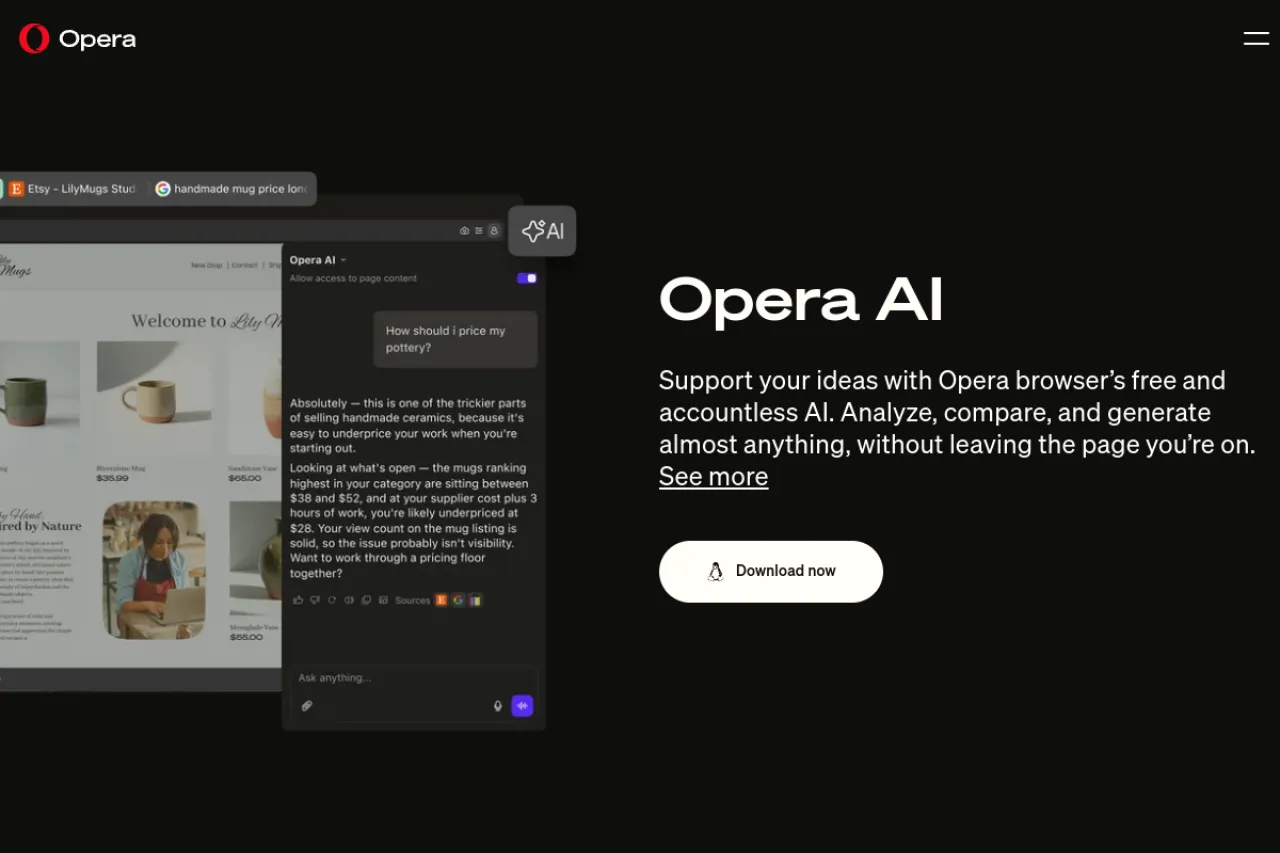
Opera AI is the free AI assistant built into the Opera browser. It replaces Aria, Opera's earlier browser assistant, with a faster rebuilt engine. You open it with the Ask AI button in the top-right corner, or with Ctrl+O on Windows and Cmd+O on Mac. It answers questions, searches the web, and understands the page you are viewing. It suits Opera One, Opera GX, and Opera Air users who want AI help without leaving a tab. No account or sign-in is needed. Check the official Opera site for current features.
Key Features
1. Ask AI Access
Open Opera AI from the Ask AI button in the top-right corner. The shortcut is Ctrl+O on Windows and Cmd+O on Mac.
2. Page Context
Opera AI understands the page or tab group you are viewing. Ask about it without typing long background details first.
3. Web Search With Sources
Ask Opera AI to search the web and compare pages. Answers link back to sources so you can check facts.
4. Page Summaries
Opera AI can summarize pages, files, and documents. It can also summarize and search YouTube video transcripts.
5. Free Image Generation
Opera AI creates images from a text prompt at no cost. Use it to visualize an idea or draft a mockup.
6. Voice Input and Output
Speak your question to Opera AI instead of typing. It can also read answers aloud while you work.
7. Leading AI Models
Opera AI uses models from OpenAI and Google in one place. You get fresh web answers beyond fixed training data.
Frequently Asked Questions (FAQ)
What is Opera AI?
Opera AI is the built-in AI assistant in the Opera browser. It chats, searches, summarizes pages, and creates images without leaving your tab.
Is Opera AI the same as Aria?
No. Opera AI replaces Aria, Opera's first browser AI. It is rebuilt for speed, with a new engine and the Ask AI button in the top-right corner.
Do I need an account to use Opera AI?
No. Opera AI is accountless and free. Open the Ask AI button and start asking without signing in or signing up.
Which Opera browsers include Opera AI?
Opera AI is in Opera One, Opera GX, and Opera Air on desktop. Check the official site for the current list of supported versions.
Can Opera AI see the page I am on?
Yes. Opera AI understands your current tab. Ask it to summarize the page, compare it with another page, or answer questions about it.
Conclusion
Opera AI is a handy built-in assistant for Opera users. It suits anyone who browses in Opera One, GX, or Air and wants fast answers with page context. It is free with no account needed. Open Ask AI in the top-right corner and ask about any page. Download Opera from the official site to start.
Keep exploring
Similar AI tools
Ranked by the job they do, their capabilities, and how closely they fit this workflow.