
Playground AI
Design studio with top AI image models, canvas editing, and templates.
Upvotes
0
Pricing
Freemium
Category
Text-to-Image
In the database since
Oct 2026
Overview
About Playground AI
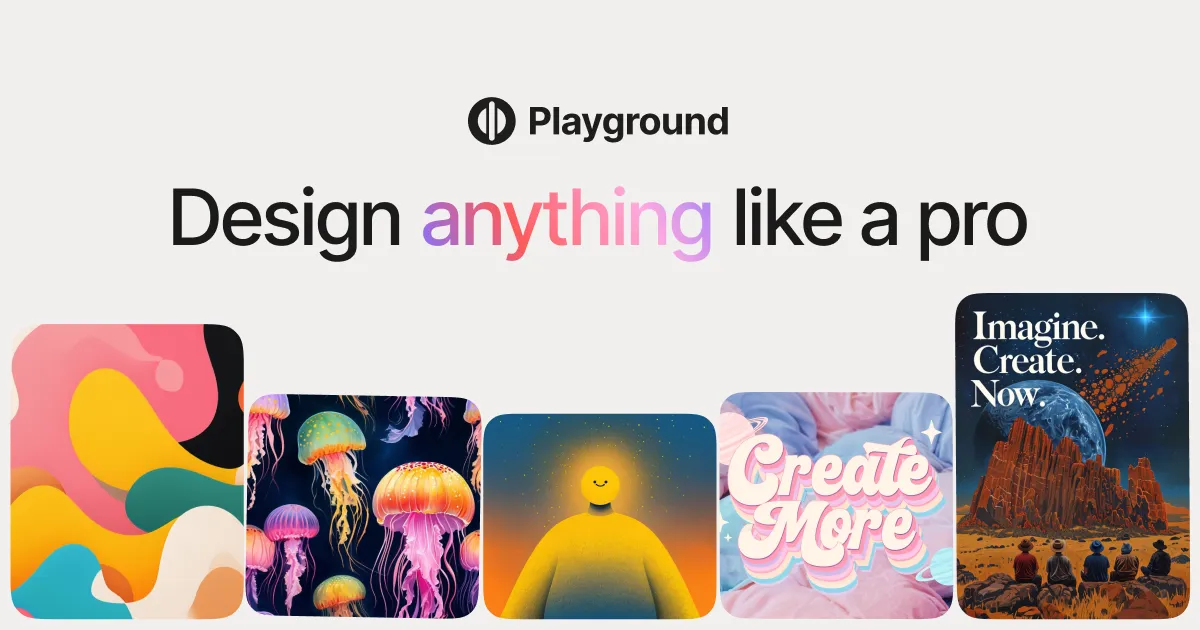
Playground is a browser-based AI design studio for generating and editing images. It bundles many leading models — Playground v3, Flux, SDXL, GPT-4o image, and Nano Banana — so you can switch styles without leaving the page. A canvas workspace adds layers, text, and templates for social posts, ads, and presentations. The free plan covers casual personal use with a set number of generations per few hours, while paid plans raise limits and add a commercial license for client work and selling designs.
Key Features
1. Many models, one studio
Generate with Playground v3, Flux, SDXL, GPT-4o image, Nano Banana, and Seedream from a single dashboard.
2. Canvas editor
Compose designs with layers for text, images, and shapes, plus templates sized for social media and ads.
3. Image editing tools
Expand images with outpainting (growing the canvas beyond its edges), remove backgrounds, and upscale for sharper exports.
4. Product mockups
Place your designs onto shirts, mugs, and phone cases to preview merchandise before you produce it.
5. Style remixing
Apply looks like photorealistic, anime, oil painting, or 3D render to any generation with one selection.
6. Day Pass option
Buy a single day of Pro features for short projects instead of committing to a monthly subscription.
Frequently Asked Questions (FAQ)
How does the free plan work?
The free plan allows a set number of Playground v3 generations every few hours, plus a small monthly allowance on premium models. It is for personal use only.
Can I use Playground images for client work?
You need a paid plan for that. Pro includes a worldwide, royalty-free commercial license covering client projects and merchandise.
What is the Canvas?
A design workspace with layers, text tools, and templates, closer to simple graphic-design software than a plain prompt box.
Which model should beginners pick?
Playground v3 is the forgiving all-rounder. Switch to Flux for realism or GPT-4o image for tricky text and edits.
Does Playground have a mobile app?
No dedicated app exists. The full studio runs in desktop and mobile web browsers.
Who owns the images I create?
You own your creations. Playground assigns all rights to you, with commercial use allowed on paid plans.
Conclusion
Playground fits creators who want generation and light design in one tab. The model menu is generous, the canvas handles everyday graphics, and the Day Pass is a thoughtful touch for occasional needs. Heavy users will outgrow the free tier fast. For social content, mockups, and quick marketing visuals, it is a practical, low-friction pick.
Keep exploring
Similar AI tools
Ranked by the job they do, their capabilities, and how closely they fit this workflow.