ProtectedText
Password-protected encrypted notepad with no login or ads.
Upvotes
0
Pricing
Free
Category
Note-Taking Tools
In the database since
Oct 2026
Overview
About ProtectedText
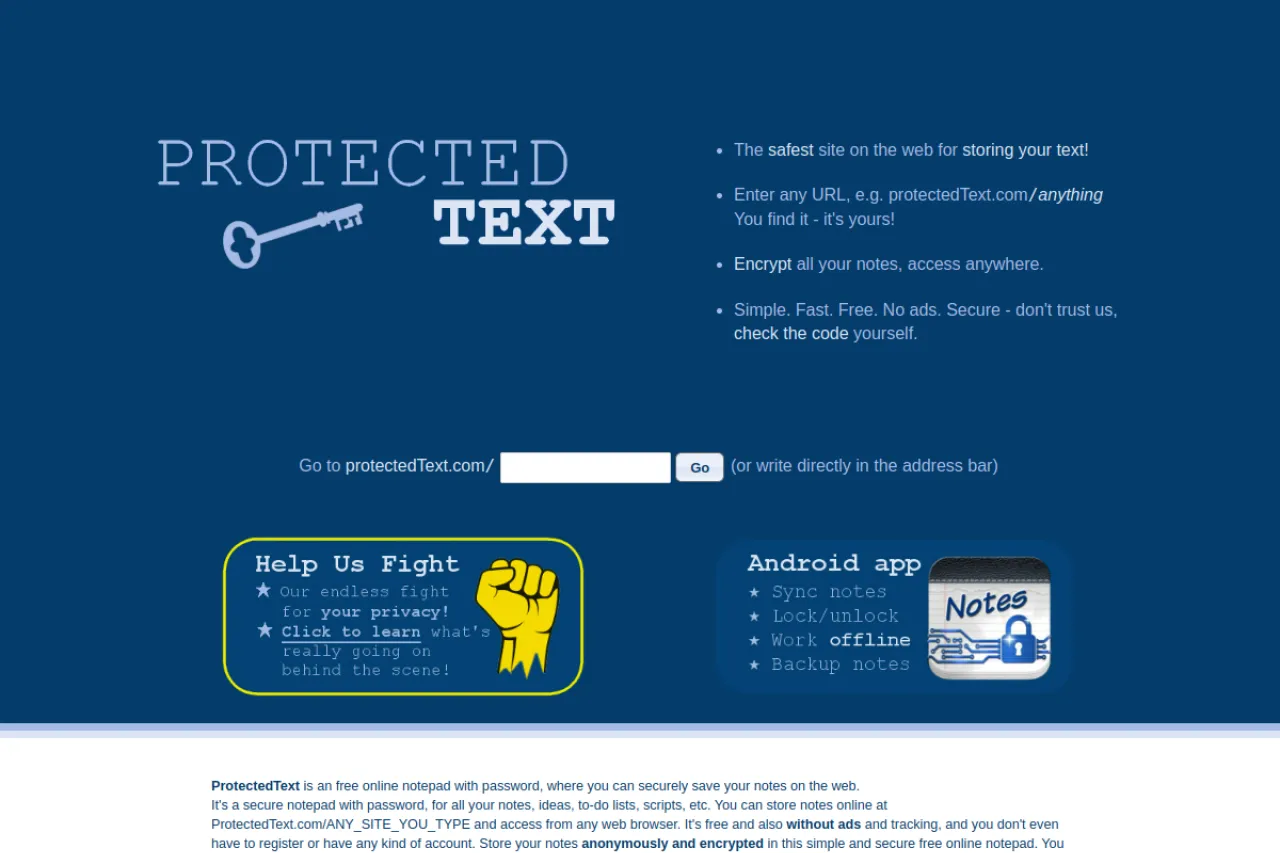
ProtectedText is an online notepad that protects each note with a password. You pick any web address on the site and set a password for it. Your note is encrypted in your browser before it is stored, so the password never leaves your device. There is no registration, no ads, and no tracking. If you forget the password, the note cannot be recovered — even the site owners cannot read it. Anyone with the address and password can open the note, which makes sharing simple.
Key Features
1. Password-Protected Notes
Every note page gets its own password, and the note stays locked until the right one is typed.
2. Browser-Side Encryption
Your note is scrambled on your device before saving, so the server only ever stores unreadable text.
3. No Registration
There are no accounts or emails. You just choose an address and a password and start writing.
4. No Ads or Tracking
The site shows no ads and does not track visitors, which keeps the experience clean and private.
5. Share by Link
Give someone the address and password, and they can read or edit the note from any browser.
6. Tabs in One Note
A single protected page can hold multiple tabs, so related notes stay together under one password.
Frequently Asked Questions (FAQ)
How does ProtectedText encryption work?
Your password scrambles the note inside your browser before it is saved online. The server never sees your password or your plain text.
What happens if I forget my password?
The note is lost for good. Because the site never stores your password, nobody — not even support — can recover or reset it.
Do I need an account to use ProtectedText?
No. You simply open a site address you invent, set a password, and write. Nothing asks for your name or email.
Can someone guess my note's address?
Addresses can be anything you choose, and the password still guards the content. Pick an uncommon address for extra safety.
Is ProtectedText good for sharing secrets?
Yes, for simple cases. Share the address and password through a safe channel, and remember that anyone with both can read it.
Conclusion
ProtectedText is a bare-bones notepad built around one promise: your password never leaves your device. With no accounts, ads, or tracking, it suits quick private notes and simple secret sharing. Just remember the golden rule — lose the password and the note is gone forever. It is ideal for passwords, lists, and private thoughts. Use it anywhere without signing up.
Keep exploring
Similar AI tools
Ranked by the job they do, their capabilities, and how closely they fit this workflow.