Upvotes
0
Pricing
Freemium
Category
SQL Tools
In the database since
Oct 2026
Overview
About SeekTable
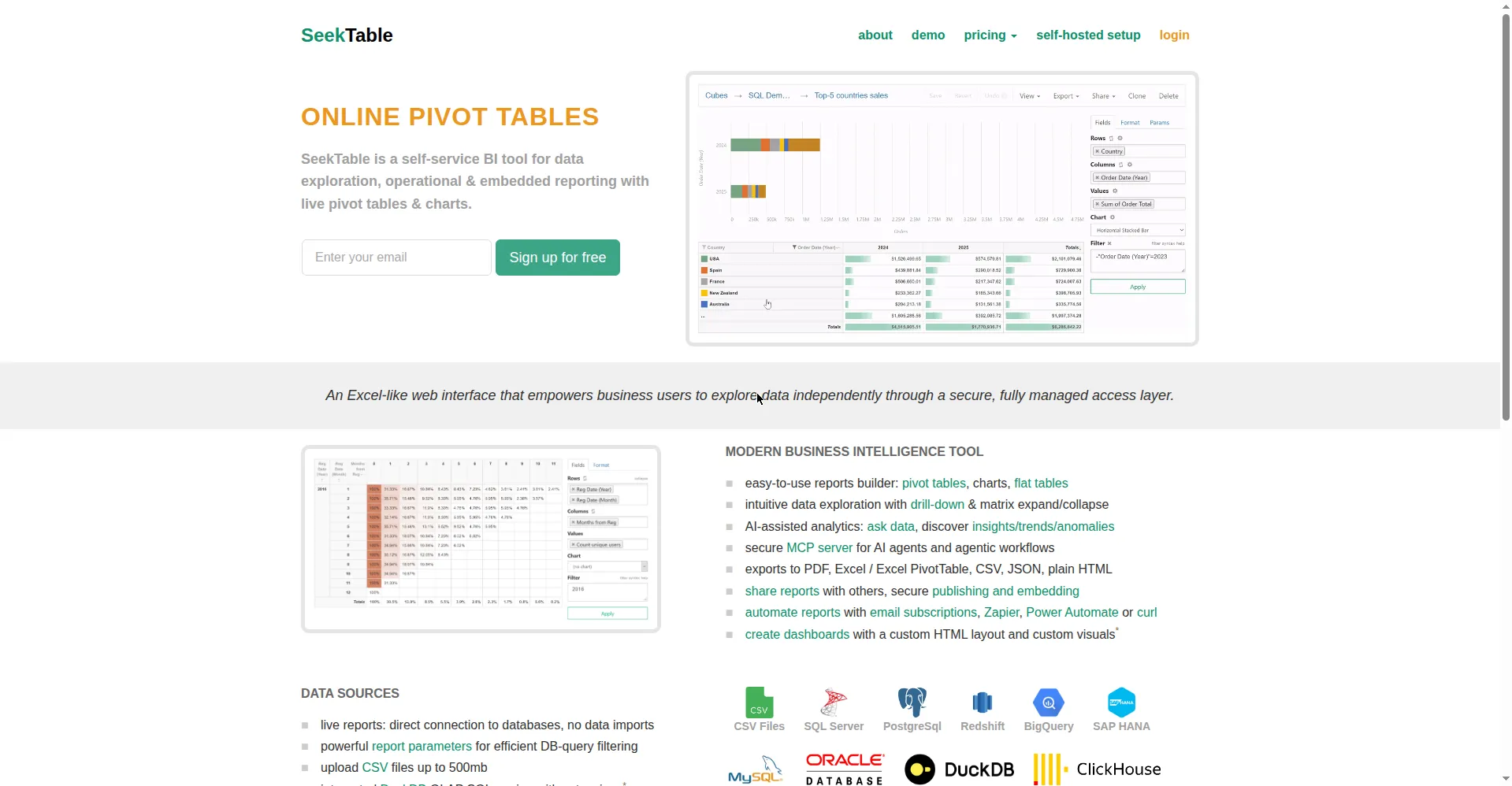
SeekTable is a self-service business intelligence tool for fast data analysis and reporting. You upload a data file or connect a database, then build pivot tables, charts, and data grids in your web browser. It needs no coding and no IT background — only a basic grasp of pivot tables. Reports query live data from databases, so teams always see fresh numbers. You can save reports, share them with teammates, publish them to the web, or embed them into your own apps. Businesses use it for operational dashboards and ad-hoc questions.
Key Features
1. No-Code Pivot Tables
Drag fields to build pivot tables in your browser. You group, filter, and summarize data with clicks instead of writing SQL.
2. Charts and Data Grids
Turn the same data into line, bar, or pie charts and sortable grids. Every view stays in sync with the live data source.
3. Live Database Connections
Connect SQL databases plus NoSQL sources like MongoDB and ElasticSearch. Reports always query current data, with no manual refresh.
4. Drill-Down and Parameters
Click any total to see the rows behind it. For very large tables, filters on indexed columns keep queries fast.
5. Export and Scheduling
Save reports as PDF or Excel with the layout intact. Automated generation delivers reports on a set schedule.
6. Sharing and Embedding
Share cubes and reports with your team, publish them to the web, or embed them in any app with an iframe secured by a JWT.
FAQ
What is SeekTable?
SeekTable is a web-based BI tool for ad-hoc analysis and reporting. It builds pivot tables, charts, and data grids from files or live databases, without code.
Do I need technical skills to use it?
No. You only need to understand basic pivot tables. The interface is point-and-click; queries and data work happen behind the scenes.
Can I host SeekTable myself?
Yes. There is a self-hosted version that deploys with Docker containers, and upgrades are simple image pulls. It suits companies with strict data rules.
How does embedding work?
Reports embed into your app through iframes, secured by a JWT your app generates. Your developers only write a few lines of code to pass user context.
What data sources does it support?
SQL databases, some NoSQL sources such as MongoDB and ElasticSearch, and uploaded files. Live sources keep every report current.
Can reports be automated?
Yes. You can save reports and set automated generation on a schedule, with delivery by email or published links.
Conclusion
SeekTable fits business users who need answers from data without coding. Pivot tables, live database links, and embeddable reports cover most reporting needs. The free version and trial let you test it first, with paid plans for team sharing and self-hosting. Try it when your data questions outgrow static spreadsheets. Teams that report often earn back setup time fast.
Keep exploring
Similar AI tools
Ranked by the job they do, their capabilities, and how closely they fit this workflow.