Upvotes
0
Pricing
Freemium
Category
Audio Tools
In the database since
Oct 2026
Overview
About SoundTools
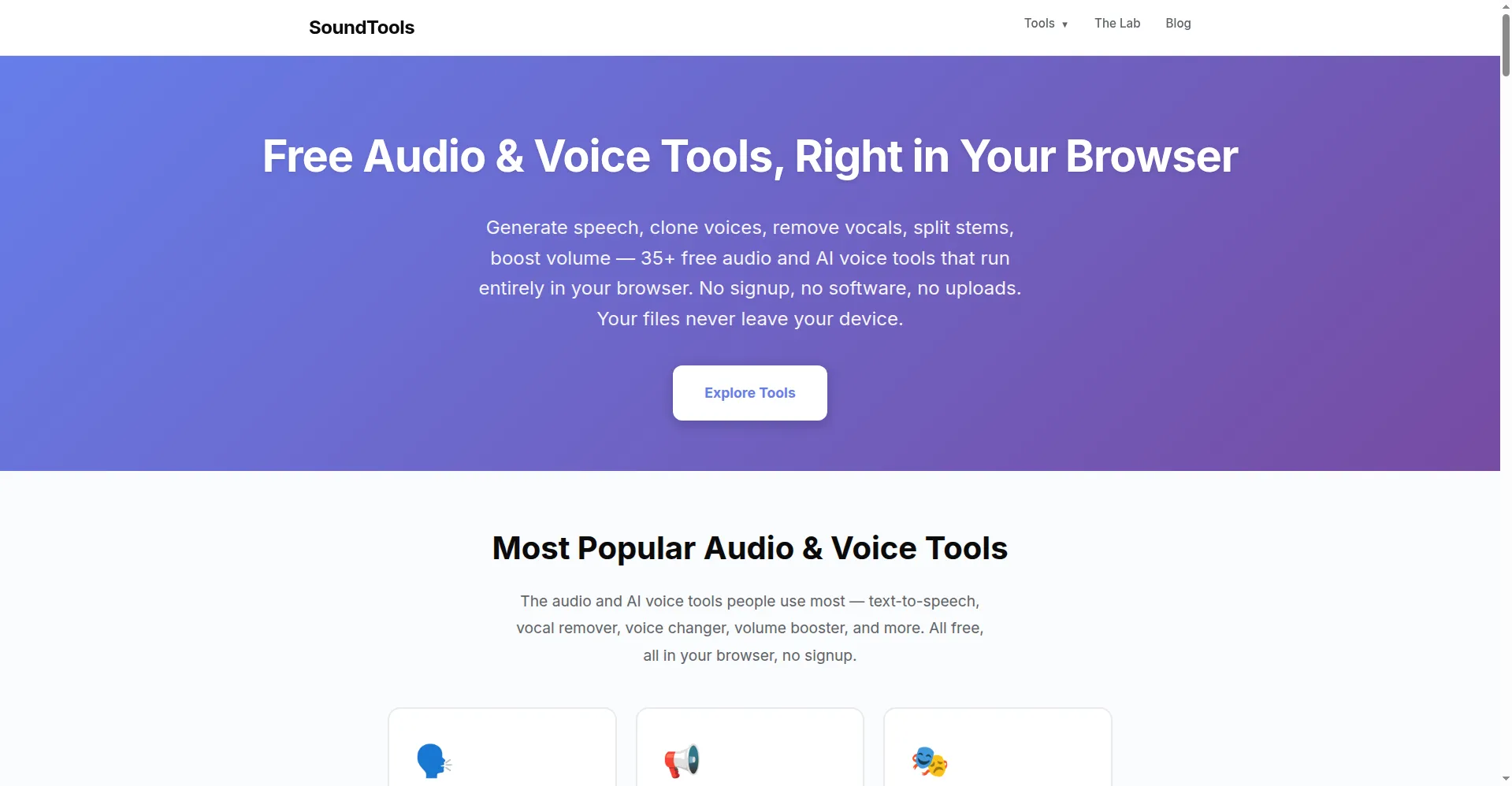
SoundTools is a free set of audio tools that runs entirely in your browser. It offers 35+ tools for editing, converting, and AI voice work. You can generate speech from text, clone voices, remove vocals, or split a song into stems. There is no signup, no software to install, and no uploads. Popular tools include a text-to-speech converter, a vocal remover, a voice changer, and a volume booster. It is built for creators who want fast results without learning a complex app.
Key Features
AI Text to Speech
Turn text into natural-sounding speech with over 20 AI voices. There are no accounts and no usage limits.
Vocal Remover and Stem Splitter
Strip vocals from any song to make an instrumental. You can also split tracks into vocals, drums, bass, and instruments.
Voice Cloning and Changer
Clone a voice from a 10-second recording, then type words for it to speak. Change your voice with 17 fun effects like chipmunk or robot.
Editor and Converter
Trim, join, reverse, or convert audio files in seconds. Adjust pitch, tempo, bass, or reverb without installing anything.
Noise Remover
Clean up recordings fast. The noise remover strips hiss, hum, wind, and background sound from vocals and podcasts in seconds.
Frequently Asked Questions (FAQ)
Do I need an account to use SoundTools?
No. The site is built to work without logins, so most tools need no account at all.
Are my files uploaded anywhere?
No. Your files never leave your device. Nothing is uploaded to a server.
Does SoundTools work on phones?
Yes. It runs in any modern mobile or desktop browser, with no app to install.
What else can I do besides edit audio?
Create and analyze. SoundTools has a beat maker, a BPM detector, a granular synthesizer, and a music visualizer.
Conclusion
For quick audio jobs, SoundTools covers a lot in one free site. It bundles editing, converting, and AI voice tools with no signup. The voice cloning and stem splitter go beyond basic editing tools. Everything runs in your browser, so it stays fast and private. Give it a try when you need audio help in a hurry.
Keep exploring
Similar AI tools
Ranked by the job they do, their capabilities, and how closely they fit this workflow.