Structured
Visual daily planner with a time-blocking timeline for tasks and routines
Upvotes
0
Pricing
Freemium
Category
Project Management
In the database since
Oct 2026
Overview
About Structured
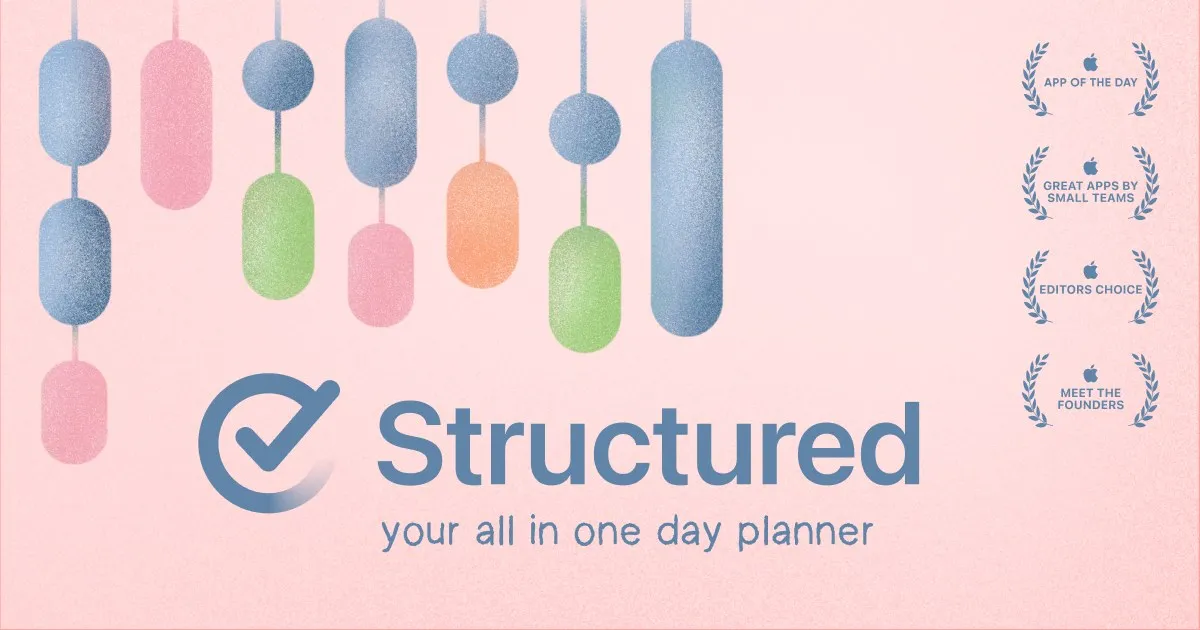
Structured is a visual daily planner that turns your to-do list into a clear timeline. You see your day laid out with tasks, events, and routines in order. You block time for each task, so you know what comes next. An inbox captures ideas in seconds for sorting later. Subtasks and notes break big jobs into small steps. A Pomodoro timer, Live Activities, and widgets keep you on track. It syncs across iPhone, iPad, Apple Watch, Mac, and Android, and it suits people with ADHD and students too.
Key Features
1. Visual Timeline
Your whole day is shown as a clear timeline. Tasks, events, and routines appear in order, so time blocking feels simple and visual.
2. Time Blocking
Give every task a duration on the timeline. You always know what to do now and what comes next, which cuts decision fatigue.
3. Inbox Capture
Jot down ideas and tasks into an inbox in seconds. Sort them into your day later, so nothing is forgotten and nothing clutters your plan.
4. Subtasks and Notes
Break big tasks into smaller steps with notes. Large projects become a set of small wins that are easier to start and finish.
5. AI Day Planning
Describe your day in plain words and the built-in AI drafts your schedule in seconds. You review it, adjust it, and get going.
6. Replan
Missed or forgotten tasks are rescheduled automatically. Your day reshapes itself around what is left, so nothing slips through the cracks.
7. Focus Tools
A Pomodoro timer, Live Activities, and interactive widgets keep your attention on the current task. Staying focused takes less effort.
8. Cross-Device Sync
Your plan stays up to date across iPhone, iPad, Apple Watch, Mac, and Android. Check your day from any device you carry.
Frequently Asked Questions (FAQ)
Which devices does Structured run on?
Structured runs on iPhone, iPad, Apple Watch, and Mac, plus Android. Your plans sync across all of them, so your schedule is always up to date wherever you open it.
What is the visual timeline?
The visual timeline is the core of Structured. It lays out your tasks, calendar events, and routines in one ordered list across the day, turning a plain to-do list into a time-blocked schedule.
How does Replan work?
Replan is a Pro feature that automatically reschedules tasks you missed or forgot. Instead of losing track of them, your day is reshaped so the remaining tasks still fit.
Can Structured connect to my calendars?
Yes, with Structured Pro you can connect your calendars and Reminders. This gives you a complete overview of your day, with events and tasks side by side in the timeline.
Conclusion
Structured turns a messy to-do list into a calm, visual day plan. Time blocking, an inbox, subtasks, and auto-rescheduling make each day feel manageable. Focus tools and full device sync keep the plan with you everywhere. For anyone who wants structure without the overwhelm, Structured is a daily planner worth a serious look. It keeps your days calm and controlled.
Keep exploring
Similar AI tools
Ranked by the job they do, their capabilities, and how closely they fit this workflow.