Teamwork
Client-work project management with time tracking, billing, and reports
Upvotes
0
Pricing
Freemium
Category
Project Management
In the database since
Oct 2026
Overview
About Teamwork
Teamwork.com is a project management platform built for client work. Agencies, consultancies, and professional services teams use it to run projects, track time, and bill clients from one place. Tasks, subtasks, milestones, and Gantt charts keep delivery on schedule. Built-in time tracking links hours to invoicing, so billing stays accurate. Workload views show who has capacity and who is overloaded. Dashboards and profitability reports reveal which projects make money. Clients can join with limited access to review proofs and comment. It integrates with Slack, Microsoft Teams, and Salesforce.
Key Features
1. Task Management
Create tasks and subtasks, set priorities and milestones, and assign work. List, board, and calendar views keep every project clear and organized.
2. Time Tracking
Log billable hours on tasks and projects right inside the platform. Accurate time data feeds invoicing and keeps the team accountable.
3. Gantt Charts
Visualize project timelines and task dependencies on Gantt charts. Spot bottlenecks early and adjust plans before deadlines slip.
4. Client Collaboration
Invite clients as users with limited, approved access. They can review proofs, comment, and track progress without seeing your internal work.
5. Workload Management
See how much work sits on each team member's plate. Capacity views help you assign tasks fairly so nobody gets burned out.
6. Automations
Build no-code rules that move tasks, assign owners, and send updates automatically. Repetitive admin work takes care of itself.
7. Dashboards and Reporting
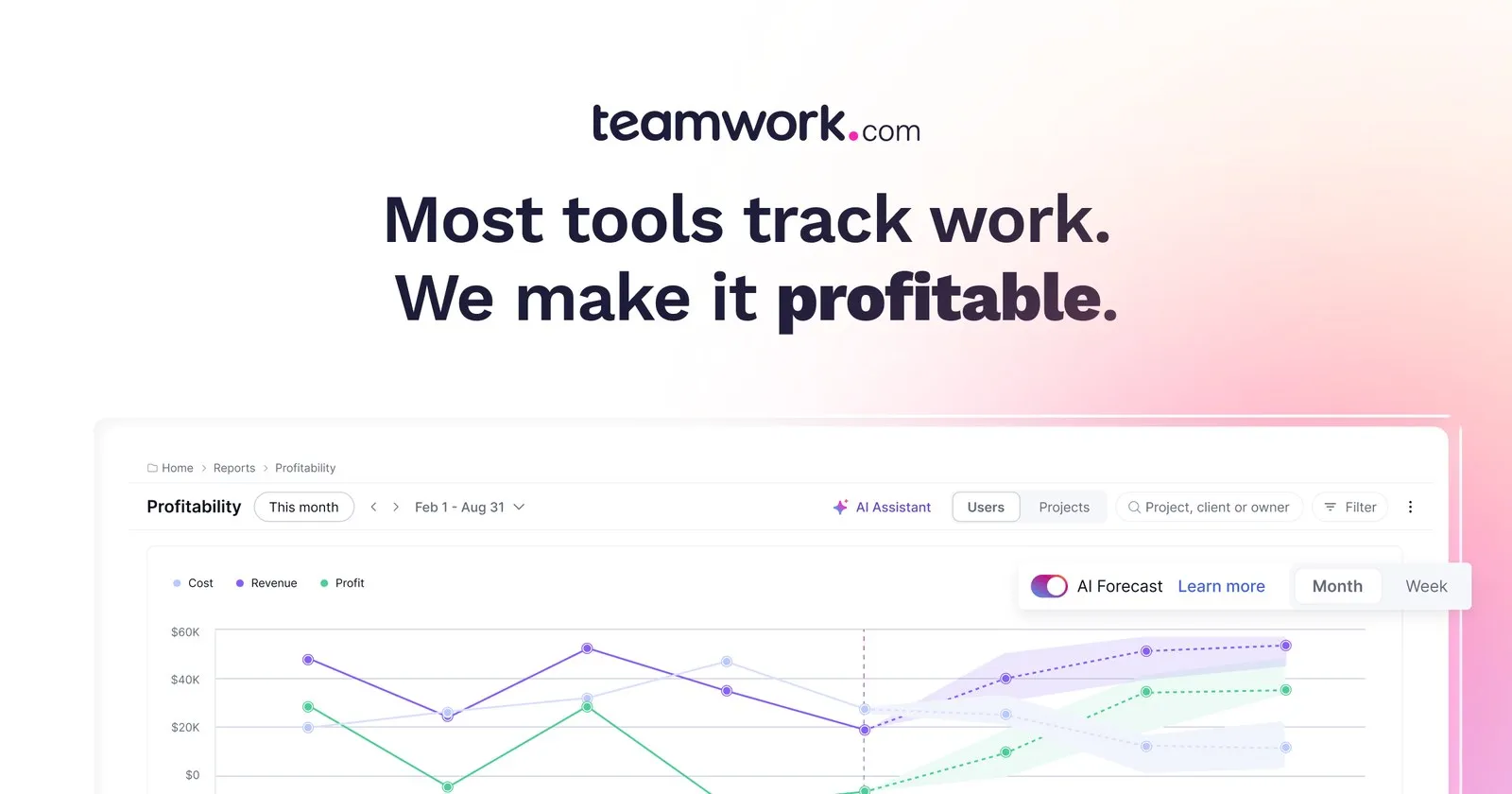
Profitability, planned-versus-actual, and burndown reports run across projects. Real-time dashboards make Friday status updates far easier.
8. TeamworkAI
Built-in AI summarizes long comment threads, reports on team utilization, and forecasts project profitability. Insights arrive without manual analysis.
Frequently Asked Questions (FAQ)
How does client billing work in Teamwork.com?
Billable hours tracked on tasks and projects feed directly into invoicing. Time logs link to clients and projects, so invoices reflect the actual work delivered.
What are client users?
Client users are free seats for your clients. They can add tasks, set milestones, and comment on the projects they are invited to, while their access stays limited to what you approve.
Does Teamwork.com support Gantt charts?
Yes. Teamwork.com offers Gantt charts that show project timelines and task dependencies. They help teams find bottlenecks and keep complex projects on schedule.
Which tools does Teamwork.com integrate with?
Teamwork.com connects with Slack, Microsoft Teams, Salesforce, and more, plus Zapier for thousands of other apps. Workflows and data stay synced across your stack.
Conclusion
Teamwork.com shines where projects, time, and money meet. Native time tracking, client billing, and profitability reports set it apart from task-only tools. Workload views and automations keep delivery smooth as teams grow. For agencies and client-service teams that need profit visibility, Teamwork.com is a platform worth serious consideration. It brings clarity to every client engagement.
Keep exploring
Similar AI tools
Ranked by the job they do, their capabilities, and how closely they fit this workflow.