
Upvotes
0
Pricing
Open Source
Category
Text-to-Speech
In the database since
Oct 2026
Overview
About Tortoise TTS
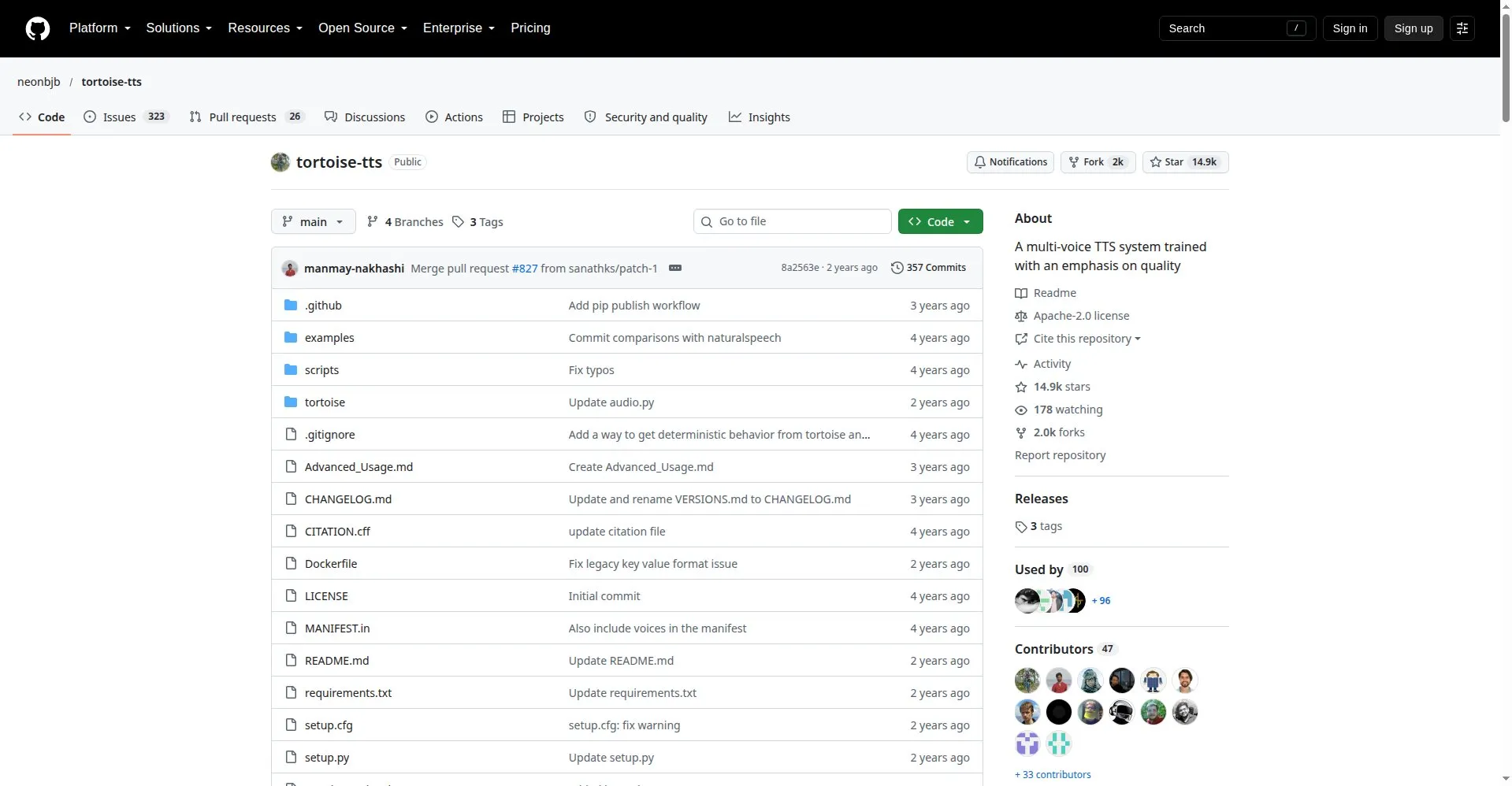
Most speech AI races toward lower latency. Tortoise TTS races the other way — and it shows. This open-source text-to-speech system by James Betker produces some of the most natural-sounding AI speech ever made, with realistic rhythm, emphasis, and emotion. It clones voices from short audio samples and copies their prosody, not just their tone. The trade-off is real: generation is slow, because the model uses both an autoregressive and a diffusion decoder. But if quality matters more than speed, the result is worth the wait.
Key Features
1. Multi-Voice Generation
Type your text and pick from built-in voices, or let the model choose randomly. One model handles many distinct speakers with strong speaker similarity.
2. Voice Cloning
Give Tortoise a few reference clips of any voice, and it reproduces that speaker's tone, rhythm, and character in brand-new audio.
3. Realistic Prosody
The project's stated priority is how speech feels: natural pauses, emphasis, and emotion instead of flat robotic delivery.
4. DALL-E-Inspired Architecture
It borrows ideas from the DALLE image paper, combining an autoregressive decoder with a diffusion decoder to generate speech.
5. Quality Presets
Presets range from ultra_fast to high_quality, so you can trade speed against audio quality based on your needs.
6. Long-Form Reading
The read.py script splits large documents into sentences, generates each clip separately, then stitches them into one file.
7. Runs Locally
Install with pip, Conda, or Docker and run on your own machine — no API fees, no per-character billing, no data sent away.
Frequently Asked Questions
Why is Tortoise TTS so slow?
Because it uses two slow decoders — an autoregressive one and a diffusion one. A medium sentence once took two minutes on a K80; newer setups reach 0.25–0.3 RTF on 4GB VRAM.
What hardware do I need?
An NVIDIA GPU is required. Newer versions reach usable speed on 4GB of VRAM. Apple Silicon Macs (M1/M2) need the nightly PyTorch build, with DeepSpeed disabled.
How do I install it?
The simplest route is the pip package tortoise-tts. The README also covers Conda and Docker installs, and a Hugging Face demo space lets you try it without installing anything.
Can I use Tortoise audio in commercial projects?
Yes. The Apache 2.0 license permits commercial use, modification, and distribution. Read the license file in the repo for the full terms.
Does it work in languages other than English?
It is designed for English. Non-English results are inconsistent, so treat it as an English-first project.
Why is it called Tortoise?
The author names his speech projects after Mojave desert flora and fauna. Tortoise is a joke about how slow the model is.
Conclusion
Tortoise TTS is the quality-first champion of open-source speech. It proved a free model could rival commercial voices, and thousands of projects still use it as the benchmark for natural prosody. It needs an NVIDIA GPU and patience, but nothing open sounds better. Slow, beautiful, and completely yours — that's the tortoise way, quality first.
Keep exploring
Similar AI tools
Ranked by the job they do, their capabilities, and how closely they fit this workflow.