
Upvotes
0
Pricing
Freemium
Category
Code Assistants
In the database since
Oct 2026
Overview
About Trae
Trae is an AI coding IDE from ByteDance. It mixes an AI chat assistant, smart code autocomplete, and an autonomous coding agent in one editor. It is built on the open-source core of Visual Studio Code, so the interface feels familiar right away. You can describe a feature in plain words and let the agent build it across your files. It suits developers who want AI help inside their editor. Check trae.ai for the latest details, since plans and features change fast.
Key Features
1. SOLO Autonomous Mode
Describe a task in plain words. The agent plans the work, edits code across files, and runs checks on its own.
2. CUE Autocomplete
Predicts the next lines of code as you type. It reads your project context and speeds up routine coding work.
3. Builder and Chat Modes
Use Builder for big multi-file changes. Use Chat to ask quick questions about your code and get instant answers.
4. Multi-Model Choice
Switch between leading AI models, such as Claude and GPT, depending on the task you are working on.
5. MCP Tool Integrations
Connect outside tools and data, like databases or docs, so the agent can use them while it writes code.
6. One-Click VS Code Import
Brings over your extensions, themes, and keybindings in one step. Setup takes minutes, not hours.
FAQ
What is the difference between TraeCode and TraeWork?
They were two separate products. In October 2026 ByteDance merged them into one app called TRAE. It has two modes: IDE mode and Agent mode. Both run on desktop, web, and mobile.
Does Trae work with my VS Code setup?
Yes. Trae is built on the open-source core of VS Code. It imports your extensions, themes, and keybindings in one click.
Which AI models does Trae use?
Trae supports several leading models, including Claude and GPT-class models. You can switch models for different tasks.
Is Trae open source?
No. Trae is built on the open-source core of VS Code, but Trae itself is a closed product made by ByteDance.
What platforms does Trae run on?
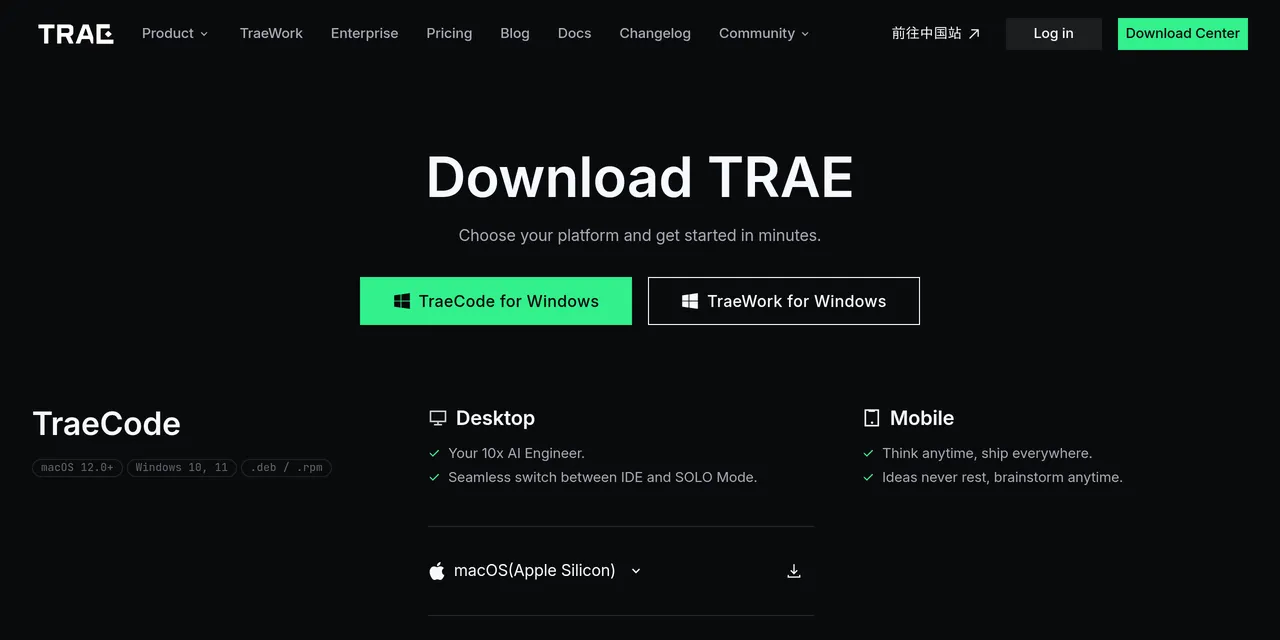
It runs on macOS, Windows, and Linux desktops. Web and mobile apps are available too.
Conclusion
Trae gives developers an AI-native editor without a learning curve. The VS Code base keeps it familiar, while SOLO mode, CUE autocomplete, and multi-model support handle the heavy work. It suits developers who want help in their editor. It has a free tier with monthly limits; paid plans add more usage. Check the official site for current prices.
Keep exploring
Similar AI tools
Ranked by the job they do, their capabilities, and how closely they fit this workflow.