Upvotes
0
Pricing
Free
Category
Audio Tools
In the database since
Oct 2026
Overview
About VB-Cable
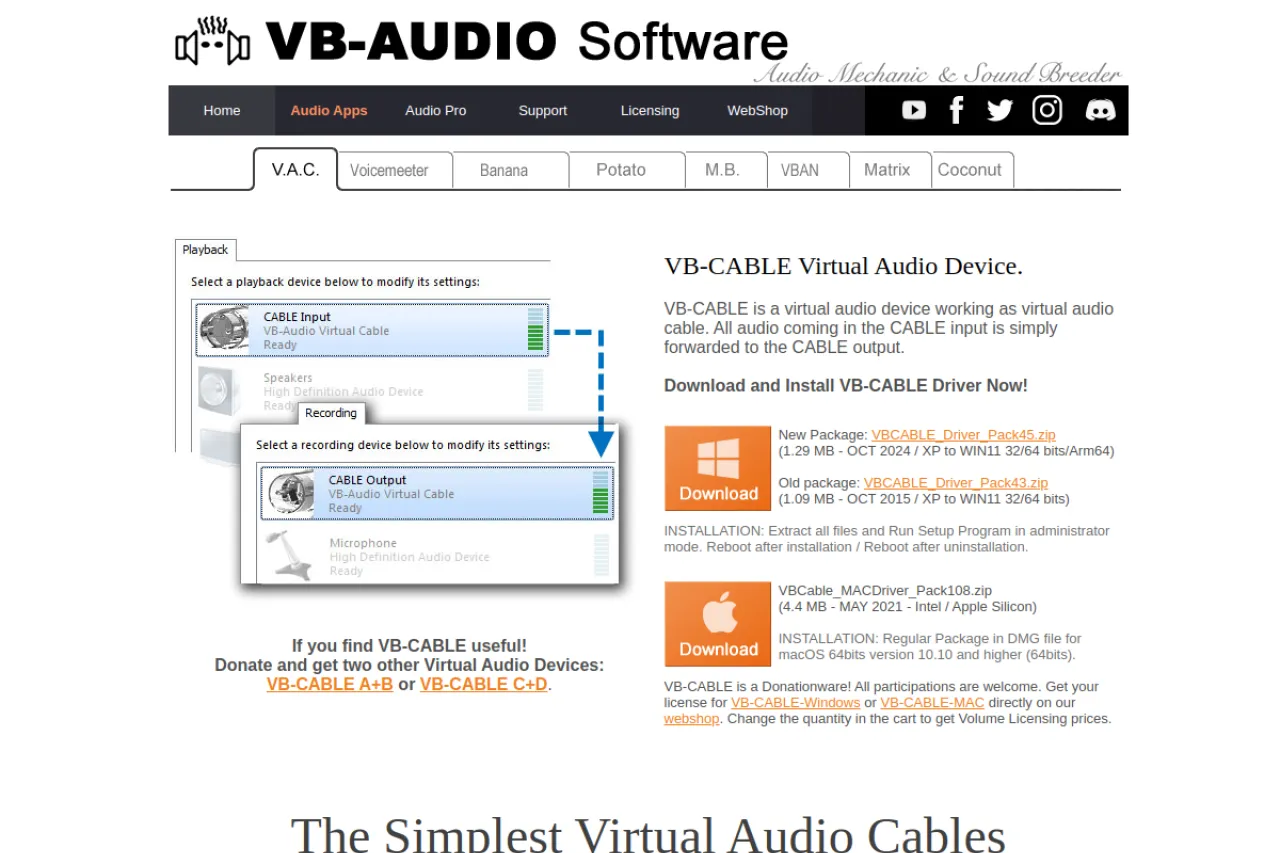
VB-Cable is a virtual audio cable for Windows. It routes sound from one app to another as if they were wired together. Streamers send game audio to their broadcast software, and musicians link synths to recording tools. The cable shows up as a normal audio device, so setup takes minutes. It is donationware, which means you can use it fully without paying. Check vb-audio.com for the latest version and install notes. Extra cables let you build complex routing chains for podcasts and live shows.
Key Features
1. App-to-App Audio Routing
Send audio from any app to any other app. The virtual cable acts like a physical wire between programs.
2. Shows as Normal Devices
VB-Cable appears as a playback and recording device. Every audio app can use it with no special support.
3. Donationware Model
The software is fully functional with no time limit. You can donate to support the developer if you like it.
4. Low-Latency Transfer
Audio passes through with very little delay. This matters for live monitoring and real-time effects.
Frequently Asked Questions (FAQ)
What is VB-Cable used for?
Routing audio between apps on Windows. Common uses include streaming, podcast recording, and linking music software.
Does VB-Cable work on Mac?
Yes. VB-Audio also offers a Mac driver for macOS 10.10 and higher, on Intel and Apple Silicon chips.
How much does VB-Cable cost?
Nothing is required. It is donationware: full features, no time limit, donations optional.
Will it slow down my audio?
Latency is very low. Most users notice no delay in streams, calls, or recordings.
Can I install more than one cable?
Yes. VB-Audio offers extra cables (A+B, C+D) so you can route several audio paths at once.
Conclusion
VB-Cable is a simple fix for a common Windows problem: moving audio between apps. It installs as a normal device, adds almost no delay, and costs nothing to use fully. Streamers, podcasters, and musicians all rely on it daily. If your workflow needs app-to-app audio, this is the tool to try. Download it from vb-audio.com.
Keep exploring
Similar AI tools
Ranked by the job they do, their capabilities, and how closely they fit this workflow.