
Upvotes
0
Pricing
Open Source
Category
Audio Tools
In the database since
Oct 2026
Overview
About Voicebox
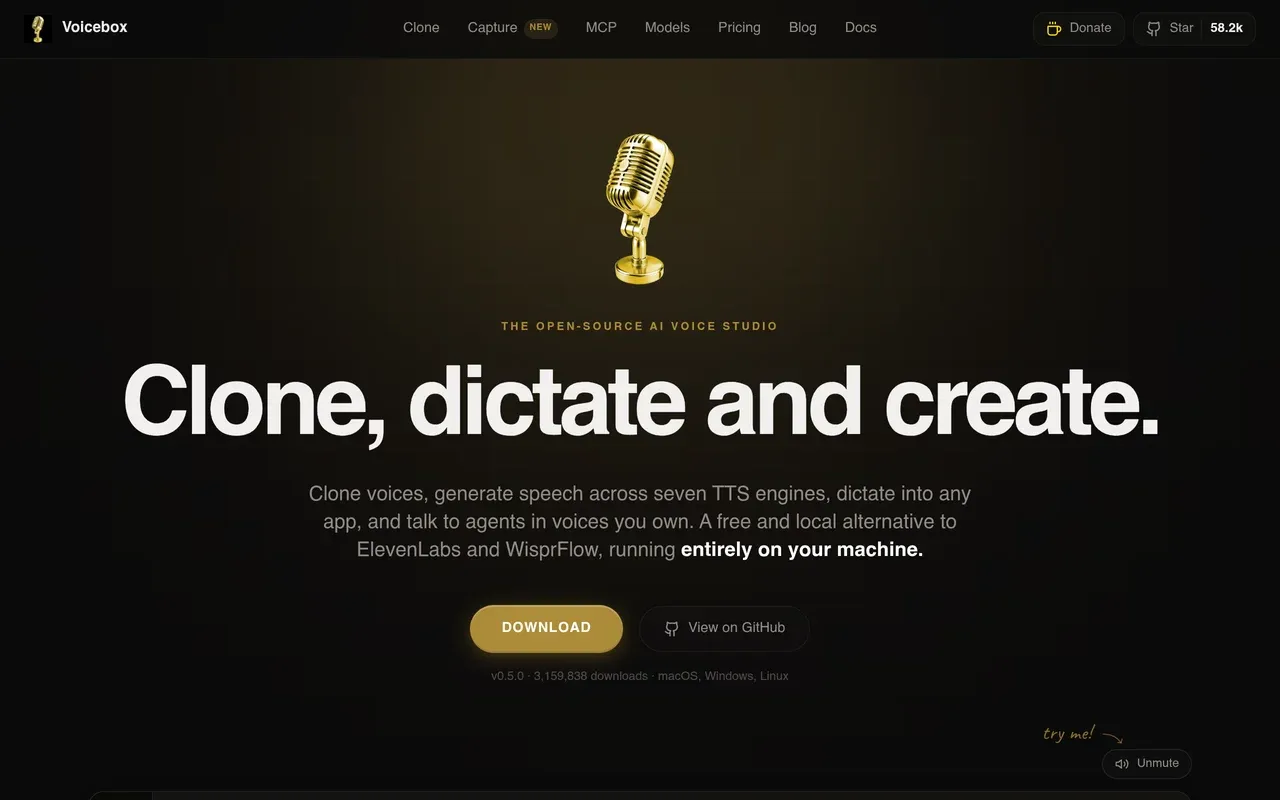
Voicebox is a free, open-source AI voice studio that runs entirely on your computer, from voicebox.sh. It clones voices, generates speech across seven TTS engines and 23 languages, and dictates into any app with a global hotkey. Models, voice data, and transcripts never leave your machine. It works on macOS and Windows with a Linux build via Docker, needs no account, and places no limits on local generations. AI coding agents can even speak through it using its MCP server.
Key Features
Seven TTS Engines
Voicebox bundles seven TTS engines, including Qwen3-TTS, Chatterbox Multilingual and Turbo, HumeAI TADA, and Kokoro. Switch engines per voice as needed.
Voice Cloning
Clone a voice from three seconds of audio: upload a clip, record by mic, or capture system audio. Fifty-plus preset voices included.
Dictation Hotkey
Hold a global hotkey anywhere, speak, and release to paste text into any app. Whisper handles recognition and a local LLM cleans it.
Stories Editor
A multi-track timeline editor builds conversations, podcasts, and narratives with several voices. Unlimited-length scripts auto-chunk with crossfades between parts.
Agent Voices via MCP
A local MCP server gives Claude Code, Cursor, and Cline cloned voices for spoken results, one profile per agent.
Post-Processing Effects
Built-in effects: pitch shift, reverb, delay, chorus, compression, filters. Tags like [laugh] steer the voice for expressive output.
Frequently Asked Questions (FAQ)
What is Voicebox?
Voicebox is a free, open-source AI voice studio that runs locally on your computer. It clones voices, generates speech, and dictates into any app without sending data anywhere.
Which TTS engines does it include?
Seven engines are bundled: Qwen3-TTS, Chatterbox Multilingual and Turbo, HumeAI TADA, Kokoro, and more. You can switch engines for each voice.
How many languages are supported?
Voicebox supports 23 languages, including English, Spanish, German, French, and Chinese, all processed locally on your machine.
Is Voicebox really free?
Yes. It is open source and free with no limits on local generations. Everything runs on your computer, so there is no cloud bill.
Conclusion
Voicebox is a strong choice if you want voice cloning and TTS without subscriptions or cloud uploads. Seven engines, 23 languages, and local processing give you full control. Dictation and agent voices are practical extras. Download it and your computer becomes a private voice studio.
Keep exploring
Similar AI tools
Ranked by the job they do, their capabilities, and how closely they fit this workflow.