
Upvotes
0
Pricing
Freemium
Category
Coding Tools
In the database since
Oct 2026
Overview
About WPTurbo
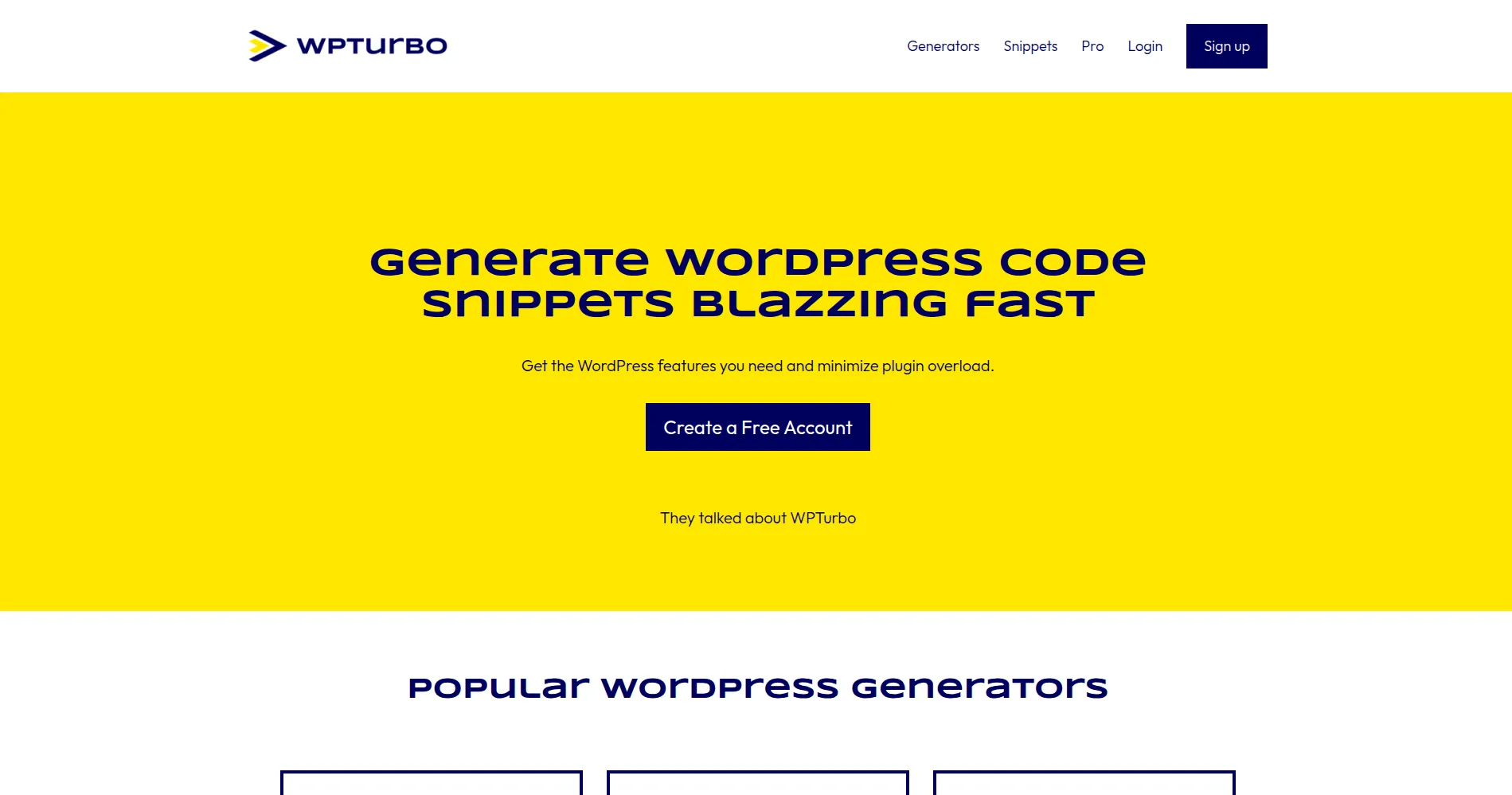
WPTurbo is a set of AI tools that write WordPress code for you. It offers more than 40 generators for common tasks. You can make custom post types, taxonomies, menus, shortcodes, hooks, and database queries with a few clicks. You can also describe what you need in plain words, and the AI writes the PHP code for you. A snippet library stores all your code in one searchable place. It suits both beginners and pro developers. Prices and limits can change, so check the official site before you buy.
Key Features
1. Over 40 code generators
Generators cover post types, taxonomies, menus, shortcodes, hooks, and WP_Query code. Each has options you adjust before copying the code.
2. AI snippet generator
Describe the feature you need in plain words. The AI writes custom PHP code that is ready to paste into your site.
3. Snippet library
Save public and private snippets in one searchable library. Reuse your code across projects, with unlimited storage on paid plans.
4. Project management
Organize snippets into files and folders per project. This helps freelancers and agencies keep client work tidy and easy to find.
5. WPTurbo Chat
Ask questions and get code help right inside the app. It is part of the paid plans and draws on WordPress best practices.
6. Best-practice code
Generators follow current WordPress and Elementor documentation. That means clean code that matches how WordPress works today. Your snippets stay easy to read and maintain.
Frequently Asked Questions (FAQ)
How much does WPTurbo cost?
WPTurbo has a free plan with limited generators and daily usage caps. The Pro plan costs $9 per month or $90 per year, with a lifetime deal option. There is a 14-day money-back guarantee and no credit card is needed for the free plan. Prices can change, so check wpturbo.dev for current details.
Do I need to know PHP to use WPTurbo?
No. You describe what you need in plain words, and the tool writes the code for you. Basic WordPress knowledge helps, since you paste the code into your site yourself.
Which WordPress tasks does it cover?
Custom post types, taxonomies, shortcodes, hooks, menus, and WP_Query code. These are the most common custom-code tasks on WordPress sites.
Can it reduce my need for plugins?
Yes, that is one of its main uses. Small custom features can be generated as code snippets instead of installing extra plugins, which keeps your site lighter. It works for both personal and commercial projects.
Who should use WPTurbo?
WordPress developers, freelancers, and agencies who build or maintain sites. Beginners also use it to learn WordPress code patterns while getting real work done faster.
Conclusion
WPTurbo speeds up WordPress work with smart code generators. It fits developers who build sites often and want less typing. The free plan covers common tasks, while paid plans unlock everything. It is a practical tool for anyone who writes custom WordPress code or wants to learn how. Try the free plan first to see if it fits your workflow.
Keep exploring
Similar AI tools
Ranked by the job they do, their capabilities, and how closely they fit this workflow.