Upvotes
0
Pricing
Freemium
Category
Audio Editing
In the database since
Oct 2026
Overview
About Adobe Podcast
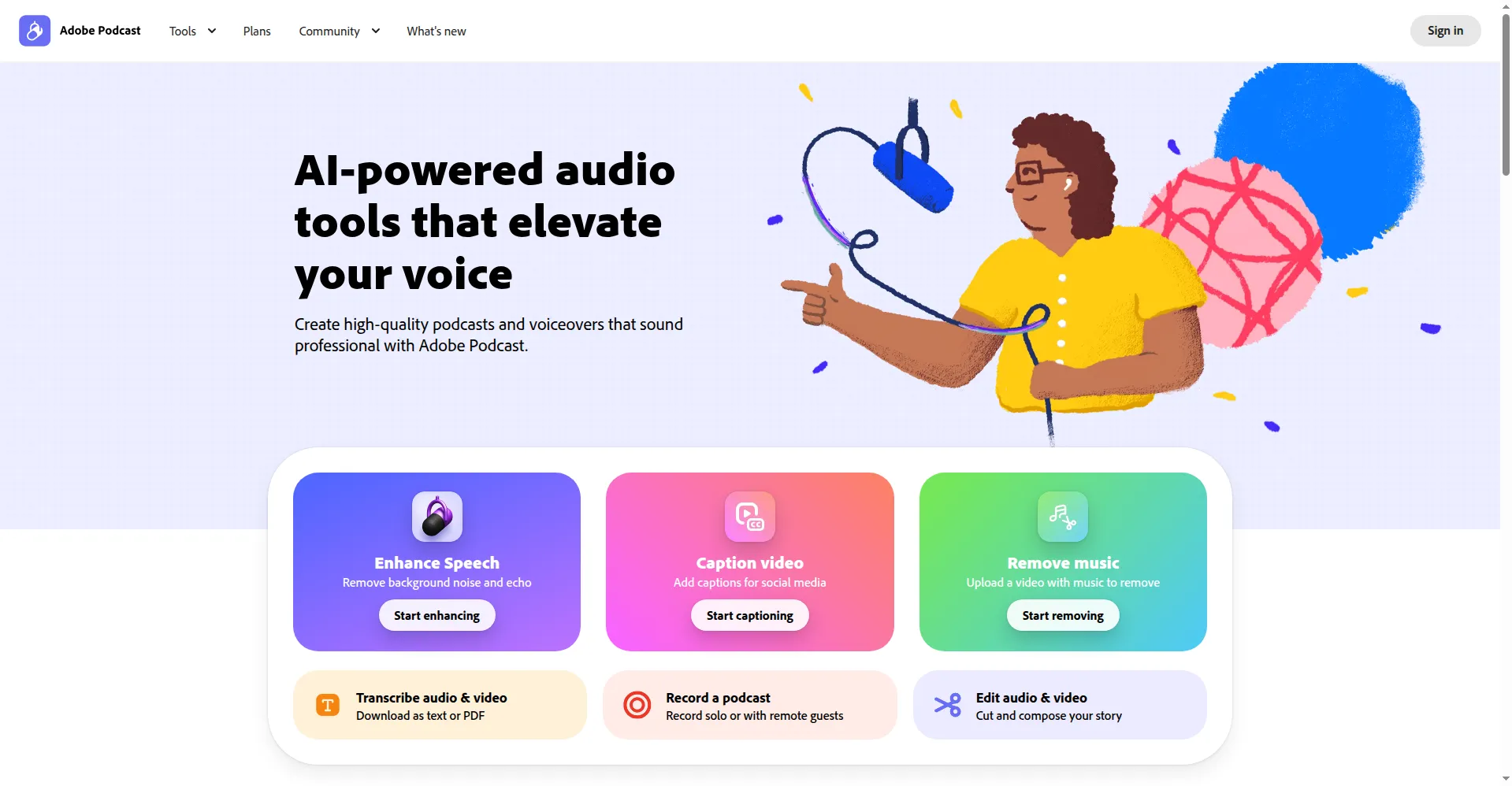
Adobe Podcast is Adobe's AI audio studio that works right in your web browser. You can record, edit, and clean up voice audio without installing any software. The AI removes background noise and echo with one click. It turns your speech into text, so you edit audio by cutting words, just like editing a document. It is built for podcasters and video makers who want studio sound without gear or mixing skills. A free plan lets you test Enhance Speech before you pay for more.
Key Features
1. Enhance Speech AI
Upload a file and the AI removes noise, echo, and room sound. It rebuilds your voice into clean, studio-like audio fast.
2. Text-Based Editing
Every recording becomes a transcript. Delete a sentence in the text and the matching audio is cut, just like editing a document.
3. Browser Studio
Record podcasts alone or invite guests with a share link. Everything runs in Chrome, so there is no software to install or learn.
4. Mic Check
Test your mic before you record. The tool listens to your voice and tells you how to fix echo or noise before you start.
5. Audiograms and Music
Turn clips into captioned videos for social media. The studio also adds royalty-free music to your episodes.
Frequently Asked Questions (FAQ)
What are the limits of the free plan?
The free plan gives you one enhanced hour of audio per day. Files can be up to 30 minutes or 500 MB, and Studio downloads are capped at two projects a day.
Do I need an Adobe account to use it?
Yes. You sign in with an Adobe ID, or create one free, before you can record or enhance audio.
Can it improve audio recorded on video?
No. The free Enhance Speech tool handles audio files only, not video. The paid plan adds video and bulk enhancement.
What is source separation?
Source separation is a Premium feature that splits your audio into speech, music, and background noise layers. You can then adjust each layer's volume on its own.
Conclusion
Adobe Podcast suits creators who want better voice audio without learning complex tools. The free plan is enough to test Enhance Speech on your real recordings. Paid plans raise the limits and add video support and source separation. If most of your work is voice and you like editing text, this browser studio saves hours.
Keep exploring
Similar AI tools
Ranked by the job they do, their capabilities, and how closely they fit this workflow.