Adobe Podcast Enhance
AI audio enhancer that removes noise and echo from recordings
Upvotes
0
Pricing
Freemium
Category
Audio Editing
In the database since
Oct 2026
Overview
About Adobe Podcast Enhance
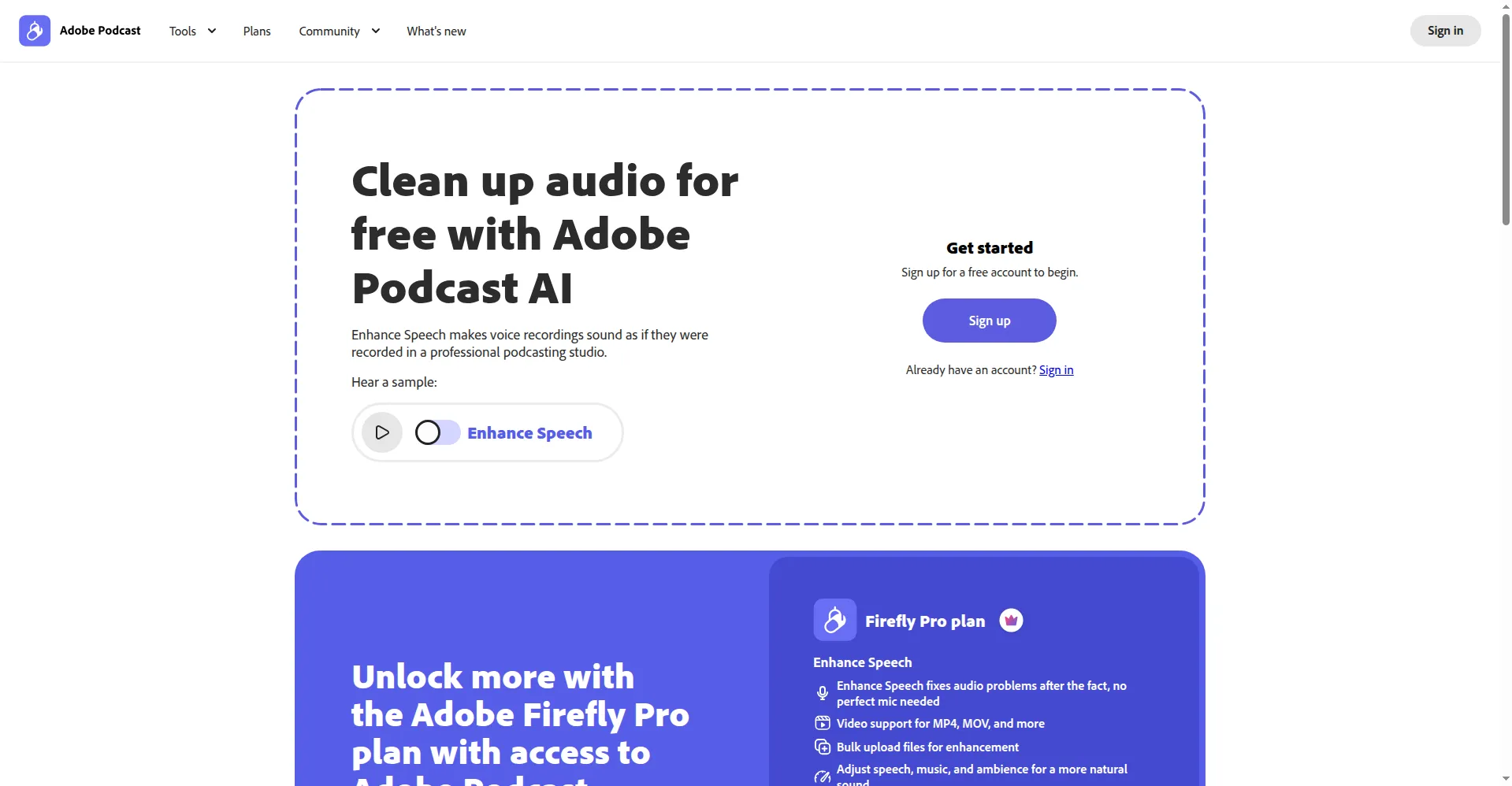
Adobe Podcast is a free browser-based audio toolkit from Adobe. Its best-known tool is Enhance Speech, an AI feature that cleans up rough recordings. You upload an audio file, and the AI makes the voice sound like it was recorded in a studio. It runs on any device with a browser, so there is nothing to install. The free tier only needs a free Adobe account. Podcasters use it to rescue interviews and voice notes that were recorded in noisy rooms.
Key Features
1. Noise and Echo Removal
Enhance Speech strips background noise, hum, and room echo from speech. The result sounds like a voice recorded in a treated studio.
2. Generous Free Allowance
The free tier enhances up to one hour of audio per day. That is enough for most podcast episodes and voice notes.
3. Simple Free Limits
Free files can be up to 30 minutes and 500 MB. Processing is one file at a time, audio only, right in the browser.
4. Premium Controls
The Adobe Firefly Pro plan ($19.99/month) adds a strength slider and raises limits. You can adjust how strong speech, music, and ambience are.
5. High-Quality WAV Downloads
Download your cleaned audio as a WAV file. It drops straight into any editing software with no conversion needed.
6. More Podcast Tools
The same site offers Studio recording, transcript-based editing, captions, and a library of royalty-free music for episodes.
Frequently Asked Questions (FAQ)
Is Adobe Podcast Enhance Speech really free?
Yes, up to one hour of enhanced audio per day on the free tier, with a free Adobe account. Each file is limited to 30 minutes and 500 MB, and it is audio only.
Do I need to install anything?
No. It runs fully in your web browser on any device. Upload the file, wait for processing, and download the cleaned result.
What does the paid plan add?
The Adobe Firefly Pro plan ($19.99/month) raises limits to four hours a day and 1 GB files. It adds video files, bulk uploads, and a strength slider for speech, music, and ambience.
Can it fix echo in a bad room recording?
Echo and reverb reduction is one of its main jobs. Very heavy echo can leave artifacts, so test a short clip before processing a full episode.
Conclusion
Adobe Podcast Enhance Speech is a fast rescue for noisy recordings. The free daily allowance covers most podcasters, and the browser workflow needs no setup. Premium adds the extra controls power users want, like the strength slider. If a recording came from a bad room, try a free clip first before you plan a re-record.
Keep exploring
Similar AI tools
Ranked by the job they do, their capabilities, and how closely they fit this workflow.