Upvotes
0
Pricing
Open Source
Category
Audio Editing
In the database since
Oct 2026
Overview
About Audacity
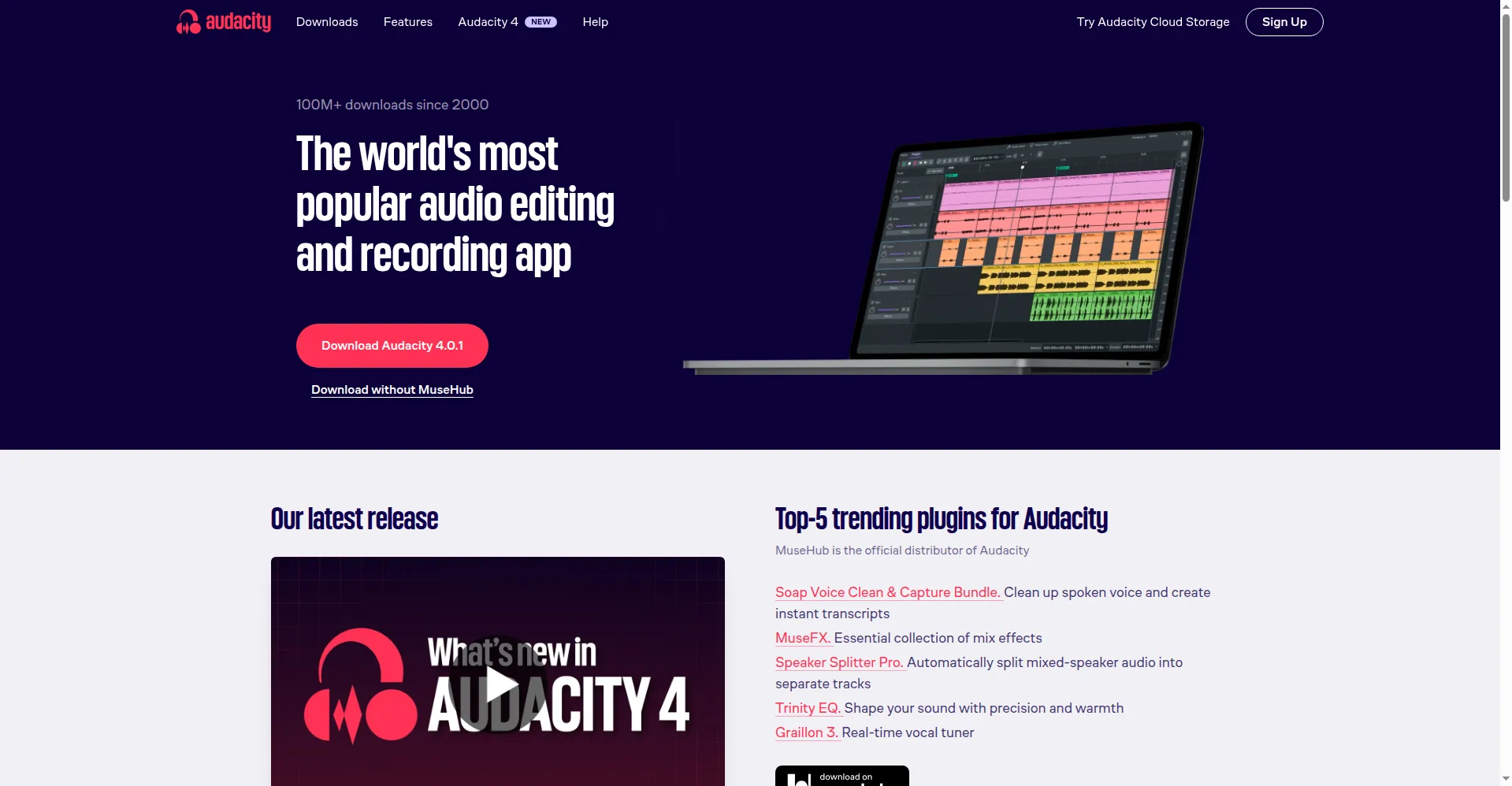
Audacity is a free, open-source audio editor used by millions of people to record and edit sound. It was first released in 2000 and has been developed by Muse Group since 2021. You can record live audio through a microphone or mixer, then cut, copy, and mix tracks on a simple timeline. Audacity 4, released in 2026, rebuilt the interface with clip handles, custom workspaces, and native plug-in support. It runs on Windows, macOS, and Linux, is available in dozens of languages, and costs nothing at all.
Key Features
1. Multi-track recording
Record live audio from a microphone or mixer, or capture playback from your computer, on separate tracks.
2. Timeline editing
Cut, copy, paste, trim, and overlap clips directly on the timeline. Ripple editing keeps the rest in sync.
3. Built-in effects
Apply effects like reverb, compression, and equalization. Audacity 4 rebuilt every effect window from scratch.
4. Noise reduction
Remove hiss, hum, and background noise from voice and interview recordings with dedicated cleanup tools.
5. Plug-in support
Load VST3, LV2, and Audio Unit plug-ins natively, plus effects and samples from MuseHub integration.
6. Custom workspaces
Save interface layouts for different tasks, like podcast editing or music mixing, and switch between them fast.
7. Many export formats
Export finished audio as WAV, AIFF, MP3, OGG, or FLAC, or share projects through audio.com cloud storage.
FAQ
What is new in Audacity 4?
Audacity 4 is a major rebuild with a modern interface, clip handles, overlapping clips, markers and regions, and native VST3, LV2, and AU plug-in support.
What audio formats can it export?
You can export WAV, AIFF, MP3, OGG, and FLAC. You can also export audio based on labels to split long recordings.
Can I remove background noise?
Yes. Audacity includes noise reduction and cleanup effects designed to clean up voice recordings and interviews.
Which systems does it run on?
Audacity runs on Windows, macOS, and Linux, and is translated into dozens of languages by its community.
Conclusion
Audacity remains the easiest way to start editing audio for free. It handles recording, editing, cleanup, and export without asking for money or an account. With Audacity 4's modern interface, clip-based editing, and native plug-in support, it now stands closer to paid editors. Backed by Muse Group and a large community, it keeps getting better while staying fully open source.
Keep exploring
Similar AI tools
Ranked by the job they do, their capabilities, and how closely they fit this workflow.